How To Remove a iPhone Virus! (2021)
TL;DR
iPhone viruses are extremely rare; pop-ups usually indicate other issues.
Transcript
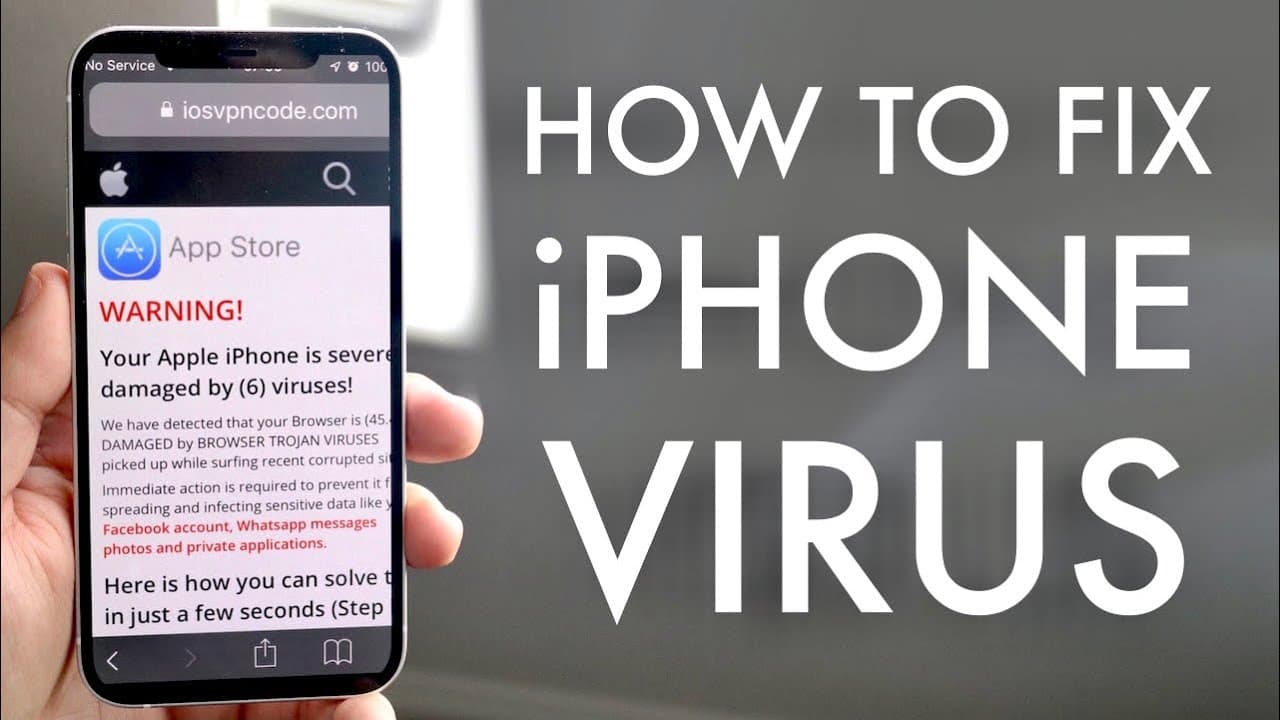
i'm back everyone so i made this video on my second channel but it's so important and i just feel like i have to do it on my main channel as well and you may experience yourself time to time getting pop-ups that look like this they look like you have an iphone virus and this is probably why you're watching this video you probably got some sort of p... Read More
Key Insights
- 🙃 iPhone viruses are uncommon; alarms raised by pop-ups generally do not signal an actual threat.
- 🙃 Cleaning Safari by clearing history and website data often resolves issues related to pop-ups without the need for further action.
- 😀 Installing apps from unverified sources, particularly after jailbreaking, increases the risk of encountering malware.
- 🥶 If unusual behavior on the phone persists, a factory reset is the most effective way to ensure the device is free from infections.
- 💁 Always manually back up your data before performing a factory reset to avoid loss of important information.
- 😨 Users should be skeptical of pop-up warnings, as many of these are designed to exploit fears rather than address real issues.
- 😀 Regular monitoring of app behavior can help identify potential security threats early, allowing for timely intervention.
Install to Summarize YouTube Videos and Get Transcripts
Explore YouTube Video Summarizer or Get YouTube Transcript Extractor
Questions & Answers
Q: Are pop-ups a sign of an iPhone virus?
Pop-ups typically do not indicate an iPhone virus. In most cases, they result from visiting suspicious websites and are common occurrences for many users. These pop-ups aim to scare users into calling support services or buying products, which can be fraudulent. If you encounter these, it's advisable to clear your browser's history and data instead of panicking.
Q: What should I do if I get a pop-up saying my iPhone has a virus?
If you receive a pop-up, first remain calm—the likelihood of having a virus is very low. Go to your Settings, navigate to Safari, and clear your history and website data. This can eliminate any residual pop-ups without affecting your personal information stored on your phone.
Q: How do I handle potential viruses from jailbroken apps?
If you've installed tweaked apps or made jailbreak modifications, there is a risk of introducing malware. Should your device behave unexpectedly—like opening apps randomly or installing new ones without your consent—consider manually backing up your important data and performing a factory reset to eliminate any potential threats.
Q: What is the best way to back up my data before a factory reset?
It's important to back up data manually before a factory reset since using iCloud could carry a virus into the backup. Save your important photos, contacts, texts, and files individually onto a computer or an external storage device. Once your backup is complete, you can then proceed with the factory reset.
Summary & Key Takeaways
-
The video addresses common concerns regarding iPhone viruses, emphasizing that such viruses are very rare and not typically indicated by alarming pop-ups.
-
Users experiencing pop-ups should clear their Safari history and data, which can resolve issues while ensuring that data on their phone remains intact.
-
For users who suspect they have an actual virus, the recommended solution is to back up data manually and perform a factory reset of the device.
Read in Other Languages (beta)
Share This Summary 📚
Summarize YouTube Videos and Get Video Transcripts with 1-Click
Try YouTube Summary with ChatGPT & Claude or YouTube Transcript Generator
Explore More Summaries from Simple Alpaca 📚






Summarize YouTube Videos and Get Video Transcripts with 1-Click
Try YouTube Summary with ChatGPT & Claude or YouTube Transcript Generator