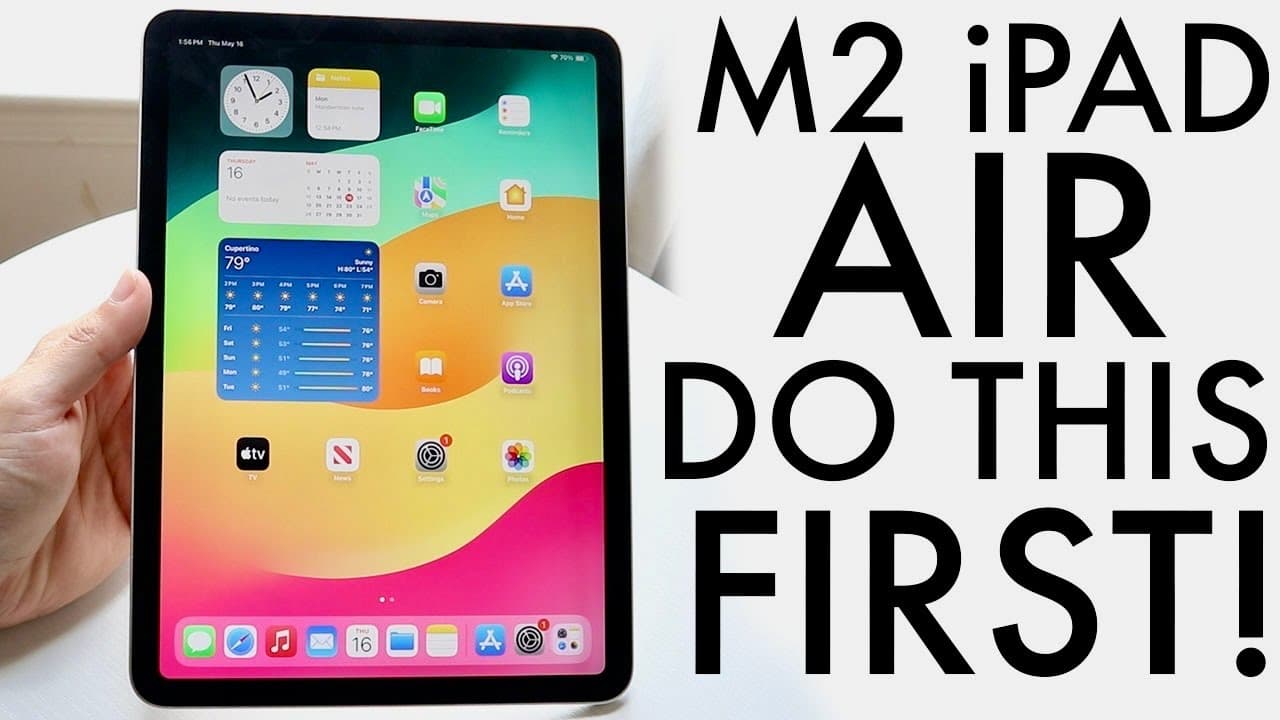
M2 iPad Air (2024): BEST Tricks & Tips!
TL;DR
Explore key tips and tricks for maximizing your M2 iPad Air experience.
Transcript
H everyone the M2 iPad Air has just officially came out and I wanted to hit on some of my favorite tricks and tips that you should definitely check out on this particular set of iPads now one big thing to keep in mind these iPads come out in two different sizes an 11in model and a 13-in model so what I would recommend every single person to do whet... Read More
Key Insights
- 👶 Protecting your new M2 iPad Air with a screen protector and case is a highly recommended first step after purchase.
- 💨 The customizable lock screen features in iPad OS 17 provide an innovative way to personalize user experience with widgets and aesthetics.
- 📲 Center Stage drastically improves video calling experiences by keeping users framed during calls, thereby enhancing communication.
- 😀 Stage Manager allows for a robust multitasking environment, giving users enhanced control over app management and workflows.
- 💝 Keeping the device's software up to date is essential for security, performance improvements, and access to the latest features.
- 😒 The screen recording feature is easy to enable, making it a useful tool for tutorials, presentations, and personal use.
- 🏪 Touch ID offers both security and convenience, facilitating quick access to your iPad and sensitive actions without cumbersome passcodes.
Install to Summarize YouTube Videos and Get Transcripts
Explore YouTube Video Summarizer or Get YouTube Transcript Extractor
Questions & Answers
Q: What are the best ways to protect my M2 iPad Air?
To protect your M2 iPad Air, it's essential to invest in a quality screen protector and a durable case. This will safeguard against scratches and impacts, ensuring the device remains in good condition over time. Consider cases that offer added features, such as stands or keyboard compatibility, for increased convenience and functionality.
Q: How can I customize the lock screen on my M2 iPad Air?
Customizing the lock screen on the M2 iPad Air is simple with iPad OS 17. Hold down on an empty area of the lock screen, select 'Customize,' and tap on the wallpaper to change it. You can add widgets, adjust font styles, and toggle between light and dark modes. This makes your lock screen not only personalized but also functional for quick information access.
Q: What is Center Stage and how does it work on the M2 iPad Air?
Center Stage is a feature designed for video calls that uses an ultra-wide camera to keep the subject in focus. If you move around during a call, Center Stage adjusts the camera view automatically, ensuring you stay in frame. This feature enhances connectivity, especially for remote work or family calls, making conversations more engaging and interactive.
Q: What are the benefits of using Stage Manager on the M2 iPad Air?
Stage Manager empowers multitasking by allowing you to create a more organized workspace. It supports split-screen usage and multiple open applications, making it easier to switch between tasks. This feature is especially useful for productivity, as it allows users to easily drag and drop data between apps, keeping everything in view for optimal workflow.
Q: Should I update my M2 iPad Air software immediately after purchase?
Yes, updating your M2 iPad Air software right after purchase is crucial. Newly bought devices often come with outdated software. By going to Settings > General > Software Update, you can ensure you're running the latest version of iPad OS, which may include important security patches and new features that enhance overall functionality.
Q: How can I enable screen recording on the M2 iPad Air?
To enable screen recording on your M2 iPad Air, navigate to Settings > Control Center. Locate the Screen Recording option and tap the plus icon to add it to your Control Center. This will allow you to easily record your screen activity by swiping down from the top-right corner and tapping the screen recording icon whenever you need it.
Q: What is the significance of setting up Touch ID on the M2 iPad Air?
Setting up Touch ID on your M2 iPad Air enhances security and convenience. With Touch ID, you can unlock your device effortlessly without typing in a passcode. It also facilitates quick authorization for purchases and app downloads, ensuring that only you can access sensitive information while maintaining ease of use.
Q: Can I customize the multitasking options on the M2 iPad Air?
Yes, the M2 iPad Air offers customizable multitasking options. You can enable or disable features like Stage Manager and adjust gestures within the multitasking settings. Users can choose their preferred method of task management, whether it be split screen, slide over, or the more advanced Stage Manager, allowing for a tailored multitasking experience.
Summary & Key Takeaways
-
The M2 iPad Air includes two models: an 11-inch and a 13-inch. Users should prioritize protecting their device with screen protectors and cases to maintain its condition.
-
iPad OS 17 introduces customizable lock screens, allowing users to personalize backgrounds, widgets, and font styles for a tailored user experience.
-
Features like Center Stage and Stage Manager enhance video calls and multitasking capabilities, providing users with dynamic ways to interact and manage applications on their iPads.
Read in Other Languages (beta)
Share This Summary 📚
Summarize YouTube Videos and Get Video Transcripts with 1-Click
Try YouTube Summary with ChatGPT & Claude or YouTube Transcript Generator
Explore More Summaries from Simple Alpaca 📚






Summarize YouTube Videos and Get Video Transcripts with 1-Click
Try YouTube Summary with ChatGPT & Claude or YouTube Transcript Generator