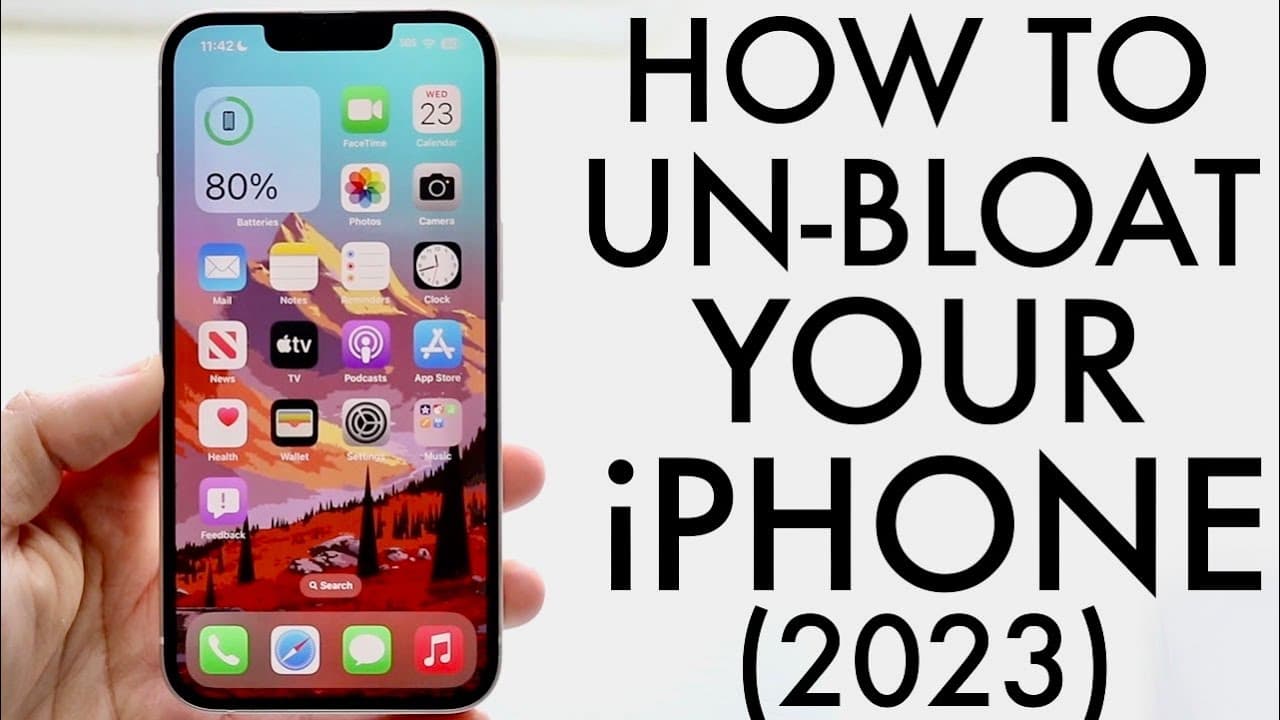
How To De-Bloat Your iPhone! (2023)
TL;DR
Learn how to declutter your iPhone for better performance and organization.
Transcript
Now iPhones are beautiful devices I love my iPhone so much and one of the best things we can do on our iPhone is to have some sort of like a deaded experience Now iPhones typically don't have too much craziness going on in the background but there's a few things I'd recommend doing in order to kind of De blow to your phone and remove a lot of unnec... Read More
Key Insights
- ⏰ Customizing the lock screen widgets can enhance both aesthetics and functionality while reducing clutter.
- 🈸 Regularly reviewing installed applications is vital as many built-in apps aren't always necessary for the average user.
- 😀 Users should utilize the iPhone storage settings to identify apps that could be deleted, allowing easier management of space.
- 👪 Removing unnecessary widgets from the home screen and side panels contributes to a smoother iPhone experience.
- 🧑🤝🧑 Keeping the device up to date is crucial in maintaining optimal performance and security.
- 👤 A decluttered device not only functions better but also provides a more enjoyable user experience.
- 🥺 Lack of regular maintenance on an iPhone can lead to decreased performance and usability over time.
Install to Summarize YouTube Videos and Get Transcripts
Explore YouTube Video Summarizer or Get YouTube Transcript Extractor
Questions & Answers
Q: Why is it important to declutter your iPhone?
Decluttering your iPhone is essential for improving performance and battery life. By removing unused apps and widgets, you free up storage and processing power, allowing the device to run smoother and more efficiently. This also enhances the user experience by reducing visual clutter and making it easier to navigate.
Q: How can I customize my lock screen widgets?
To customize your lock screen widgets, long-press on the lock screen until the customization menu appears. From there, you can add or remove widgets according to your preferences. It's suggested to eliminate any widgets that you don't use frequently to ensure your lock screen remains organized and efficient.
Q: What are some built-in apps that can be removed from the iPhone?
Many built-in apps, such as iMovie, Keynote, and Pages, can be removed if they're not utilized. Even though these applications are free and may be beneficial for some users, if they aren't of any use to you, feel free to delete them to declutter your storage and improve performance.
Q: How do I check which apps are using the most storage on my iPhone?
You can check which apps are consuming the most storage by going to Settings, selecting General, and then tapping on iPhone Storage. Here, you'll see a list of apps sorted by their size, allowing you to easily identify and remove those that are taking up significant space without serving you often.
Q: Will removing widgets significantly impact my battery life?
While the impact on battery life from removing widgets may be slight, it can contribute to overall efficiency. Fewer widgets mean less background activity, which can indeed help preserve battery life over time. It's more about enhancing the user's experience than a dramatic battery improvement.
Summary & Key Takeaways
-
Reducing clutter on your iPhone can enhance its performance and aesthetics. It is recommended to start by customizing and removing unnecessary widgets from both the lock screen and home screen.
-
Regularly reviewing installed applications will help identify and delete those not commonly used, freeing up storage space and improving device functionality.
-
Keeping the iPhone up to date is crucial for optimal performance. Users should regularly check for updates and remove unnecessary apps to maintain a smooth user experience.
Read in Other Languages (beta)
Share This Summary 📚
Summarize YouTube Videos and Get Video Transcripts with 1-Click
Try YouTube Summary with ChatGPT & Claude or YouTube Transcript Generator
Explore More Summaries from Simple Alpaca 📚






Summarize YouTube Videos and Get Video Transcripts with 1-Click
Try YouTube Summary with ChatGPT & Claude or YouTube Transcript Generator