How To Use LinkedIn For Business And Marketing
TL;DR
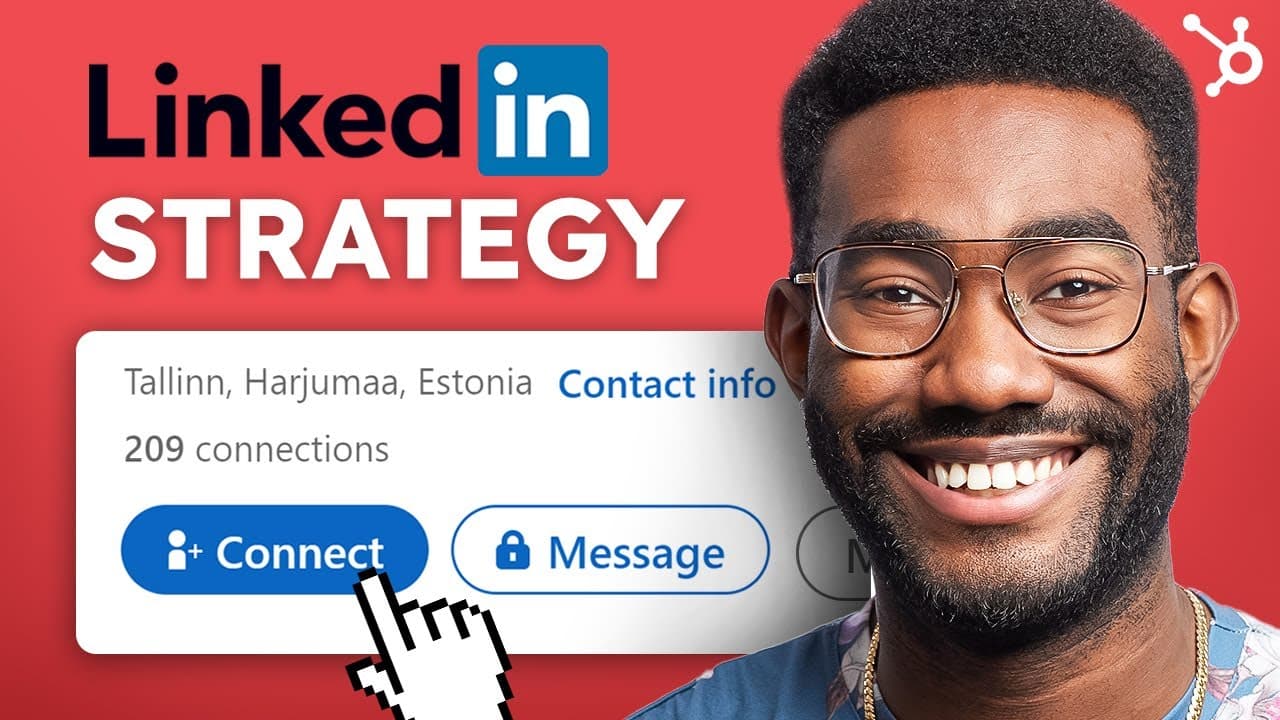
Learn how to create consistent and compelling content for LinkedIn that attracts business-minded followers and potential customers.
Transcript
- With 740 million active users, LinkedIn has grown from a website for job seekers to a complete social media platform that professionals use even when they're not on the hunt. That's why a comprehensive content strategy on LinkedIn is crucial especially if your business is B2B. What's up, it's Jamal from HubSpot. In this video, I'm gonna teach you... Read More
Key Insights
- 👨💼 LinkedIn is a powerful platform with 740 million active users, making it essential for B2B businesses to have a comprehensive content strategy to attract potential customers.
- 😫 Setting up a LinkedIn business page and fully completing your profile increases views by 30%, while also unlocking tools like Content Suggestions.
- 📟 Inviting relevant contacts to follow your page is crucial, and building up content before sending invitations provides a reason for them to engage with your page.
- 💁 LinkedIn offers unique content creation tools like Content Suggestions, Trending Articles, and Company News, which help in sharing valuable information and engaging with your industry.
- 🍄 Following the 5-3-2 Rule ensures a balanced mix of shared, original, and fun content, attracting followers, and humanizing your brand.
- 🥳 Posting between two and five times a week is recommended, with the best content being sent on Tuesday through Friday and not posting more than once a day to maximize reach.
- 👋 LinkedIn Groups, Product Pages, Life Pages, and Custom Pages offer additional opportunities to post content, engage with like-minded individuals, and attract the best talent.
Install to Summarize YouTube Videos and Get Transcripts
Explore YouTube Video Summarizer or Get YouTube Transcript Extractor
Questions & Answers
Q: Why is LinkedIn important for B2B businesses?
LinkedIn is crucial for B2B businesses as it allows you to reach professionals already in a business mindset, making it easier to market your products or services without competing with other distractions. It is an effective platform to attract potential customers.
Q: How can I invite people to follow my LinkedIn business page?
LinkedIn allows you to invite your personal contacts to follow your page, and every time someone accepts your invitation, you can get the credit back and invite someone else. You can also give access to super admin or content admin roles in your organization to invite their followers.
Q: What types of content work best on LinkedIn?
Different types of content work well on LinkedIn, such as explainer videos, product announcements, thought leadership articles using LinkedIn's Article tool, and sharing decks and documents through SlideShare. It's important to provide value to your audience and solve their problems through your content.
Q: How often should I post on LinkedIn?
HubSpot research suggests that the optimum number of posts per week on LinkedIn is between two and five. It's best to send your best content on Tuesday through Friday and avoid posting more than once a day, as it can cannibalize the reach of your first post.
Key Insights:
- LinkedIn is a powerful platform with 740 million active users, making it essential for B2B businesses to have a comprehensive content strategy to attract potential customers.
- Setting up a LinkedIn business page and fully completing your profile increases views by 30%, while also unlocking tools like Content Suggestions.
- Inviting relevant contacts to follow your page is crucial, and building up content before sending invitations provides a reason for them to engage with your page.
- LinkedIn offers unique content creation tools like Content Suggestions, Trending Articles, and Company News, which help in sharing valuable information and engaging with your industry.
- Following the 5-3-2 Rule ensures a balanced mix of shared, original, and fun content, attracting followers, and humanizing your brand.
- Posting between two and five times a week is recommended, with the best content being sent on Tuesday through Friday and not posting more than once a day to maximize reach.
- LinkedIn Groups, Product Pages, Life Pages, and Custom Pages offer additional opportunities to post content, engage with like-minded individuals, and attract the best talent.
- Utilizing LinkedIn Ads and sponsored posts helps reach a wider audience and target specific users based on their job function, language, and location.
Summary & Key Takeaways
-
LinkedIn is a vital tool for B2B businesses, as it allows you to reach professionals in a business mindset and market your products or services without competition from other content.
-
To create an effective LinkedIn content strategy, start by setting up your LinkedIn business page and inviting relevant contacts to follow it. Build up content before inviting people, so they have something to see when they visit your page.
-
LinkedIn offers unique content creation tools, such as the Content Suggestions tool, which provides trending articles and company news to share with your followers. Remember to follow the 5-3-2 Rule when posting content, and balance shared, original, and fun content.
Read in Other Languages (beta)
Share This Summary 📚
Summarize YouTube Videos and Get Video Transcripts with 1-Click
Try YouTube Summary with ChatGPT & Claude or YouTube Transcript Generator
Explore More Summaries from HubSpot Marketing 📚


Summarize YouTube Videos and Get Video Transcripts with 1-Click
Try YouTube Summary with ChatGPT & Claude or YouTube Transcript Generator