Docker in Proxmox V7 LXC with Turnkey Core - Lower Resources by 80% Compared to VMs
TL;DR
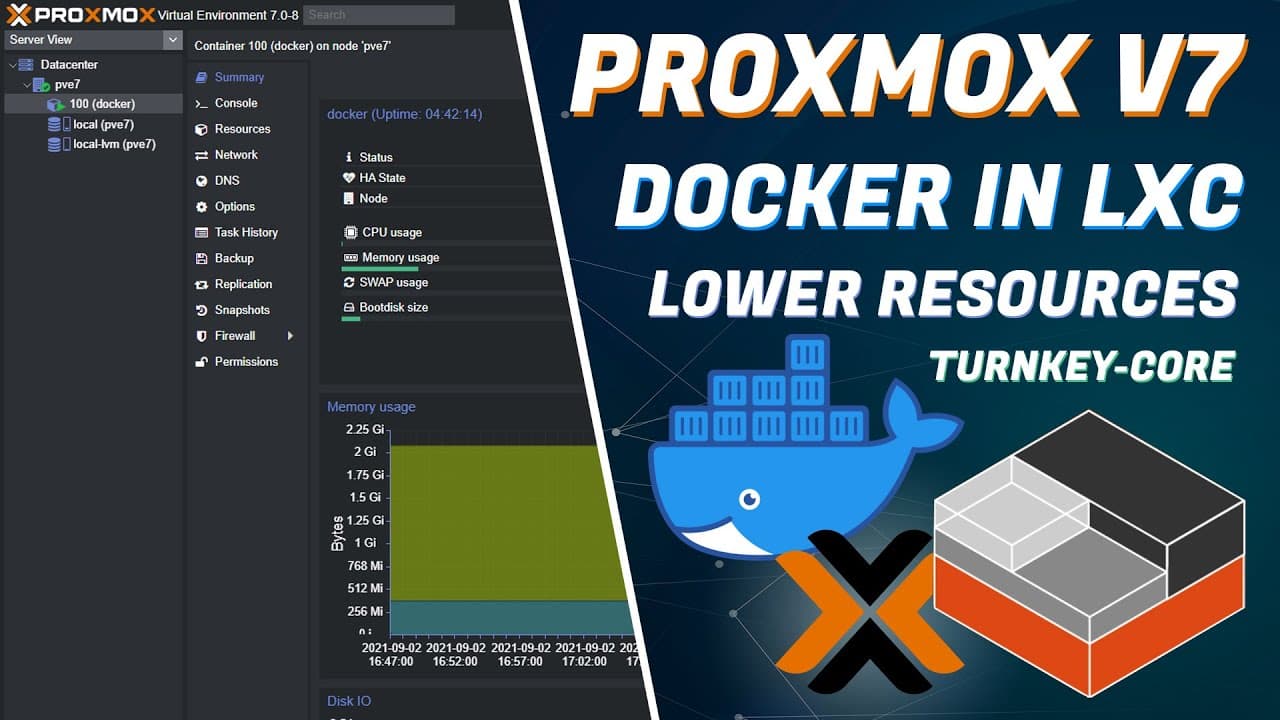
Learn how to install Docker on Proxmox Version 7.0 using a different method than previous versions.
Transcript
previously on the channel we installed docker in a proxmox lxe container with turnkey core and that was with version 6.2 using docker.io now we're going to be installing it on version 7.0 using a different method and here's how the first thing we'll do is make sure we select our proxmox storage and download the turnkey core template so let's click ... Read More
Key Insights
- ⏮️ Proxmox Version 7.0 requires a different method to install Docker compared to previous versions.
- ❓ The installation process involves downloading the TurnKey Core template, creating a container, and allocating resources.
- 📦 Proper package installation, repository addition, and system updates are necessary to install Docker successfully.
Install to Summarize YouTube Videos and Get Transcripts
Explore YouTube Video Summarizer or Get YouTube Transcript Extractor
Questions & Answers
Q: How do you download the TurnKey Core template on Proxmox?
To download the TurnKey Core template, select the Proxmox storage, click on "Templates," search for "core," select the template, and download it.
Q: How do you create a container with Docker on Proxmox?
After giving the container a name and password, choose the TurnKey Core template from the storage and allocate disk space, CPU cores, and RAM. Then, select IP allocation via DHCP and initialize the container.
Q: How do you install Docker on Proxmox Version 7.0?
After running updates on the system, install prerequisite packages, add the Docker repository, and update the system again. Finally, install Docker on the container and verify its status.
Q: How do you install Portainer on Proxmox using Docker?
Copy the Portainer installation command from the homelab.wiki, run it on the container's console, and access Portainer by entering the container's IP address on port 9000 in a browser.
Key Insights:
- Proxmox Version 7.0 requires a different method to install Docker compared to previous versions.
- The installation process involves downloading the TurnKey Core template, creating a container, and allocating resources.
- Proper package installation, repository addition, and system updates are necessary to install Docker successfully.
- Portainer, a popular Docker management platform, can also be installed and accessed on Proxmox.
Summary & Key Takeaways
-
Download the TurnKey Core template to your Proxmox storage.
-
Create a container and allocate disk space, CPU cores, and RAM for it.
-
Install Debian onto the container and then run updates before installing Docker.
Read in Other Languages (beta)
Share This Summary 📚
Summarize YouTube Videos and Get Video Transcripts with 1-Click
Try YouTube Summary with ChatGPT & Claude or YouTube Transcript Generator