Instructor Insights: Image Processing Activity
TL;DR
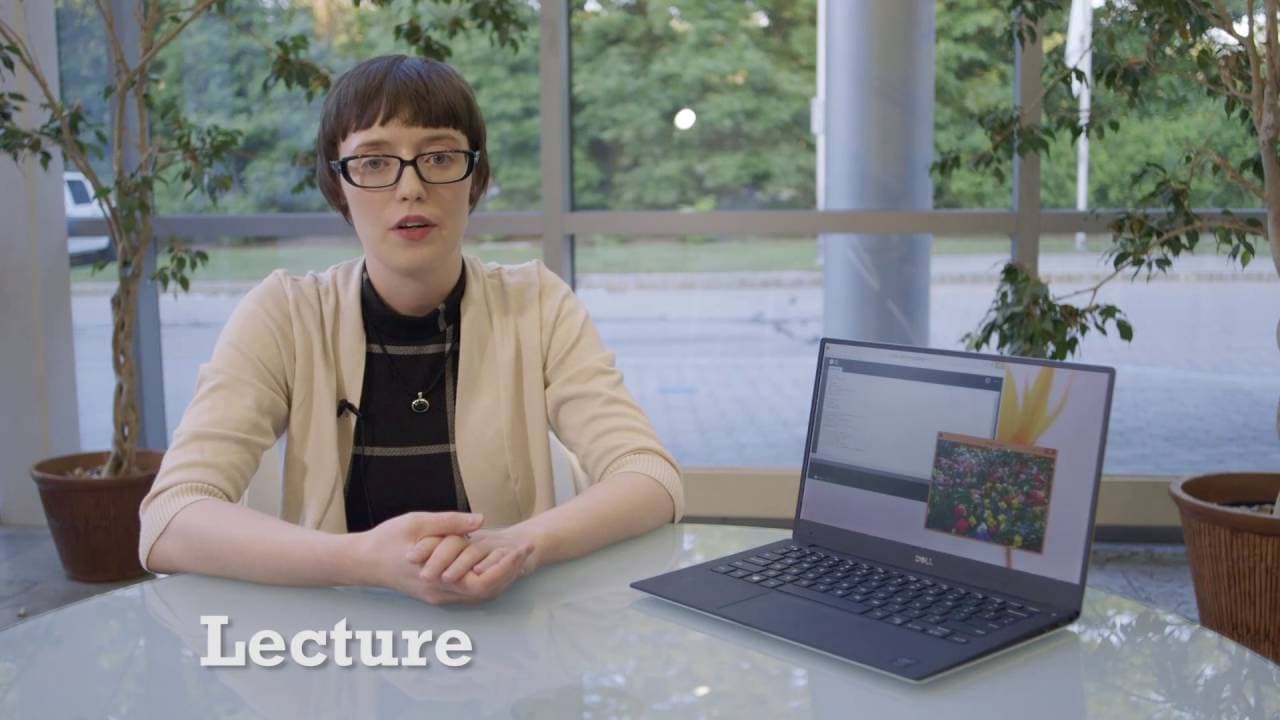
This video discusses an image processing workshop for girls, which uses the Processing software to teach concepts and demystify coding.
Transcript
Some content in this video is not covered under our Creative Commons license. See the closing credits for more information. SARA JAMES: Hello my name is Sara James. I've been working the past seven years at MIT Lincoln Laboratory, doing radar signal processing. Today, I'm here to tell you about the image processing workshop of the girls who build. ... Read More
Key Insights
- 👧 Girls Who Build offers an image processing workshop using the Processing software.
- 🧑🏫 The workshop focuses on teaching image processing concepts within real-world applications.
- 👨💻 Exercises are designed to make coding accessible to participants with varying levels of experience.
- ❓ The workshop suggests additional activities to further challenge participants and explore different aspects of image processing.
- 🏃 Introducing fundamental programming concepts before the exercises can improve participants' learning experience.
- ❓ Collaborative editing software, such as TitanPad, may enhance collaboration during the workshop.
- 👨💻 Participants can explore other coding languages like c++, Java, or Python after completing the workshop.
Install to Summarize YouTube Videos and Get Transcripts
Explore YouTube Video Summarizer or Get YouTube Transcript Extractor
Questions & Answers
Q: What is the purpose of the Girls Who Build image processing workshop?
The workshop aims to expose participants to image processing concepts, demystify coding, and show that anyone can engage in coding activities.
Q: What are the four exercises included in the workshop?
The exercises involve creating an Instagram filter, flipping an image, converting an image to a different color scheme, and adding a vignette.
Q: How are the exercises structured to make them accessible to girls with varying coding experience?
The exercises are designed as fill-in-the-blank activities to level the playing field and ensure that participants with different coding experience feel comfortable.
Q: Are there additional activities suggested for participants who complete the four coding exercises?
Additional activities include modifying RGB values, changing the flip direction of an image, manually converting an image to grayscale, varying the size and color of the vignette, and combining elements from all exercises.
Summary & Key Takeaways
-
The workshop uses the Processing software to introduce participants to image processing concepts and real-world applications.
-
Four exercises are included: creating an Instagram filter, flipping an image, converting an image to a different color scheme, and adding a vignette.
-
The workshop starts with a lecture on image processing fundamentals and then the girls work in groups to complete the exercises.
Read in Other Languages (beta)
Share This Summary 📚
Summarize YouTube Videos and Get Video Transcripts with 1-Click
Try YouTube Summary with ChatGPT & Claude or YouTube Transcript Generator
Explore More Summaries from MIT OpenCourseWare 📚
Summarize YouTube Videos and Get Video Transcripts with 1-Click
Try YouTube Summary with ChatGPT & Claude or YouTube Transcript Generator