Why I Switched from Cursor to Claude Code for AI Coding
TL;DR
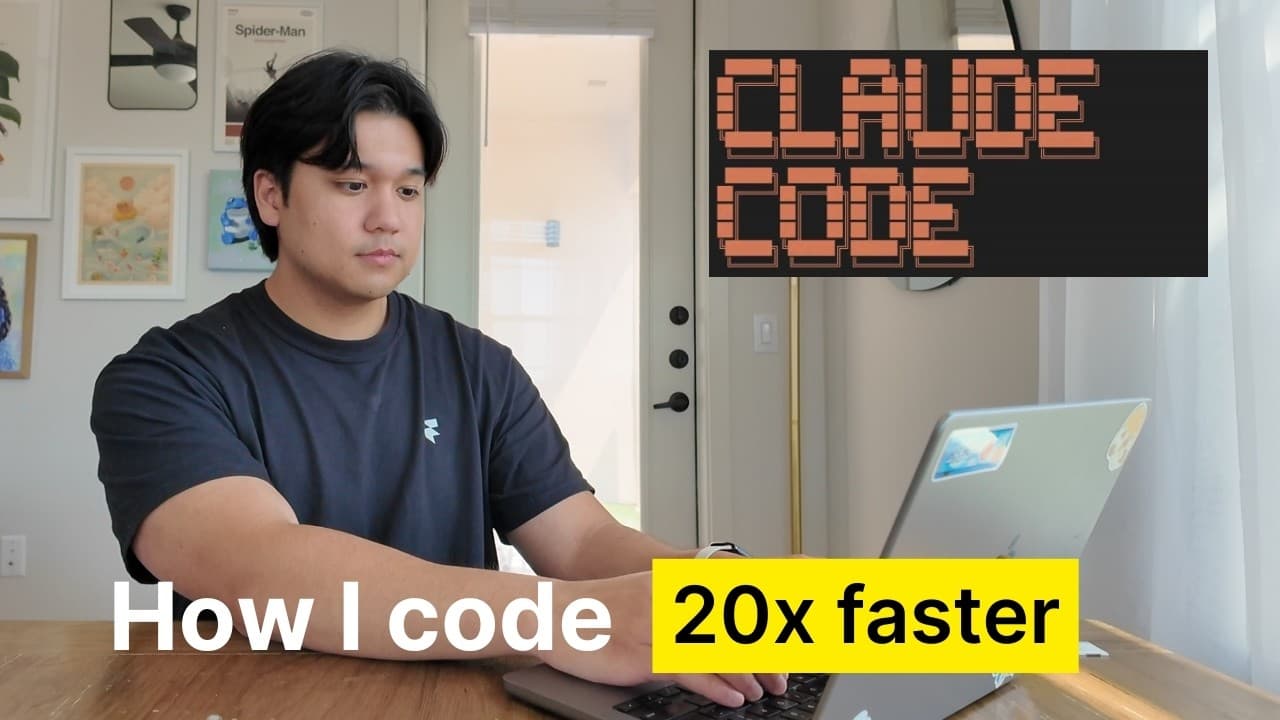
Chris transitioned from using Cursor to Claude Code, citing its superior problem-solving capabilities and new pricing model. Claude Code enhances coding productivity with features like plan mode and context-rich interactions, despite a lack of a restore feature. While its $200 monthly plan may be high, Chris believes it's a valuable investment for professional developers.
Transcript
so I wasn't sure if I should make this video because I recently did a video two months ago about my AI coding workflow but so much has changed in that time that I felt like I had to do it if you're new here welcome to the video my name is Chris and I build productivity apps and today I'm going to share my updated AI coding workflow so if you saw my... Read More
Key Insights
- Chris switched from Cursor to Claude Code due to its superior problem-solving capabilities and new pricing model, which offers better value for intensive users.
- Claude Code operates within the terminal, allowing seamless integration into any codebase, unlike Cursor, which functions as a code editor.
- The workflow involves using 'plan mode' to strategize before executing code changes, ensuring thoughtful and accurate modifications.
- Claude Code's 'Claude MD file' acts as a project memory, storing rules and instructions to maintain consistency and accuracy in coding tasks.
- Frequent Git commits serve as checkpoints in the absence of a restore feature, allowing Chris to revert changes easily if needed.
- Claude Code supports context-rich interactions by accepting screenshots, folders, and URLs, enhancing its understanding and execution of tasks.
- Sub-agents in Claude Code enable parallel processing of tasks, significantly reducing the time required for large-scale projects.
- Despite its high cost, the $200 monthly plan for Claude Code is deemed worthwhile for professional developers due to its efficiency and output quality.
Install to Summarize YouTube Videos and Get Transcripts
Explore YouTube Video Summarizer or Get YouTube Transcript Extractor
Questions & Answers
Q: Why did Chris switch from Cursor to Claude Code?
Chris switched from Cursor to Claude Code because Claude Code offers superior problem-solving capabilities and a new pricing model that provides better value for intensive users. Claude Code's ability to handle complex tasks more efficiently and its integration within the terminal were significant factors in his decision.
Q: How does Claude Code operate differently from Cursor?
Claude Code operates within the terminal, allowing it to integrate seamlessly into any codebase, unlike Cursor, which functions as a code editor. This terminal-based operation enables users to ask questions, add features, and execute tasks directly within the coding environment, providing a more streamlined workflow.
Q: What is the role of the Claude MD file in Chris's workflow?
The Claude MD file acts as a project memory, storing rules and instructions for Claude Code. It ensures consistency and accuracy in coding tasks by maintaining a record of the project's requirements and modifications. This file can be automatically generated and modified to suit the project's needs, enhancing the workflow's efficiency.
Q: How does Chris manage the lack of a restore feature in Claude Code?
Chris manages the absence of a restore feature by using Git commits as checkpoints. This approach allows him to revert changes easily if needed, providing a workaround for the lack of an in-built restore function. Frequent commits serve as a safety net, ensuring that he can undo any undesirable changes made by Claude Code.
Q: What are sub-agents in Claude Code, and how do they benefit Chris's workflow?
Sub-agents in Claude Code are instances that run in parallel, each with its own context. They allow for the simultaneous execution of tasks, significantly reducing the time required for large-scale projects. This feature is particularly beneficial for tasks like porting an app, where multiple processes can run concurrently, enhancing efficiency.
Q: Why does Chris recommend the $200 plan for Claude Code?
Chris recommends the $200 plan for Claude Code because it offers the best value for professional developers who rely heavily on AI coding. The plan provides almost unlimited usage, allowing users to fully leverage Claude Code's capabilities without worrying about token-based pricing, making it a worthwhile investment for those who make money from software development.
Q: What are the downsides of using Claude Code according to Chris?
The downsides of using Claude Code include its high cost, with the $200 plan being necessary for effective use, the absence of a restore feature, requiring manual workarounds with Git, and the long time some actions take to run, which can disrupt workflow. However, these are offset by the tool's superior performance and output quality.
Q: Who should consider using Claude Code, based on Chris's experience?
Professional developers who rely on coding for their income and require efficient and high-quality output should consider using Claude Code. The tool's capabilities and the value it offers at the $200 plan make it an excellent investment for those in the software development industry. However, beginners or hobbyists may find Cursor a more cost-effective option.
Summary & Key Takeaways
-
Chris has transitioned from using Cursor to Claude Code due to its impressive problem-solving capabilities and new pricing model. Claude Code operates in the terminal and provides a more efficient workflow with features like plan mode, Claude MD file, and support for context-rich interactions.
-
The workflow includes strategic planning, frequent Git commits for checkpoints, and utilizing sub-agents for parallel processing. Despite the lack of a restore feature, Chris finds the system effective for large-scale coding tasks, making it a valuable tool for professional developers.
-
Claude Code's high cost is justified by its superior performance and output quality, offering significant value for those who rely on coding for their professional work. Chris recommends it for professional developers but suggests beginners stick with Cursor due to its affordability.
Read in Other Languages (beta)
Share This Summary 📚
Summarize YouTube Videos and Get Video Transcripts with 1-Click
Try YouTube Summary with ChatGPT & Claude or YouTube Transcript Generator
Explore More Summaries from Chris Raroque 📚





Summarize YouTube Videos and Get Video Transcripts with 1-Click
Try YouTube Summary with ChatGPT & Claude or YouTube Transcript Generator