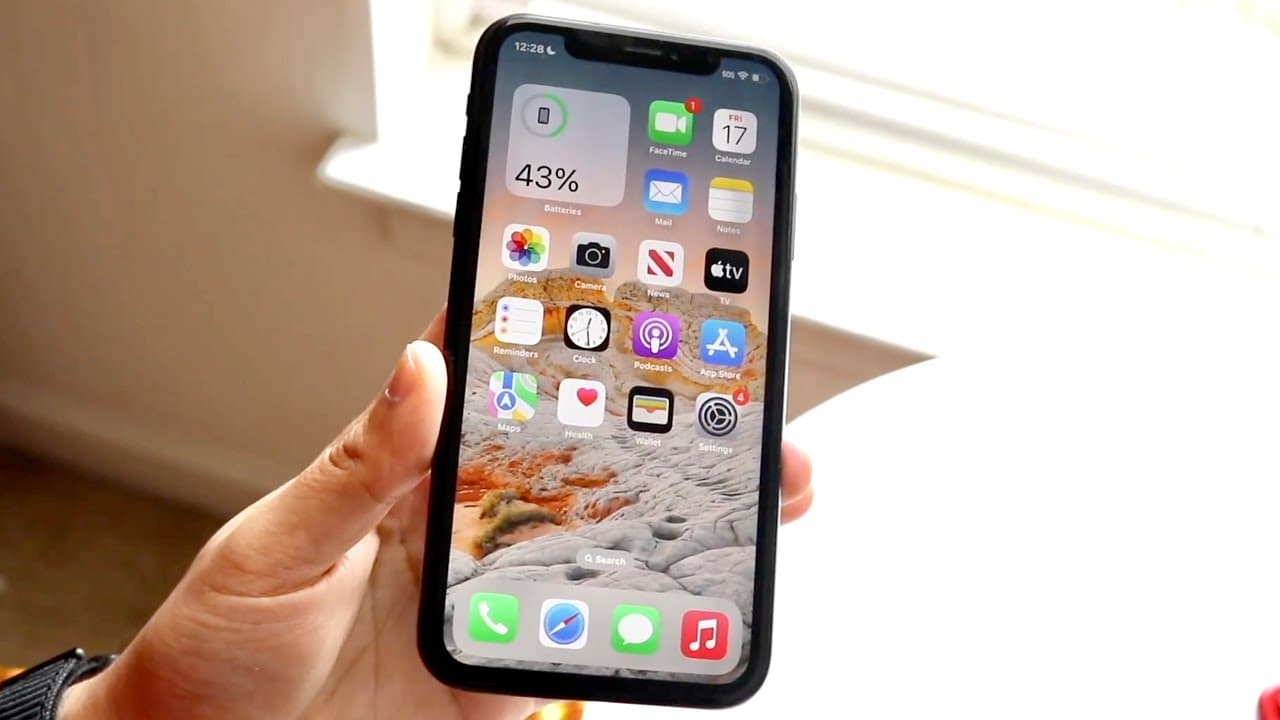
iOS 16.2 Beta On iPhone 11! (Review)
TL;DR
iOS 16.2 beta offers new features but may cause bugs.
Transcript
well everyone iOS 16.2 actually ended up coming out in a beta form and I did want to go and take a look at it on my iPhone 11. I've been taking a look at betas on my you know actual iPhones in a long time for x.x updates so I figured I might as well take a look now I will tell you betas are still buggy there was just a bug that just happened there ... Read More
Key Insights
- 👤 Users should be cautious when installing beta software, particularly on primary devices, due to potential for significant bugs.
- 😀 The introduction of the Freeform app is a strategic move towards improving collaboration and productivity within Apple's ecosystem.
- 👤 Changes made to the user interface, like the bolded text in the update panel, reflect Apple's focus on enhancing user experience through minor touches.
- ❓ The beta version of iOS 16.2 represents a step toward innovation, even if it introduces instability in certain areas.
- 👤 Beta testing can provide valuable feedback to Apple, but the risks associated should be carefully considered by users.
- 👤 Staying on stable versions like iOS 15 or 16.1 is advisable for general users until the beta is more refined.
- 👤 The update demonstrates Apple's continued commitment to enhancing functionality through software, keeping user experience at the forefront.
Install to Summarize YouTube Videos and Get Transcripts
Explore YouTube Video Summarizer or Get YouTube Transcript Extractor
Questions & Answers
Q: What are the main features of the iOS 16.2 beta?
The iOS 16.2 beta includes various bug fixes and improvements, notably the introduction of the Freeform application, which allows collaborative whiteboarding. This app is aimed at enhancing creativity and teamwork. In addition, updates to the interface, such as bolded text in the update panel, have also been implemented.
Q: Is it recommended to install the iOS 16.2 beta on my primary phone?
It is generally not recommended to install beta versions like iOS 16.2 on your main device due to bugs and potential instability. Betas are intended for testing and can impact daily use with unexpected issues. If you have a second device, it’s a better option to explore the beta on that instead.
Q: How does the Freeform app work in iOS 16.2?
The Freeform app is a collaborative tool that operates like a virtual whiteboard, enabling users to create boards and work with others effectively. It integrates with Apple ID accounts for easy sharing and collaboration, making it a handy tool for brainstorming and team projects on iPhones, iPads, and potentially Macs.
Q: What were the size implications of the iOS 16.2 beta update?
The iOS 16.2 beta update size was 4.8 gigabytes, which was smaller than expected compared to prior updates. Users coming from iOS 15 might assume larger updates are necessary, but the size indicates a more focused set of changes rather than a massive overhaul.
Summary & Key Takeaways
-
The iOS 16.2 beta is now available for iPhone 11, providing a substantial update from iOS 15 but encountering some bugs.
-
Notable changes include a new Freeform application that allows users to collaborate on virtual whiteboards, which is pre-installed in this beta version.
-
Users are advised against installing betas on primary devices due to potential issues, with recommendations to stick to stable versions.
Read in Other Languages (beta)
Share This Summary 📚
Summarize YouTube Videos and Get Video Transcripts with 1-Click
Try YouTube Summary with ChatGPT & Claude or YouTube Transcript Generator
Explore More Summaries from Simple Alpaca 📚






Summarize YouTube Videos and Get Video Transcripts with 1-Click
Try YouTube Summary with ChatGPT & Claude or YouTube Transcript Generator