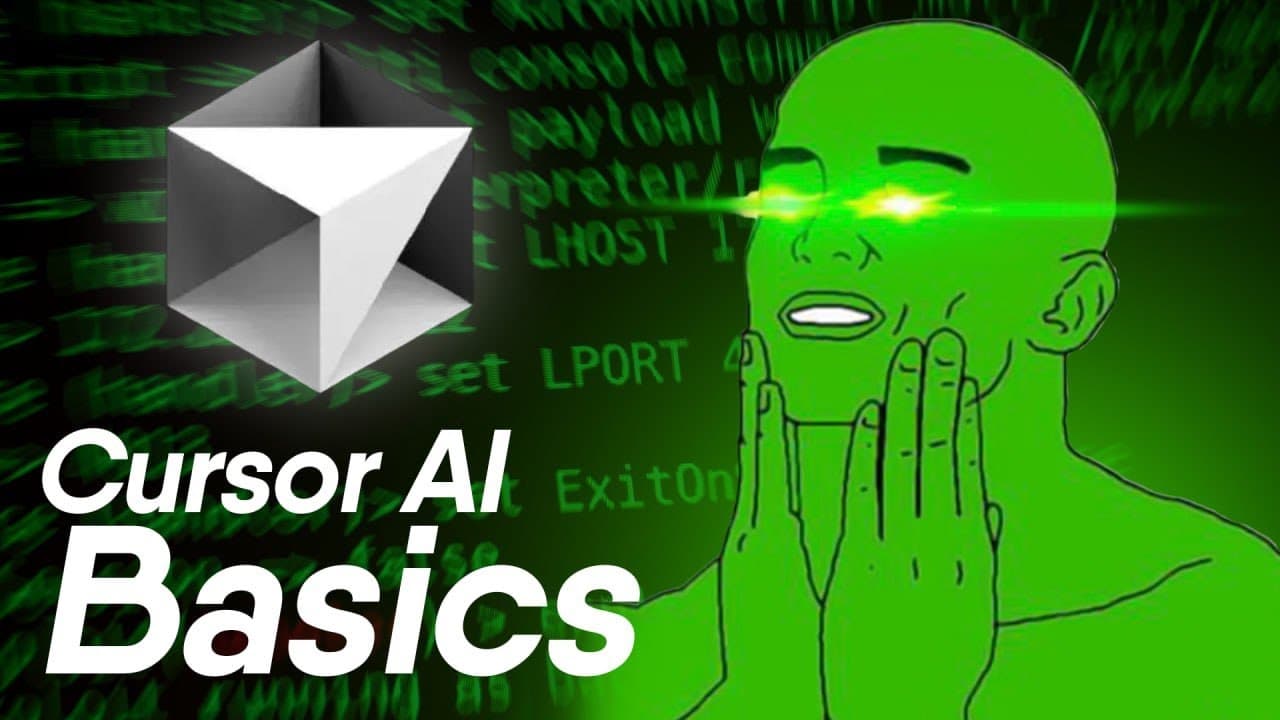
Cursor.AI Basics in 10 Mins (Is it Worth Using?)
TL;DR
Cursor.AI offers advanced coding features like autocomplete and chat-based editing.
Transcript
cursor UI should you use it Basics benefits and what I think after one month of switching from Vim about cursor first thing you need to know it's just a fork ofs code so everything is very familiar if you've used it before shortcuts the same and everything interface no problem now there's four key features with cursor that y... Read More
Key Insights
- Cursor.AI is a fork of VS Code, providing a familiar interface for users accustomed to the original environment. It maintains similar shortcuts and functionalities, making the transition seamless for existing users.
- The autocomplete feature in Cursor.AI functions similarly to Co-Pilot, offering accurate and useful code suggestions as you type, which can significantly speed up the coding process.
- The chat feature allows users to select code segments and make modifications quickly, although it may become cumbersome with larger files due to its line-by-line processing.
- Cursor.AI supports multiple models, including CLA 3.5 and GPT 4.0, offering flexibility in code generation and refactoring, with detailed explanations and guidance on necessary installations.
- The composer feature in Cursor.AI allows for multi-file editing and code generation, automatically applying changes across files, though it may be slower than other models like Claude.
- Cursor rules can be created to enforce coding conventions and standards, which is particularly useful for maintaining consistency across projects and avoiding common pitfalls.
- The software's ability to transform data, such as converting JSON formats, saves time and effort, especially for backend developers who may not focus on design aspects.
- While Cursor.AI offers powerful features, it may slow down or introduce bugs when handling large files, requiring users to be cautious and keep files manageable.
Install to Summarize YouTube Videos and Get Transcripts
Explore YouTube Video Summarizer or Get YouTube Transcript Extractor
Questions & Answers
Q: What is the main advantage of using Cursor.AI's autocomplete feature?
The main advantage of Cursor.AI's autocomplete feature is its ability to provide accurate and useful code suggestions as you type, similar to Co-Pilot. This feature can significantly speed up the coding process by predicting and completing code segments, reducing the need for manual input and improving overall efficiency.
Q: How does the chat feature in Cursor.AI work?
The chat feature in Cursor.AI allows users to select parts of their code and make changes through simple commands. It processes each line individually, applying modifications as instructed. While this feature is efficient for small edits, it can become cumbersome with larger files due to its line-by-line approach, which may slow down the editing process.
Q: What models does Cursor.AI support for code generation?
Cursor.AI supports multiple models for code generation, including CLA 3.5 and GPT 4.0. These models offer flexibility in code generation and refactoring, providing users with the ability to choose the most suitable model for their needs. Each model comes with its own set of features and capabilities, allowing for detailed explanations and installation guidance.
Q: What is the purpose of the composer feature in Cursor.AI?
The composer feature in Cursor.AI is designed for multi-file editing and code generation. It allows users to apply changes across multiple files simultaneously, making it easier to manage complex projects. The composer can reference other files and functions within the code, providing a comprehensive editing experience. However, it may be slower than other models like Claude, requiring patience when processing large edits.
Q: How can Cursor rules benefit developers?
Cursor rules can benefit developers by enforcing coding standards and conventions across their projects. By creating a file in the root directory, developers can define specific rules for code formatting, naming conventions, and other standards. This helps maintain consistency and avoid common pitfalls, particularly useful for teams working on collaborative projects or maintaining large codebases.
Q: What are some potential drawbacks of using Cursor.AI?
Some potential drawbacks of using Cursor.AI include slowdowns and bugs when handling large files. The software may become sluggish or introduce errors during extensive file edits, requiring users to be cautious and keep files manageable. Additionally, while powerful, the composer feature may not always mesh well with larger repositories, necessitating careful oversight to ensure smooth operation.
Q: How does Cursor.AI assist with data transformation?
Cursor.AI assists with data transformation by allowing users to input sample data formats, such as JSON, and specify desired output formats. This feature automates the transformation process, saving time and effort. It is particularly beneficial for backend developers, who may not focus on design aspects, as it improves the styling and presentation of data without requiring extensive manual input.
Q: What should developers keep in mind when using Cursor.AI?
When using Cursor.AI, developers should keep in mind the potential for slowdowns and bugs with large files. It's important to manage files carefully and not rely solely on the software to handle all aspects of coding. Developers should view Cursor.AI as a tool to enhance productivity and assist with tasks, rather than a complete solution, ensuring they remain engaged and aware of the coding process.
Summary & Key Takeaways
-
Cursor.AI is a versatile coding tool that builds on the familiar VS Code interface, offering features like autocomplete and chat-based editing to enhance productivity. It supports multiple AI models for code generation and refactoring, providing explanations and installation guidance.
-
The software includes a composer feature for multi-file editing, allowing users to apply changes across files efficiently. However, it may slow down with larger files, necessitating careful management to avoid bugs and ensure smooth operation.
-
Cursor rules help enforce coding standards and conventions, while its data transformation capabilities are particularly beneficial for backend developers. Despite its powerful features, users should be aware of potential slowdowns and bugs with extensive file edits.
Read in Other Languages (beta)
Share This Summary 📚
Summarize YouTube Videos and Get Video Transcripts with 1-Click
Try YouTube Summary with ChatGPT & Claude or YouTube Transcript Generator
Explore More Summaries from Aaron Jack 📚


Summarize YouTube Videos and Get Video Transcripts with 1-Click
Try YouTube Summary with ChatGPT & Claude or YouTube Transcript Generator