Structuring and visualizing Data - Deep Learning in Halite AI competition p.2
TL;DR
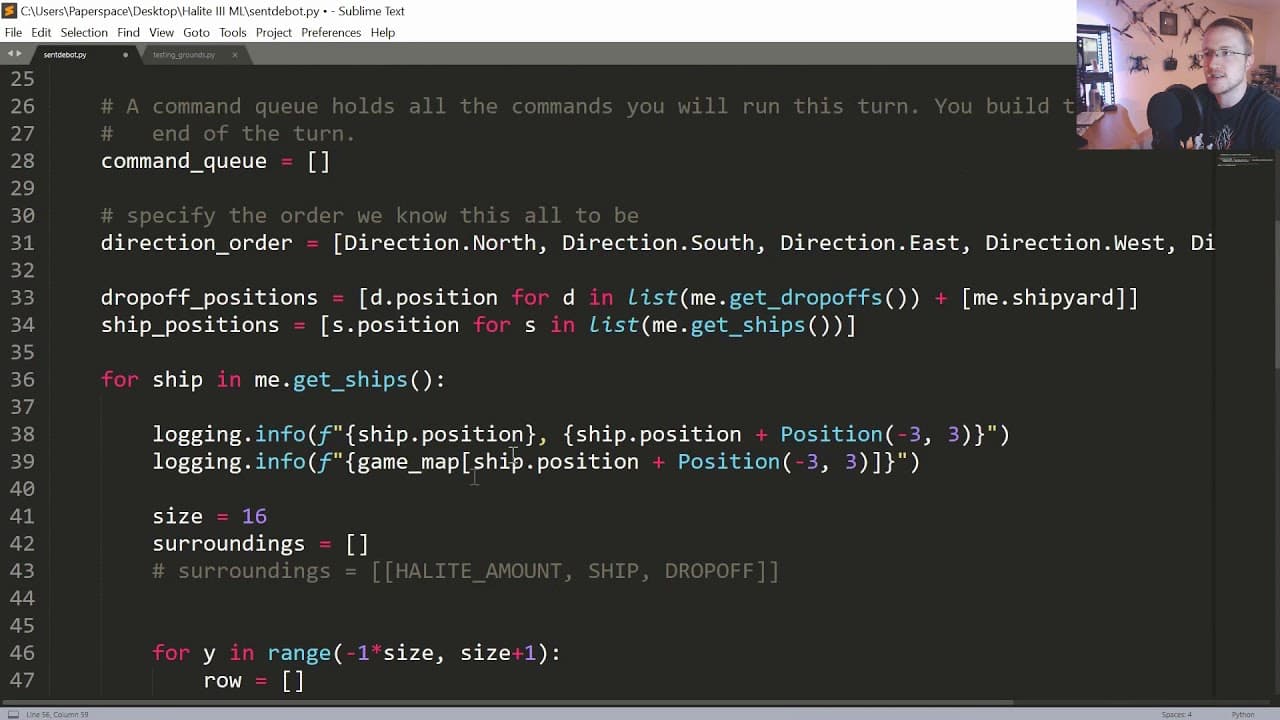
This video tutorial demonstrates how to create a convolutional neural network (CNN) to detect ships and their surrounding coordinates in the game Halite 3.
Transcript
what's going on everybody welcome to the second part of our machine learning with halite 3 tutorial in this video we're gonna just be building on the last one so in the last video we we basically were checking to see if we could do this like math of relative positions to get the surrounding coordinates of any given ship we definitely confirm that w... Read More
Key Insights
- 😫 The input grid for the CNN is set to 33x33, ensuring ships can see the entire map.
- 💦 Ship positions and drop-off locations are obtained to determine friendly and enemy presence.
- ⚖️ Halite amount is scaled to fit between 0 and 1 for the neural network input.
- 🔢 The possibility of future additions to the input data, such as turn number and total halite, is acknowledged.
- 👻 The visualization of the input grid using OpenCV allows for a better understanding of ship detection.
- 👻 The usage of numpy and saving gameplay data allows for further analysis and training of the model.
- 🤨 An error relating to writing game data was resolved by separating the writing process for different AIs.
Install to Summarize YouTube Videos and Get Transcripts
Explore YouTube Video Summarizer or Get YouTube Transcript Extractor
Questions & Answers
Q: What is the purpose of this video tutorial?
The purpose of this tutorial is to guide viewers on building a CNN for ship detection in the game Halite 3.
Q: How is the size of the input grid determined?
The size of the input grid is determined to be 33x33, allowing ships to see the entire map at any given point.
Q: How are friendly and enemy ships and drop-offs identified?
The positions of friendly ships and drop-offs are obtained and used to determine whether a cell contains a friendly or enemy ship, or a friendly or enemy drop-off.
Q: How are the values of halite amount, ship presence, and drop-off locations assigned?
Halite amount is divided by the maximum halite value and rounded to two decimal points. Ship presence and drop-off locations are assigned as either 1 or -1 based on whether they belong to the friendly team or the enemy team.
Summary & Key Takeaways
-
The last video confirmed that the math of relative positions in Halite 3 works. Now, the focus is on what each ship sees and creating the input layer for the CNN.
-
The size of the input grid is determined to be 33x33, allowing ships to see the entire map. This grid will be populated with meaningful values, such as halite amount, ship presence, and drop-off locations.
-
The positions of ships and drop-offs are obtained and used to determine whether a cell contains a friendly or enemy ship, or a friendly or enemy drop-off. These values are assigned as either 1 or -1.
Read in Other Languages (beta)
Share This Summary 📚
Summarize YouTube Videos and Get Video Transcripts with 1-Click
Try YouTube Summary with ChatGPT & Claude or YouTube Transcript Generator
Explore More Summaries from sentdex 📚






Summarize YouTube Videos and Get Video Transcripts with 1-Click
Try YouTube Summary with ChatGPT & Claude or YouTube Transcript Generator