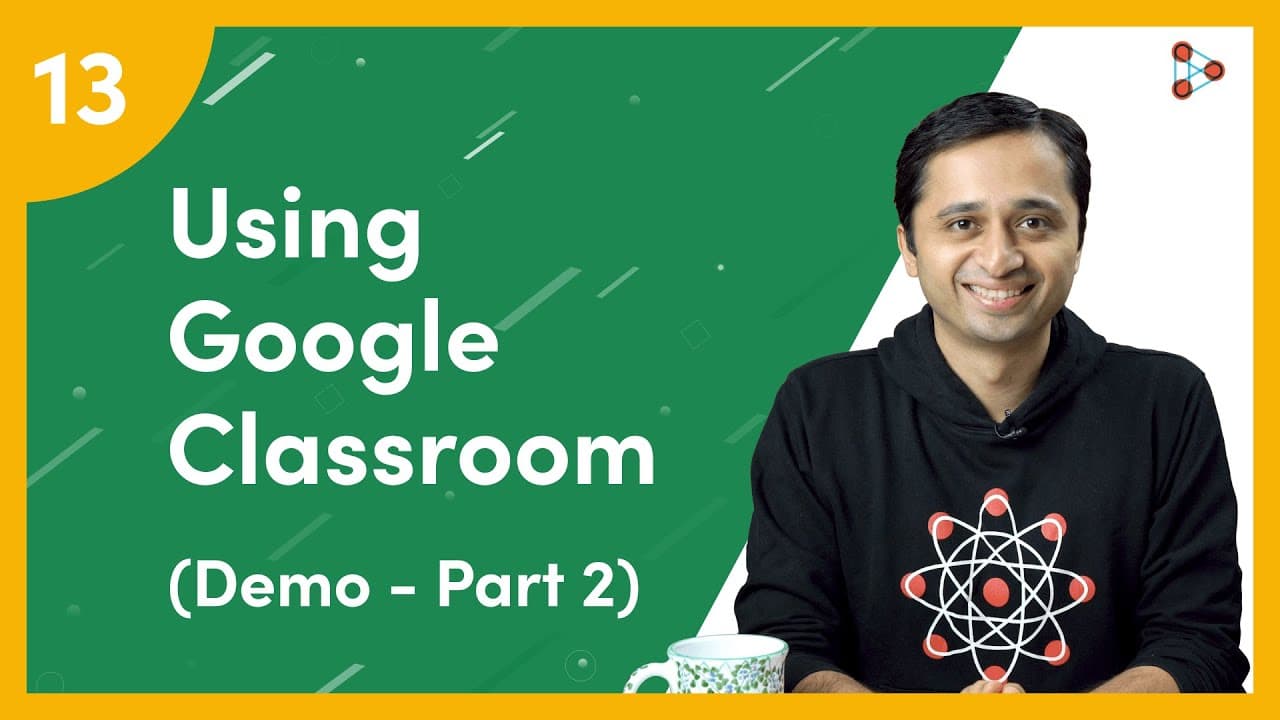
Using Google Classroom - Demo - Part 2 | Ep.13 | Don't Memorise
TL;DR
Learn how to use Google Classroom tools like Google Meet and ClassWork to teach students, share materials, and assess their understanding.
Transcript
[ YouTube Learning ] Now that we know what Google Drive within Google Classroom is, let’s move on to using the tools that we could use to teach our students and also check for their understanding. [ Don't Memorise intro music ] Now we are in the class that we had created earlier. Let me create the Google Meet link for the live class now! You can se... Read More
Key Insights
- 🔨 Google Classroom provides tools like Google Meet and ClassWork to facilitate online teaching and assessment.
- 🧑🎓 Teachers can generate and share Google Meet links for live classes, share materials with students after the class, and check for student understanding.
- 👻 The platform allows for collaboration, communication, and organization of assessments in a paperless way.
- 💯 Teachers can import grades and easily return scores to students.
Install to Summarize YouTube Videos and Get Transcripts
Explore YouTube Video Summarizer or Get YouTube Transcript Extractor
Questions & Answers
Q: How can teachers generate a Google Meet link for a live class in Google Classroom?
Teachers can generate a Google Meet link for a live class by clicking on the "Generate Meet link" option in the class and making it visible to students 5 minutes before the lesson begins.
Q: What can teachers do during live classes using Google Meet?
During live classes, teachers can share their screen to show presentations, use the Chat feature to engage with students, and have interactive discussions.
Q: How can teachers add materials for students to view after live classes in Google Classroom?
Teachers can go to the ClassWork section, click on "Create," and then "Material." They can enter a title, description, and add files from Google Drive or include links to websites and YouTube videos.
Q: How can teachers check for student understanding in Google Classroom?
Teachers can click on the "Classwork" tab, select "Create," and choose from options like long form assignments, graded assignments, or single questions. They can then view and grade student submissions in the "Grades" section.
Summary & Key Takeaways
-
Google Classroom allows teachers to generate Google Meet links for live classes and make them visible to students before lessons begin.
-
Teachers can share materials with students by adding files from Google Drive, including links to websites and YouTube videos.
-
After live classes, teachers can check for student understanding by creating assignments, quizzes, or asking single questions, and view and grade student submissions.
Read in Other Languages (beta)
Share This Summary 📚
Summarize YouTube Videos and Get Video Transcripts with 1-Click
Try YouTube Summary with ChatGPT & Claude or YouTube Transcript Generator
Explore More Summaries from Infinity Learn NEET 📚

Summarize YouTube Videos and Get Video Transcripts with 1-Click
Try YouTube Summary with ChatGPT & Claude or YouTube Transcript Generator