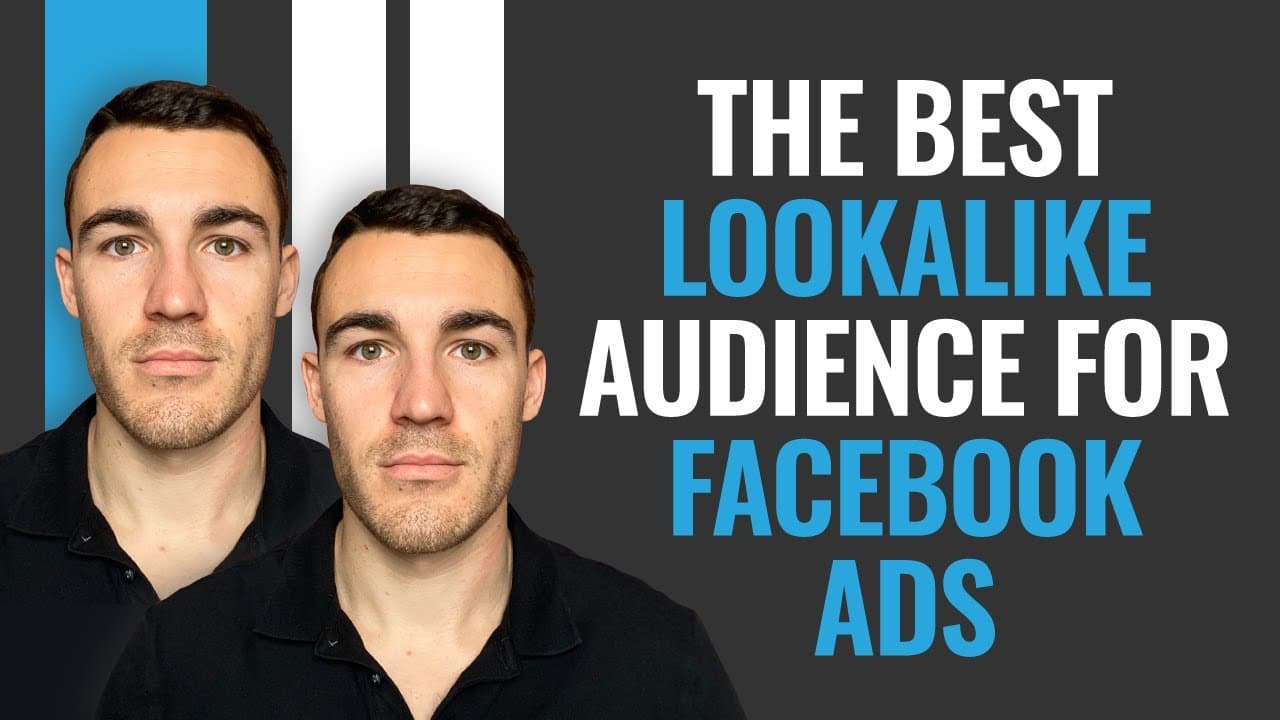
How to Create the Best Facebook Lookalike Audience
TL;DR
The best Facebook lookalike audience is created from previous customers who have purchased your products or services. This type of audience often yields the highest success rate because it targets individuals similar to your existing customers, increasing the likelihood of engagement and conversion. For optimal results, ensure your source audience is as large and recent as possible.
Transcript
hi guys it's been Heath from lead guru and in this video I'm going to show you how to create the best look-alike audience for Facebook ads now I talk to a lot of people advertising on Facebook I do it all day long comments phone calls etcetera etcetera and one of the questions I will often ask is you know when they want better results I say are usi... Read More
Key Insights
- Lookalike audiences are effective when based on previous customers who have made purchases.
- The quality of a lookalike audience depends on the source audience's relevance and size.
- A larger source audience provides Facebook with more data, resulting in better lookalike audience accuracy.
- For e-commerce businesses, using Facebook Pixel to track purchases simplifies audience creation.
- Lookalike audiences should be created with the largest possible timeframe, ideally 180 days.
- Custom audiences can be uploaded via customer lists if Facebook Pixel is not applicable.
- A 1% lookalike audience is more accurate but may need to be larger based on budget and target area.
- Lookalike audiences update automatically as new data is added to the source audience.
Install to Summarize YouTube Videos and Get Transcripts
Explore YouTube Video Summarizer or Get YouTube Transcript Extractor
Questions & Answers
Q: How to create the best Facebook lookalike audience?
To create the best Facebook lookalike audience, base it on previous customers who have made purchases. This ensures the audience is composed of individuals similar to your existing customers, increasing the likelihood of engagement and conversion. Use Facebook Ads Manager to set up a custom audience from past purchasers and ensure the source audience is as large and recent as possible.
Q: What is a lookalike audience?
A lookalike audience is a group of individuals on Facebook who share similar characteristics with an existing source audience, such as previous customers. By targeting people who resemble your best customers, lookalike audiences aim to enhance ad performance by reaching users more likely to engage with your content or make purchases.
Q: Why use previous customers for lookalike audiences?
Using previous customers for lookalike audiences is effective because these individuals have already shown interest in your products or services by making purchases. By targeting people similar to your existing customers, you increase the likelihood of reaching potential buyers who are more likely to engage and convert, thereby improving ad performance.
Q: How does Facebook Pixel help in creating lookalike audiences?
Facebook Pixel helps in creating lookalike audiences by tracking user interactions on your website, such as purchases. This data allows you to create a custom audience of past purchasers, which serves as the source for your lookalike audience. Using Pixel ensures the audience is up-to-date and automatically includes new purchasers, enhancing targeting accuracy.
Q: What is the ideal size for a source audience?
The ideal size for a source audience is as large as possible, ideally covering interactions from the last 180 days. A larger source audience provides Facebook with more data, resulting in a more accurate and effective lookalike audience. It allows for better targeting by giving Facebook ample information to identify similar users.
Q: Can I create a lookalike audience without Facebook Pixel?
Yes, you can create a lookalike audience without Facebook Pixel by uploading a customer list. This method involves creating a custom audience from a list of previous customers, including details like email addresses or phone numbers. Facebook matches this data with user profiles to form the source audience for your lookalike audience.
Q: How does audience percentage affect lookalike audiences?
Audience percentage affects lookalike audiences by determining the size and accuracy of the audience. A 1% lookalike audience includes the top 1% of users most similar to your source audience, offering higher accuracy. Larger percentages, such as 5% or 10%, increase audience size, which may be necessary for local targeting or higher ad budgets.
Q: What should I do if my lookalike audience is too small?
If your lookalike audience is too small, consider increasing the percentage to include a larger portion of users, such as moving from 1% to 5%. Additionally, ensure your source audience is as large as possible by incorporating data from the last 180 days. This provides Facebook with more information to create a robust lookalike audience.
Summary & Key Takeaways
-
The best Facebook lookalike audience is created from previous customers who have purchased your products or services. This ensures the audience is composed of individuals similar to your existing customers, increasing the likelihood of engagement and conversion. For optimal results, ensure your source audience is as large and recent as possible, ideally covering the last 180 days.
-
Creating a lookalike audience involves using Facebook Ads Manager to set up a custom audience from past purchasers. For e-commerce businesses, using Facebook Pixel to track purchases simplifies the process, while service-based businesses may need to upload customer lists. The audience should be as large as possible to provide Facebook with ample data for accurate targeting.
-
When setting up a lookalike audience, choose a percentage that matches your target area and budget. A 1% lookalike audience is more accurate, but larger percentages may be necessary for local targeting or higher budgets. The audience will update automatically as new data is added, ensuring it remains relevant and effective.
Read in Other Languages (beta)
Share This Summary 📚
Summarize YouTube Videos and Get Video Transcripts with 1-Click
Try YouTube Summary with ChatGPT & Claude or YouTube Transcript Generator
Explore More Summaries from Ben Heath 📚
Summarize YouTube Videos and Get Video Transcripts with 1-Click
Try YouTube Summary with ChatGPT & Claude or YouTube Transcript Generator