How to Use ComfyUI for AI Image Generation
TL;DR
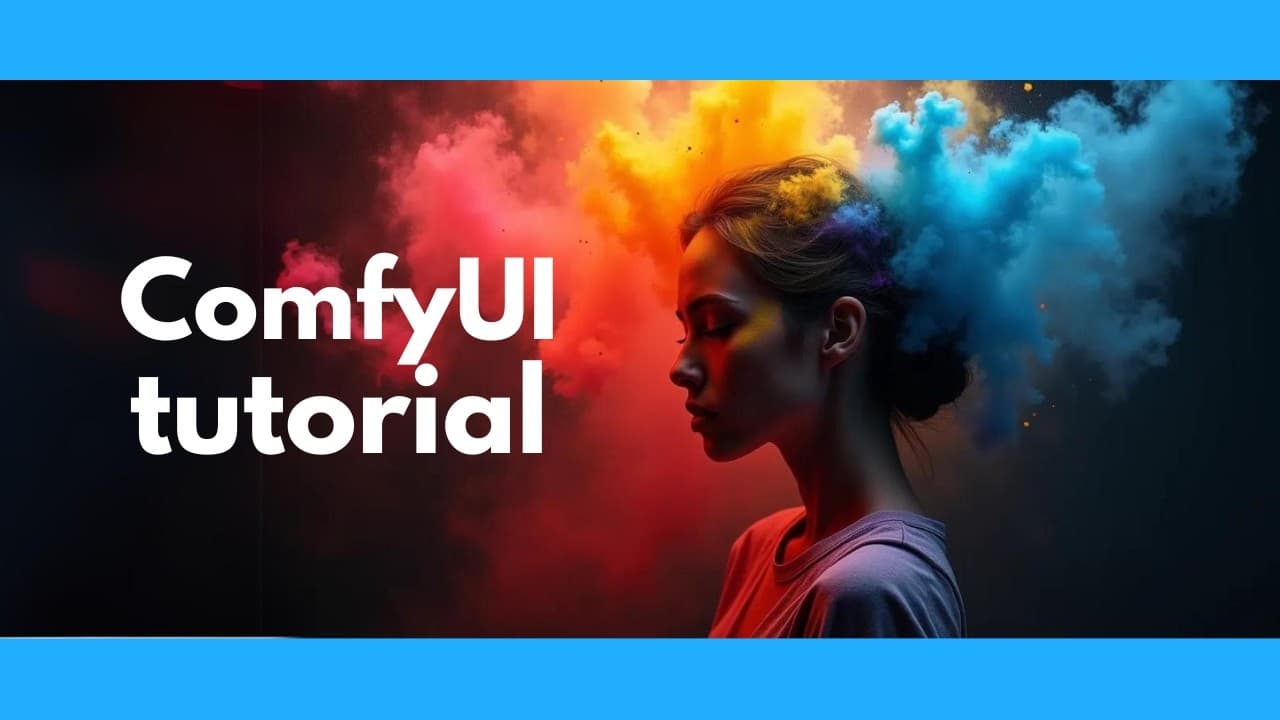
ComfyUI is a free and flexible AI image generator that supports text-to-image and image-to-image generation without an Nvidia GPU. This tutorial covers installation, model downloading, and advanced features like upscaling and character control, making it accessible even for beginners. By integrating with other AI tools, ComfyUI expands creative possibilities for users.
Transcript
this is the ultimate AI image generator it's free and open source and the awesome thing about it is you don't even need an Nvidia GPU you can run it with just a CPU or an apple M1 or M2 Chip and it gives you total control not only can you do text to image but also image to image plus upscaling plus you can control the poses of your ... Read More
Key Insights
- ComfyUI is a versatile AI image generator that supports both text-to-image and image-to-image functionalities, allowing users to create diverse and complex images.
- The software is free and open-source, and it doesn't require an Nvidia GPU, making it accessible to users with different hardware configurations, including those with Apple M1 or M2 chips.
- ComfyUI offers advanced features like pose control, object positioning, depth control, face swapping, and character consistency, expanding creative possibilities.
- Users can integrate ComfyUI with popular AI tools like Mimic Motion, Live Portrait, and Toon Crafter for enhanced animation and character creation capabilities.
- The tutorial provides a step-by-step guide on installing ComfyUI, downloading models, and utilizing various features, ensuring even non-technical users can follow along easily.
- ComfyUI supports upscaling, which improves image resolution and quality, and offers multiple methods, including a tiled upscaling technique for superior results.
- ControlNet integration allows users to precisely control image composition, enabling features like pose matching and depth mapping for more customized outputs.
- ComfyUI's extensibility is highlighted by its compatibility with numerous plugins and external AI tools, making it a powerful platform for creative and technical endeavors.
Install to Summarize YouTube Videos and Get Transcripts
Explore YouTube Video Summarizer or Get YouTube Transcript Extractor
Questions & Answers
Q: How can users install ComfyUI on their systems?
Users can install ComfyUI by visiting its GitHub page and following the installation instructions. The software is compatible with various systems, including those with Apple M1 or M2 chips, and doesn't require an Nvidia GPU, making it accessible to a wide range of users. Detailed steps are provided in the tutorial to guide users through the process.
Q: What are some advanced features offered by ComfyUI?
ComfyUI offers advanced features such as pose control, object positioning, and depth control, allowing users to manipulate various elements within their images. Additionally, it supports face swapping and character consistency, enabling users to create consistent characters across different images. These features expand the creative possibilities for artists and developers.
Q: How does ComfyUI integrate with other AI tools?
ComfyUI integrates with popular AI tools like Mimic Motion, Live Portrait, and Toon Crafter, allowing users to animate characters and create complex scenes. These integrations enhance the software's capabilities, providing users with more options for creative expression and technical innovation. The tutorial covers how to install and use these integrations effectively.
Q: What is the purpose of ControlNet in ComfyUI?
ControlNet in ComfyUI allows users to have precise control over image composition, such as pose matching and depth mapping. It enables users to upload reference images and apply pre-processors like open pose, depth, and canny, influencing the final output. This feature is particularly useful for creating detailed and customized images with specific compositions.
Q: How does ComfyUI handle upscaling of images?
ComfyUI supports various upscaling methods, including a tiled upscaling technique that enhances image resolution and quality by applying image-to-image transformations to different sections of the image. This method retains the original image's details while improving clarity and sharpness, making it one of the best options for upscaling images.
Q: Can ComfyUI be used without an Nvidia GPU?
Yes, ComfyUI can be used without an Nvidia GPU. It is compatible with systems that have Apple M1 or M2 chips and can run on CPU-only configurations. However, using an Nvidia GPU is recommended for faster performance and compatibility with a broader range of open-source AI tools.
Q: What are the benefits of using ComfyUI for AI image generation?
ComfyUI offers numerous benefits, including its open-source nature, extensive feature set, and compatibility with various hardware configurations. It supports text-to-image and image-to-image functionalities, advanced features like pose control and face swapping, and integrates with other AI tools, making it a powerful platform for creative and technical projects.
Q: How does ComfyUI support extensibility and customization?
ComfyUI supports extensibility and customization through its compatibility with numerous plugins and external AI tools. Users can download and install various models and nodes to enhance the software's capabilities, allowing for tailored workflows and creative solutions. The tutorial provides guidance on installing and using these extensions effectively.
Summary & Key Takeaways
-
ComfyUI is a comprehensive, open-source AI image generator that enables users to create images using text-to-image and image-to-image techniques. It supports various advanced features like pose control, face swapping, and character consistency, making it a versatile tool for artists and developers.
-
The tutorial provides a detailed walkthrough of installing ComfyUI, downloading models, and using its features. It emphasizes accessibility by not requiring an Nvidia GPU and offers integration with other AI tools, enhancing creative possibilities.
-
ComfyUI also includes advanced functionalities such as upscaling and ControlNet integration, allowing for high-quality image generation and precise control over image composition. Its extensible nature supports a wide range of plugins and tools, making it a robust platform for AI-driven creativity.
Read in Other Languages (beta)
Share This Summary 📚
Summarize YouTube Videos and Get Video Transcripts with 1-Click
Try YouTube Summary with ChatGPT & Claude or YouTube Transcript Generator
Explore More Summaries from AI Search 📚




Summarize YouTube Videos and Get Video Transcripts with 1-Click
Try YouTube Summary with ChatGPT & Claude or YouTube Transcript Generator