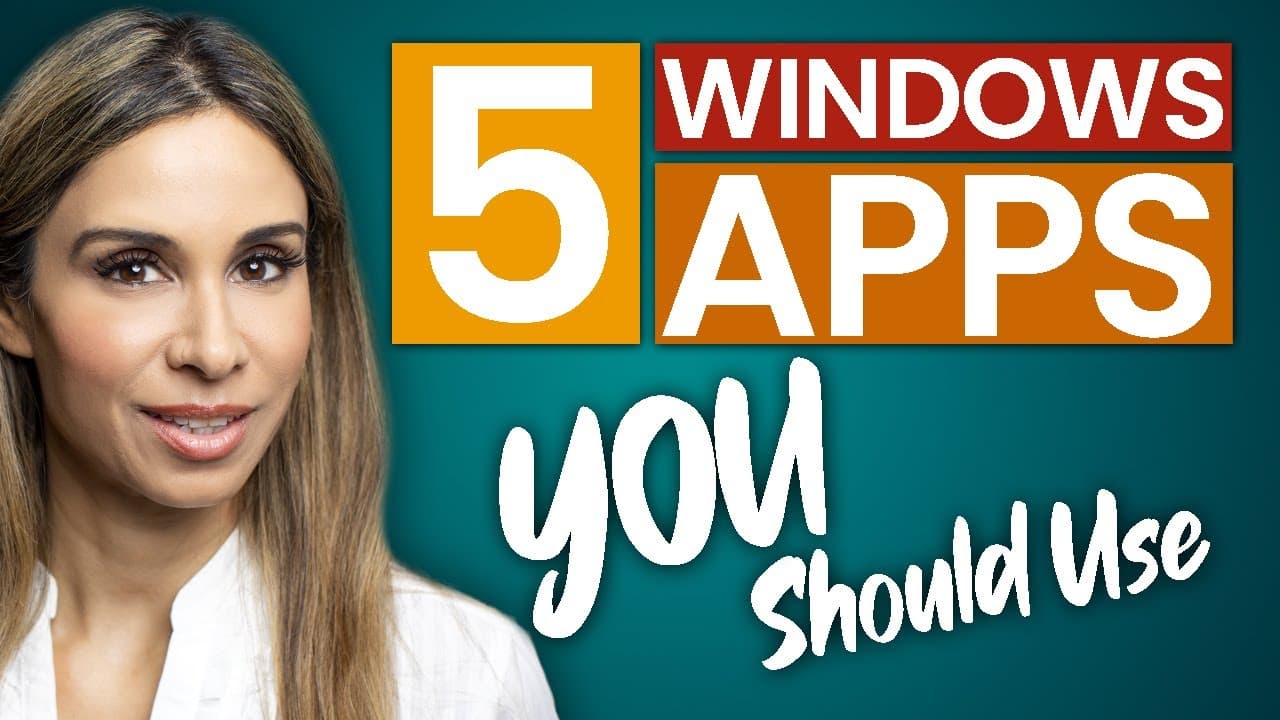
FREE Windows Apps You Should be Using (who thought these are ACTUALLY FREE?!)
TL;DR
Learn about five free Windows apps that make work life more enjoyable, including Drawboard PDF, QTTabBar, CrystalDiskInfo, FreeFileSync, and VLC Media Player.
Transcript
Today, you're going to learn about five free Windows apps that will make your work life more enjoyable. I use them all the time. They're super handy and best of all they're free. Let's jump in. Number one: Drawboard PDF. You and your colleagues are probably spending a lot of time working remotely. It's really important to find the right tools to... Read More
Key Insights
- 💋 Drawboard PDF is a useful tool for annotating and collaborating on PDF files, benefiting designers, teachers, and others who need to provide feedback or mark up documents.
- 📁 QTTabBar enhances the file explorer experience by adding separate tabs for easier organization and navigation of multiple folders.
- 🪛 CrystalDiskInfo allows users to monitor the health of their hard drives, providing early warning signs to back up data before a drive fails.
- 🧑🤝🧑 FreeFileSync enables efficient synchronization between source and target folders, minimizing data transfer and ensuring up-to-date backups.
Install to Summarize YouTube Videos and Get Transcripts
Explore YouTube Video Summarizer or Get YouTube Transcript Extractor
Questions & Answers
Q: How does Drawboard PDF help with annotating PDF files?
Drawboard PDF allows users to red line, mark up, and collaborate on PDF files. It offers a range of tools with adjustable settings, such as color, stroke, opacity, and more. Users can add text boxes, shapes, images, and even their signature to annotate their documents.
Q: What does QTTabBar add to the file explorer?
QTTabBar adds separate tabs to the file explorer, similar to internet browsers, allowing users to easily open multiple explorer windows. It can be customized with various settings, and users can also activate command bars for quick access buttons.
Q: How does CrystalDiskInfo help monitor hard drive health?
CrystalDiskInfo taps into the smart data of hard disk drives to assess their health status. It displays overall health and temperature information, along with attributes that indicate the disk's condition. Users can identify potential issues and replace the drive before it fails, ensuring data backup.
Q: What is the purpose of FreeFileSync?
FreeFileSync is a powerful open-source solution for file synchronization. Users can compare source and target folders, and based on synchronization settings, decide to perform a two-way synchronization, mirror files, or update files without deleting any. It minimizes data transfer and ensures up-to-date backups.
Q: How does VLC Media Player stand out as a media player?
VLC Media Player supports a wide range of file formats, eliminating the need for additional codecs. It can play videos, stream content, and even play internet radio stations. Additionally, VLC Media Player can convert files to different formats and record videos.
Key Insights:
- Drawboard PDF is a useful tool for annotating and collaborating on PDF files, benefiting designers, teachers, and others who need to provide feedback or mark up documents.
- QTTabBar enhances the file explorer experience by adding separate tabs for easier organization and navigation of multiple folders.
- CrystalDiskInfo allows users to monitor the health of their hard drives, providing early warning signs to back up data before a drive fails.
- FreeFileSync enables efficient synchronization between source and target folders, minimizing data transfer and ensuring up-to-date backups.
- VLC Media Player is a versatile media player that supports various file formats, expands beyond video playback, and offers features like streaming, converting files, and recording videos.
Summary & Key Takeaways
-
Drawboard PDF is a free tool for annotating and collaborating on PDF files, making it useful for designers, teachers, and anyone who needs to provide feedback or mark up documents.
-
QTTabBar is an extension that adds separate tabs to the file explorer, making it easier to organize and navigate multiple folders.
-
CrystalDiskInfo monitors the health of hard drives by tapping into smart data to assess the status of the drive, providing early warning signs before it fails.
-
FreeFileSync allows for efficient synchronization between source and target folders by only transferring the necessary data, ensuring that backups are up to date.
-
VLC Media Player is a versatile media player that supports various file formats, allows streaming and recording, and even enables playing internet radio stations.
Read in Other Languages (beta)
Share This Summary 📚
Summarize YouTube Videos and Get Video Transcripts with 1-Click
Try YouTube Summary with ChatGPT & Claude or YouTube Transcript Generator
Explore More Summaries from Leila Gharani 📚




Summarize YouTube Videos and Get Video Transcripts with 1-Click
Try YouTube Summary with ChatGPT & Claude or YouTube Transcript Generator