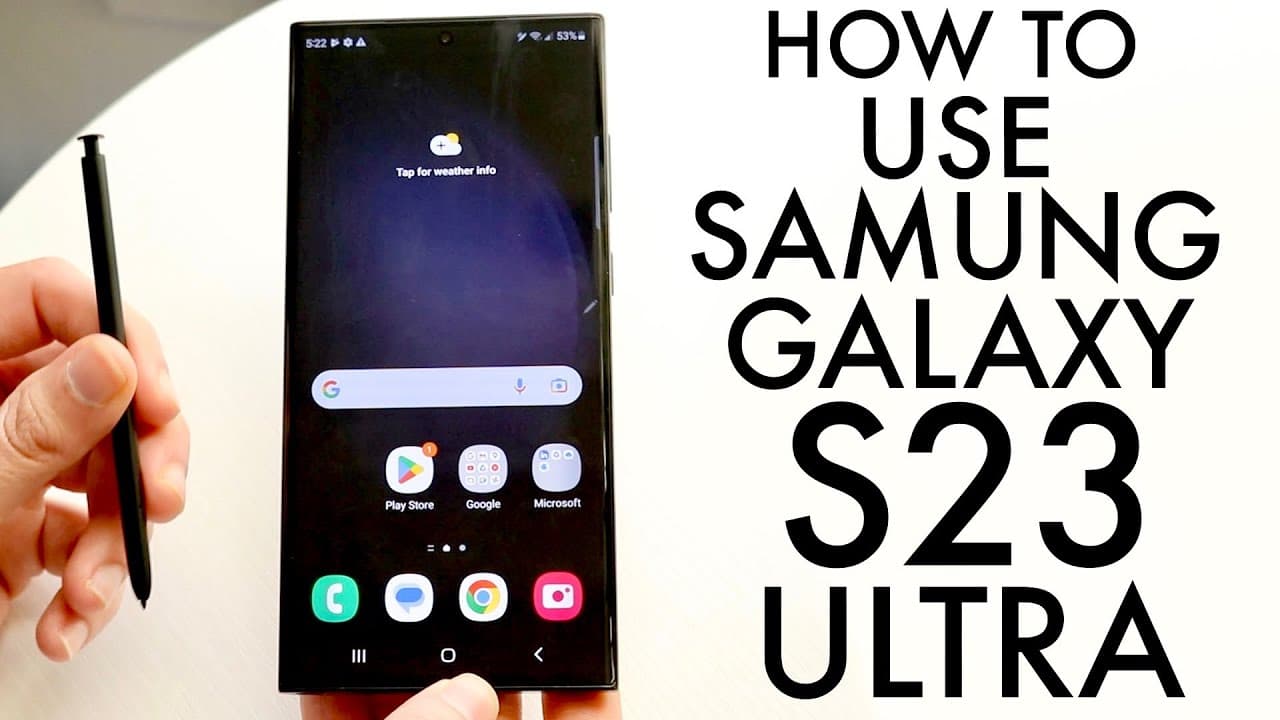
How to Use Samsung Galaxy S23 Ultra for Beginners
TL;DR
To effectively use the Samsung Galaxy S23 Ultra, start by familiarizing yourself with the layout and main features, such as the camera and S Pen. Navigate the interface through quick toggles and customizable home screens, and ensure you update your software for optimal performance. The S Pen enhances functionality by allowing note-taking and various other tasks.
Transcript
hello everyone the Samsung Galaxy s23 Ultra has just came out so let's go ahead and show you exactly how to use this phone now luckily for you this is not a super complicated phone to use there is a lot of capability and I actually do love this phone a lot I mean I've just had it for about like 20 minutes so definitely not a long period of usage bu... Read More
Key Insights
- ❓ The Samsung Galaxy S23 Ultra offers an expansive display that enhances visual engagement and multitasking.
- 🔀 Its minimalist design emphasizes ease of use, with a power button and volume controls easily accessible on the right side.
- 🛜 Wireless charging and reverse wireless charging capabilities facilitate convenient power management for multiple devices.
- 👻 S Pen integration allows for practical features like air commands and instant note-taking, especially beneficial for creative tasks.
- 😀 The settings panel provides streamlined access, enabling users to easily modify connections, notifications, and app settings.
- 👤 Quick toggle options provide instant access to features like Bluetooth and brightness control, improving user convenience.
- 💝 Regular software updates are vital for performance optimization, ensuring access to the latest features and security improvements.
Install to Summarize YouTube Videos and Get Transcripts
Explore YouTube Video Summarizer or Get YouTube Transcript Extractor
Questions & Answers
Q: What are the main features of the Samsung Galaxy S23 Ultra?
The Samsung Galaxy S23 Ultra boasts a large curved display, advanced camera technology, an S Pen for enhanced navigation and productivity, and fast USB Type-C charging capabilities. Its design emphasizes both aesthetics and functionality, making it a standout smartphone for various user preferences.
Q: How do I set up the SIM card on the Galaxy S23 Ultra?
To set up your SIM card, locate the SIM card slot on the bottom right of the phone. Use a SIM ejector tool to gently remove the tray, place your nano SIM card into the designated slot, and then reinsert the tray into the phone. This process is essential for connecting to cellular networks.
Q: How can I customize my Galaxy S23 Ultra's home screen?
Customizing the home screen is easy—simply hold down an app icon or widget until a menu appears, allowing you to move, resize, or delete the item. You can also add new widgets or create pages by dragging icons to your preferred layout for quick access to frequently used applications.
Q: What functions does the S Pen serve in the Galaxy S23 Ultra?
The S Pen acts as a stylus for writing or drawing directly on the screen and includes functionalities like taking screenshots, creating notes, and performing navigational tasks. When removed, the S Pen automatically opens a note-taking screen, allowing for quick access to jot down ideas or reminders without unlocking the phone.
Summary & Key Takeaways
-
The Samsung Galaxy S23 Ultra features a large display design and advanced capabilities including a powerful camera and S Pen functionality, enhancing user experience.
-
Users can easily navigate the phone's interface, manage app icons, and customize home screens; features such as quick toggles and settings help streamline usage.
-
The S Pen serves multiple functions, from taking notes to navigating the phone, and offers customization through various settings to optimize user efficiency.
Read in Other Languages (beta)
Share This Summary 📚
Summarize YouTube Videos and Get Video Transcripts with 1-Click
Try YouTube Summary with ChatGPT & Claude or YouTube Transcript Generator
Explore More Summaries from Simple Alpaca 📚






Summarize YouTube Videos and Get Video Transcripts with 1-Click
Try YouTube Summary with ChatGPT & Claude or YouTube Transcript Generator