Awesome iPhone Files App Tricks & Tips!
TL;DR
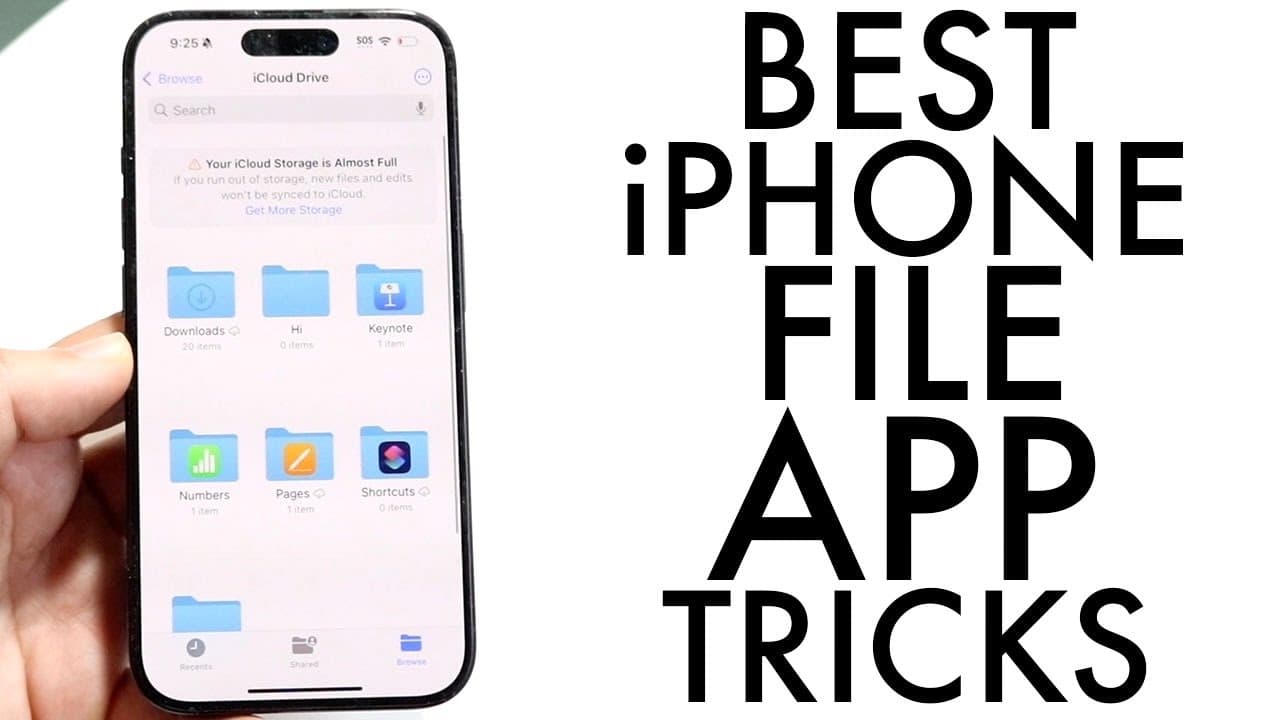
Learn essential tips to maximize the iPhone Files app's potential.
Transcript
so the files application on our iPhone is an amazing app I use it all the time and I wanted to go and demonstrate some of my favorite tricks and tips that you should definitely use within your iPhone files application if you actually want to go ahead and kind of unlock the most amount of Potential from it now the files app is great it basically get... Read More
Key Insights
- 😀 The Files app updates regularly with new features in each iOS version, continuously enhancing its capabilities.
- 👶 Users can create new folders within iCloud Drive directly and easily manage their online storage.
- 📜 The ability to scan documents directly into specific folders simplifies document management and reduces the need for multiple apps.
- 📁 Built-in support for zipping and unzipping files streamlines file handling without the need for additional software.
- 📁 Users can move multiple files at once, optimizing the process of organizing files into the desired folders.
- 👻 The color tag feature allows for a more nuanced organization scheme, helping users quickly identify and categorize files.
- 📁 Converting file formats and creating PDFs directly from the Files app enhances workflow efficiency and file accessibility.
Install to Summarize YouTube Videos and Get Transcripts
Explore YouTube Video Summarizer or Get YouTube Transcript Extractor
Questions & Answers
Q: What are some core features of the iPhone Files app?
The iPhone Files app offers a range of features such as the ability to access different storage locations, including iCloud and external drives. It allows users to create and organize folders, scan documents directly, and manage zipped files. This versatility makes it easier to store and organize files across various formats and platforms.
Q: How can users efficiently scan documents using the Files app?
Users can scan documents by tapping and holding on an empty area within a folder in the Files app, and selecting the "Scan Documents" option. This feature allows users to easily capture and save physical documents as digital files, enhancing workflow and organization directly within the app.
Q: How do you compress files using the Files app?
To compress files, users must select the file they wish to compress by holding down on its icon. A "Compress" option will appear in the menu, allowing users to create a zipped file directly within the app. This built-in functionality eliminates the need for third-party applications, providing convenience for file management.
Q: What kind of file conversions can users perform in the Files app?
Within the Files app, users can convert images to various formats such as JPEG, PNG, and GIF. They can also create PDFs directly from images. This capability is accessible through Quick Actions by holding down on the image icon, reflecting the app’s versatility in managing different file types.
Q: How does the Files app enhance file organization?
The Files app enhances organization by allowing users to create folders, tag files with different colors, and add important files to favorites. These features enable a personalized and efficient way to categorize and retrieve files, simplifying the user's interaction with their stored data.
Q: Can external storage devices be used with the Files app, and how?
Yes, the Files app supports external storage devices such as SD cards and USB drives. Once these devices are connected, they appear as locations within the app, allowing users to access files stored externally and integratively manage all their files in one place.
Summary & Key Takeaways
-
The iPhone Files app has numerous features that allow users to organize, manage, and store files efficiently, including support for external storage devices.
-
Users can scan documents directly within the app and compress or decompress files without needing any additional software, enhancing convenience.
-
The app also offers methods to move multiple files simultaneously, convert file types, and use color tags for better organization and accessibility.
Read in Other Languages (beta)
Share This Summary 📚
Summarize YouTube Videos and Get Video Transcripts with 1-Click
Try YouTube Summary with ChatGPT & Claude or YouTube Transcript Generator
Explore More Summaries from Simple Alpaca 📚






Summarize YouTube Videos and Get Video Transcripts with 1-Click
Try YouTube Summary with ChatGPT & Claude or YouTube Transcript Generator