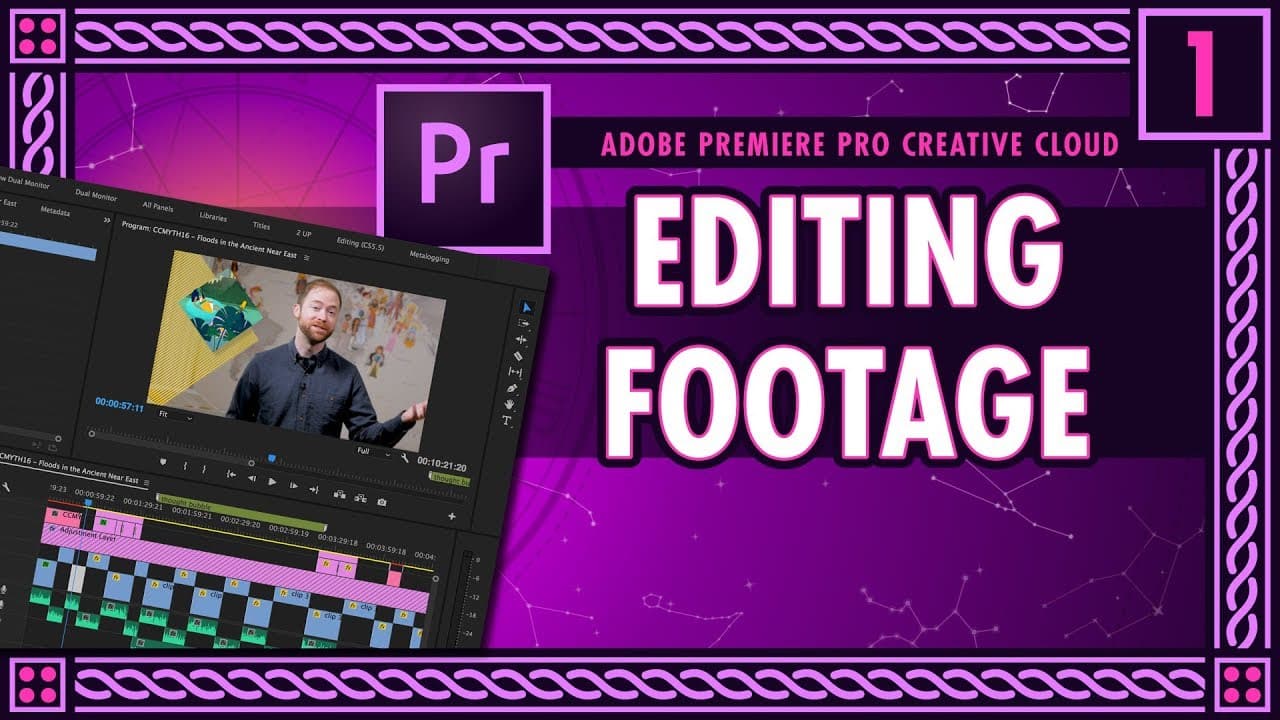
How to Edit Footage for Educational Videos Like Crash Course
TL;DR
To edit footage for educational videos, first set up your project in Premiere Pro, then focus on color grading using the Lumetri panel to adjust white balance, exposure, and contrast. Organize your footage into folders, sync audio, and create sequences. Enhance your video with animations, transitions, and b-roll, while maintaining consistency through presets.
Transcript
hi everyone this is Stan Muller I am the senior producer on crash course I work on the humanity side making things like crash course world history us history world history - crash course economics world mythology literature basically a lot of stuff that's not science I also do a lot of editing on the show so today we are going to be talking about h... Read More
Key Insights
- 🤍 Lumetri color correction panel is used to enhance the visual quality of footage by adjusting settings like white balance, exposure, contrast, and saturation.
- 🚎 Adding animations, transitions, and b-roll can significantly enhance the visual appeal of the video, making it more engaging for viewers.
- ❓ Organizing footage, creating sequences, and using presets can streamline the editing process and maintain consistency in style and appearance.
Install to Summarize YouTube Videos and Get Transcripts
Explore YouTube Video Summarizer or Get YouTube Transcript Extractor
Questions & Answers
Q: How does Stan Muller explain the color grading process using Lumetri?
Stan demonstrates the Lumetri color correction panel, showing how to adjust white balance, exposure, contrast, and saturation to enhance the overall look of the footage.
Q: How does Stan manage the audio synchronization with video clips in Premiere Pro?
Stan uses markers and aligns audio with video clips, ensuring synchronization and smooth transitions between different audio sources.
Q: What is the significance of adding animations and transitions in the editing process?
By incorporating animations, transitions, and b-roll, Stan enhances the visual appeal of the video, making it engaging and dynamic for the viewers.
Q: How does Stan maximize the use of presets for efficient editing workflow?
Stan creates presets for color grading, framing, transitions, and animations to streamline the editing process, saving time and maintaining consistency throughout the video.
Summary & Key Takeaways
-
Stan Muller discusses editing techniques on Crash Course, focusing on color grading using Lumetri, audio sync, trimming clips, and using effects like vignettes and transitions.
-
Demonstrates setting up projects in Premiere Pro, organizing footage in folders, creating sequences, and using various tools to enhance editing.
-
Incorporates animations, b-roll, sound effects, and transitions to create a dynamic video with professional editing techniques.
Read in Other Languages (beta)
Share This Summary 📚
Summarize YouTube Videos and Get Video Transcripts with 1-Click
Try YouTube Summary with ChatGPT & Claude or YouTube Transcript Generator
Explore More Summaries from Thought Café 📚



Summarize YouTube Videos and Get Video Transcripts with 1-Click
Try YouTube Summary with ChatGPT & Claude or YouTube Transcript Generator