How to Speak Confidently on Zoom (tips & examples)
TL;DR
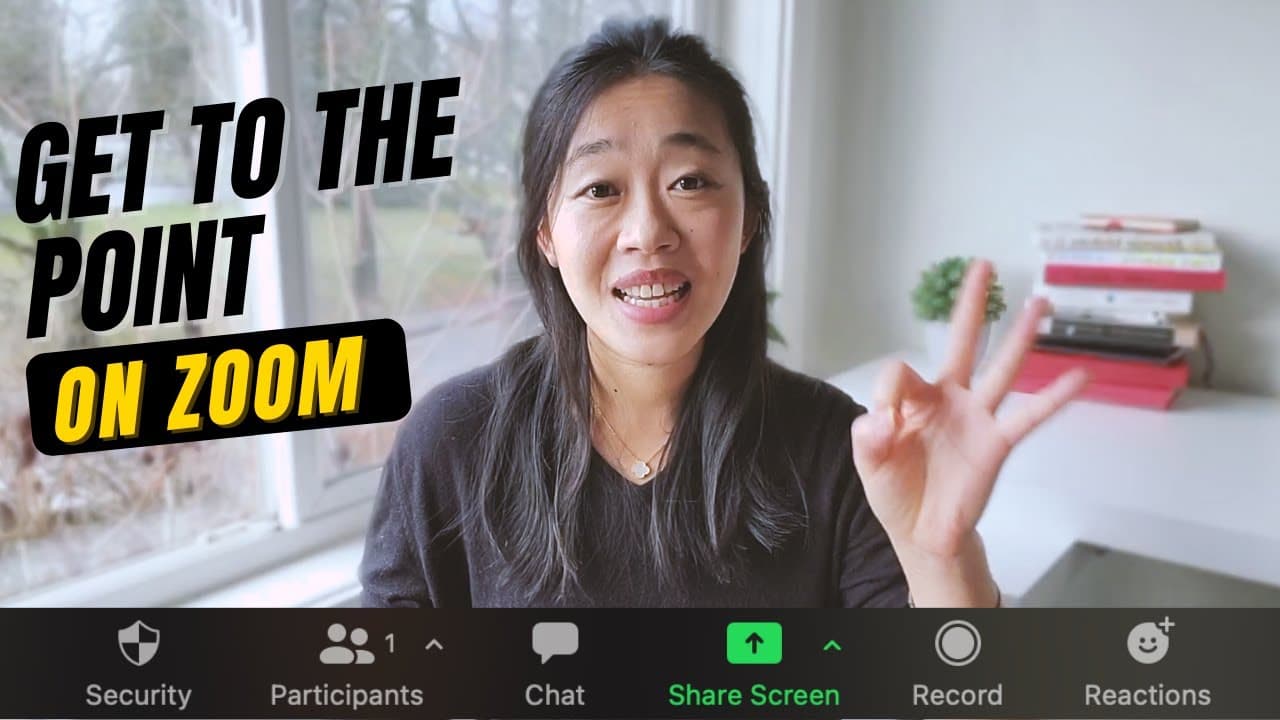
Learn how to overcome challenges like lack of eye contact and distractions in virtual presentations, and use techniques like resizing the Zoom window, using hand gestures, pauses, and names to command the room and speak confidently.
Transcript
Zoom meetings are hard. Bill Gates can't even keep the attention of Chris Anderson from TED Talks here. So let's talk about some frameworks and techniques for you to command the room in your Zoom meeting and speak with confidence. Hi there, it's Vicky! Welcome back to my channel. If you're new here, I talk about frameworks and mental models for cle... Read More
Key Insights
- 😃 Virtual presentations have unique challenges like the lack of eye contact and increased distractions.
- 📷 Techniques like resizing the Zoom window and using a photo behind the camera can create the illusion of eye contact.
- 🤗 Hand gestures are effective in capturing the audience's attention in virtual presentations.
- 🤩 Pauses not only break up the rhythm but also emphasize key points and allow the audience to process information.
- 👯 Using people's names in presentations demonstrates social confidence and encourages participation.
- 🗣️ Preparing ahead of time, practicing, and jotting down speaking points can help overcome discomfort in virtual speaking.
- 👣 Being proactive in guiding the conversation and bringing it back on track helps maintain focus in Zoom meetings.
Install to Summarize YouTube Videos and Get Transcripts
Explore YouTube Video Summarizer or Get YouTube Transcript Extractor
Questions & Answers
Q: How can you create the illusion of eye contact in a virtual presentation?
You can resize your Zoom window to have the person's video under the camera, or even place a photo of someone you want to connect with behind the camera. This helps you look in the right direction while presenting.
Q: Why are hand gestures important in virtual presentations?
Hand gestures are effective in capturing the audience's attention and engagement. Since people's eyes are drawn to movement on the screen, using hand gestures can help bring their focus back to you and your message.
Q: How can using pauses enhance virtual presentations?
Pauses break up the rhythm and make listeners pay attention. Awkward silences make people think that something has changed or they might miss something important. Pauses also emphasize key points and give the audience time to process the information.
Q: How does using people's names contribute to confident virtual speaking?
Using people's names demonstrates social confidence and shows that you are comfortable engaging with different individuals. It sets the tone for interactive discussions, inviting others to participate and making your presentation more engaging.
Summary & Key Takeaways
-
Speaking virtually presents challenges like the inability to make eye contact and increased distractions.
-
Techniques like resizing the Zoom window and using a photo behind the camera can help create the illusion of eye contact.
-
Hand gestures, pauses, and using people's names are effective techniques to engage the audience and project confidence in virtual presentations.
Read in Other Languages (beta)
Share This Summary 📚
Summarize YouTube Videos and Get Video Transcripts with 1-Click
Try YouTube Summary with ChatGPT & Claude or YouTube Transcript Generator
Explore More Summaries from Vicky Zhao [BEEAMP] 📚






Summarize YouTube Videos and Get Video Transcripts with 1-Click
Try YouTube Summary with ChatGPT & Claude or YouTube Transcript Generator