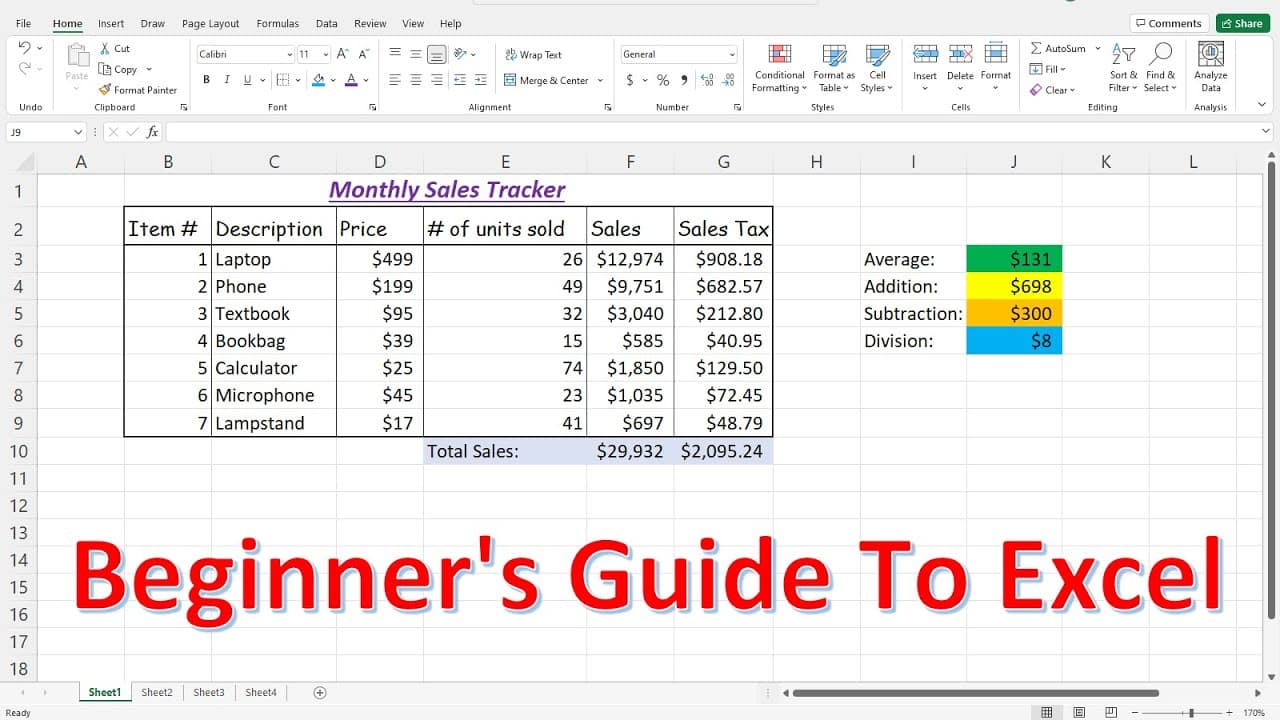
Beginner's Guide To Excel
TL;DR
Learn the basics of Excel, including templates, navigation, data input, formulas, and formatting to make your work easier.
Transcript
in this video we're going to talk about the basics of excel now one of the first things that you may want to explore are the templates that excel has available so if you go to left and if you click new you'll find some of these templates you have calendars monthly budgets balance sheet student schedules loan calculators an invoice tracker and so mu... Read More
Key Insights
- 🧡 Excel offers a wide range of templates, providing ready-made solutions for various tasks.
- 👻 Tabs and ribbons in Excel allow easy access to different features and tools.
- 🧡 Cells, ranges, and naming conventions help organize and reference data effectively.
- 🤨 Data input, resizing columns and rows, and inserting columns and rows are basic editing functions in Excel.
- 🔨 Formulas and functions are powerful tools for calculations, such as multiplication, addition, subtraction, division, and percentages.
- 👻 Formatting options in Excel allow customization of font, text formatting, and cell backgrounds.
- 🔂 Multiple worksheets can be created within a single Excel workbook.
Install to Summarize YouTube Videos and Get Transcripts
Explore YouTube Video Summarizer or Get YouTube Transcript Extractor
Questions & Answers
Q: How can I find different types of templates in Excel?
You can explore templates by clicking on "New" and using the search bar to find specific templates like budgets or loan calculators.
Q: How can I input data into an Excel workbook?
You can enter data by typing in cells and using the enter key. You can move across the workbook using arrow keys or navigate to specific cells using the name box.
Q: How can I resize columns and rows in Excel?
To adjust column width, click and hold the cursor on the column border and stretch it as needed. Rows can be resized similarly.
Q: How can I insert columns and rows in Excel?
To insert a column, right-click on a column next to which you want to insert a new column and select "Insert". The same applies to inserting rows.
Summary & Key Takeaways
-
Excel offers various templates, such as calendars, budgets, balance sheets, and more, to simplify your work.
-
The tabs in Excel include Home, Insert, Page Layout, Formulas, and more, with each tab containing different groups.
-
Columns go vertically, rows go horizontally, and the intersection of a column and row creates a cell. A group of cells is known as a range.
Read in Other Languages (beta)
Share This Summary 📚
Summarize YouTube Videos and Get Video Transcripts with 1-Click
Try YouTube Summary with ChatGPT & Claude or YouTube Transcript Generator
Explore More Summaries from The Organic Chemistry Tutor 📚



Summarize YouTube Videos and Get Video Transcripts with 1-Click
Try YouTube Summary with ChatGPT & Claude or YouTube Transcript Generator