How To Create Viral MONETIZABLE AI Animation Video - Full Course
TL;DR
Learn how to create engaging videos using AI tools for storytelling.
Transcript
okay so I created this short video using AI a long long time ago in Egypt there was a baby named Moses he was born at a time when things were hard for his people all baby boys from the Israelites must be taken away where's the baby bring him out right now I want him now I won't let that happen to my baby I have a brave plan I'll Place Moses among t... Read More
Key Insights
- 🎮 AI tools like ChatGPT and Adobe Firefly provide powerful means for creating visually appealing storytelling videos, even for beginners.
- 🤗 The ability to generate voiceovers and realistic animations opens up new possibilities for creators to engage audiences through diverse storytelling methods.
- 🎑 Consistency in character portrayal can enhance viewer immersion, making it crucial to refine character descriptions and image generation prompts across scenes.
- 💬 The video highlights the importance of community feedback, encouraging viewers to engage through likes and comments, thereby fostering a supportive environment for content creators.
- 🎮 Emphasizing the potential of AI, the video demonstrates that storytelling can transcend traditional barriers, providing more creative opportunities in various genres.
- 🫵 Video editing software like CapCut is essential for arranging clips, adding transitions, and ensuring fluid storytelling, crucial for maintaining viewer interest.
- 🥶 Users are encouraged to explore YouTube’s audio library for royalty-free music as part of their video production to avoid copyright issues while enhancing audio quality.
Install to Summarize YouTube Videos and Get Transcripts
Explore YouTube Video Summarizer or Get YouTube Transcript Extractor
Questions & Answers
Q: What are the main AI tools used in creating the storytelling video?
The main tools used include ChatGPT for script generation and character descriptions, Adobe Firefly for image generation, and 11 Labs for voiceover creation. These tools facilitate various stages of the storytelling process, from script writing to character visualization and audio narration.
Q: How can free users effectively utilize these AI tools, given their limitations?
Free users can benefit from the available features of tools like ChatGPT and Adobe Firefly, but they will need to be patient due to potential processing delays. Creative use of prompts and leveraging simpler tools, while being aware of the peak usage times can lead to better experiences with limited resources.
Q: What steps are involved in generating lip-synced videos?
For lip-syncing, users can upload their video and audio files to platforms like Sync Labs or Pika, select their preferred settings, and generate a synchronized video. Adjustments may be necessary to enhance quality, including blurring logos in post-production for a cleaner final product.
Q: What were some tips shared for improving animation quality?
Tips include ensuring character descriptions are detailed and specific when generating images, using consistent prompts, and taking advantage of lower traffic times when rendering animations. Additionally, enhancing image quality through scaling and applying effects during editing can significantly improve the final video output.
Summary & Key Takeaways
-
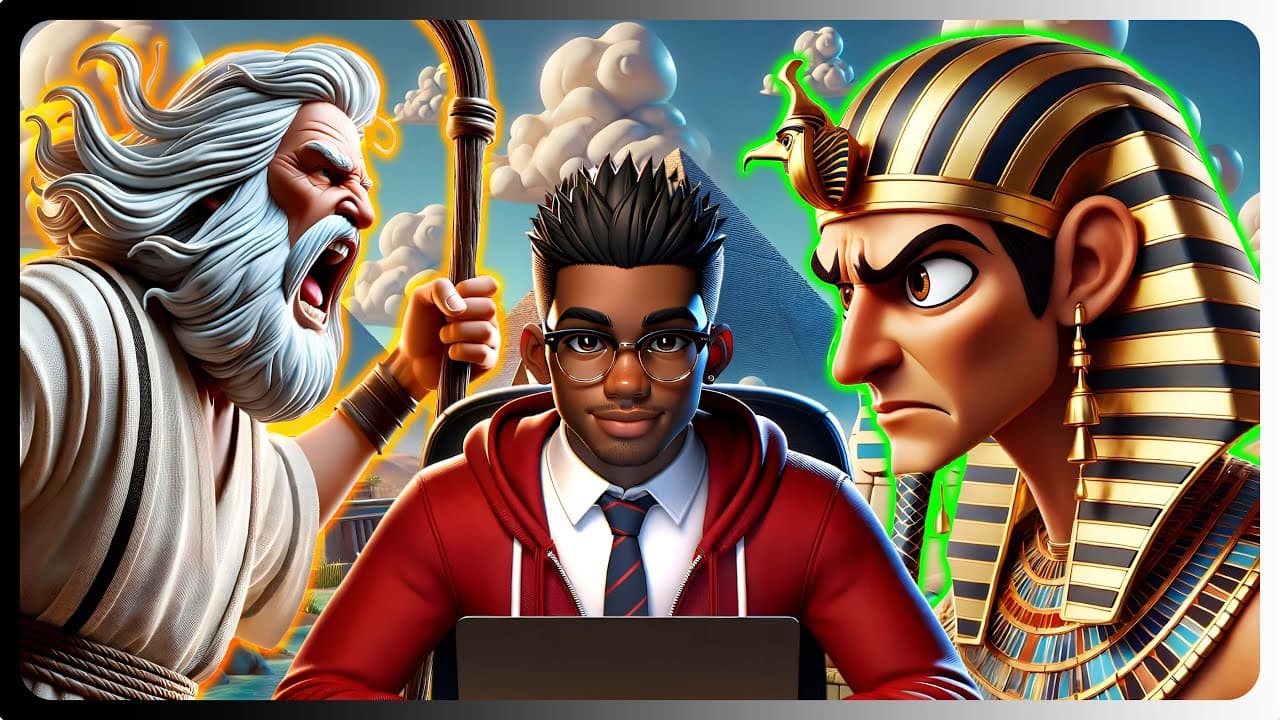
The video explores the use of AI tools to create engaging storytelling videos, taking inspiration from the biblical story of Moses. It demonstrates how to script, visualize characters, and generate images and voiceovers effectively with AI.
-
Viewers are guided through the process of using various AI tools, including character creation, animation, and lip-syncing, to produce high-quality storytelling videos, with tips for both free and paid users to optimize results.
-
The creator expresses gratitude for reaching 1,000 subscribers and encourages engagement while highlighting the potential of AI in storytelling across various genres beyond just Bible stories.
Read in Other Languages (beta)
Share This Summary 📚
Summarize YouTube Videos and Get Video Transcripts with 1-Click
Try YouTube Summary with ChatGPT & Claude or YouTube Transcript Generator
Explore More Summaries from aiTrends 📚
Summarize YouTube Videos and Get Video Transcripts with 1-Click
Try YouTube Summary with ChatGPT & Claude or YouTube Transcript Generator