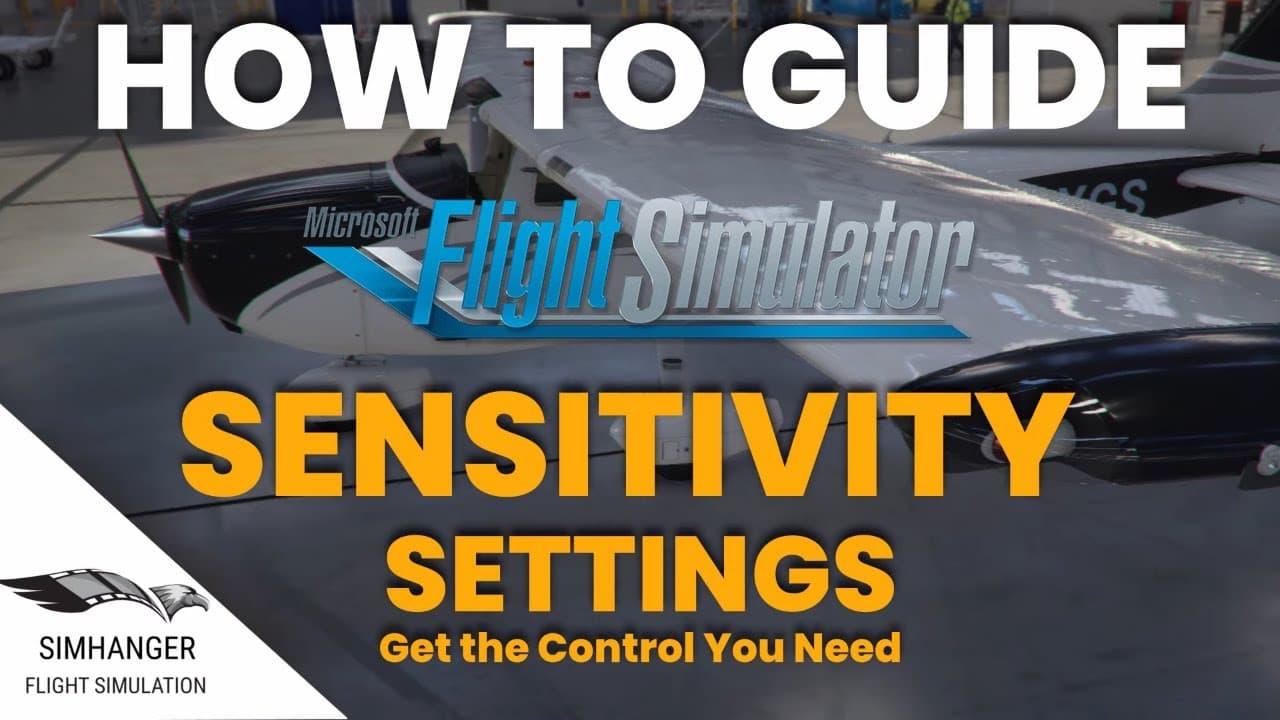
MSFS | Sensitivity Settings for Controllers | How To Guide | Get the control you need
TL;DR
Learn how to optimize your flight simulation experience by adjusting sensitivity settings for your controllers.
Transcript
so hello warm welcome to the sim hanger my name's mark the sim hanger for things flight sim related and welcome also to part 7 in my how to guide series a collection of videos designed to help you get the very best out of microsoft flight simulator i'll leave a link to the playlist in the notes below we all spend money on flight sim be that on pc h... Read More
Key Insights
- 🎮 Proper calibration of flight sim controllers in Windows is crucial for optimal performance and precise control.
- 👻 Sensitivity settings allow users to fine-tune controller responsiveness and tailor it to their preferences.
- 💀 Dead zones can eliminate unwanted noise or chatter from controllers, improving overall accuracy.
- 😐 Neutral settings should typically be kept at zero, but they can be adjusted if a controller has an offset center position.
- 🎮 Reactivity settings provide a realistic feel by simulating the delay between control inputs and aircraft response.
- 🎮 Each aircraft in the sim may require different sensitivity settings, so experimentation is necessary for optimal control.
- 🎮 Throttle quadrants and rudder pedals can also benefit from sensitivity adjustments to enhance control accuracy.
Install to Summarize YouTube Videos and Get Transcripts
Explore YouTube Video Summarizer or Get YouTube Transcript Extractor
Questions & Answers
Q: Why is it important to calibrate flight sim controllers in Windows?
Calibrating controllers in Windows ensures that they are functioning correctly and prevents potential issues with sensitivity and responsiveness in the sim.
Q: How do sensitivity settings impact controller behavior in flight sim?
Sensitivity settings determine the relationship between physical controller movement and corresponding movement in the sim. Adjusting these settings can make controls more responsive or refined.
Q: What are dead zones, and how do they improve controller accuracy?
Dead zones are set to prevent minor movements or chatter in the controller from affecting the sim. They create a threshold where slight movements are ignored, leading to smoother control input.
Q: What is the purpose of reactivity settings in flight sim controllers?
Reactivity settings mimic real-world aircraft characteristics by adding a dampening effect to controller inputs. This simulates the time it takes for an aircraft to respond to control inputs in real life.
Key Insights:
- Proper calibration of flight sim controllers in Windows is crucial for optimal performance and precise control.
- Sensitivity settings allow users to fine-tune controller responsiveness and tailor it to their preferences.
- Dead zones can eliminate unwanted noise or chatter from controllers, improving overall accuracy.
- Neutral settings should typically be kept at zero, but they can be adjusted if a controller has an offset center position.
- Reactivity settings provide a realistic feel by simulating the delay between control inputs and aircraft response.
- Each aircraft in the sim may require different sensitivity settings, so experimentation is necessary for optimal control.
- Throttle quadrants and rudder pedals can also benefit from sensitivity adjustments to enhance control accuracy.
- The reactivity settings can be buggy, so caution should be exercised when making changes.
Summary & Key Takeaways
-
Proper calibration of flight sim controllers is essential for a realistic experience.
-
Sensitivity settings can enhance controller responsiveness and make flying more precise.
-
Dead zones and neutral settings can help mitigate noise and offset center issues.
-
Reactivity settings mimic real-world aircraft characteristics and can be adjusted for different aircraft types.
Read in Other Languages (beta)
Share This Summary 📚
Summarize YouTube Videos and Get Video Transcripts with 1-Click
Try YouTube Summary with ChatGPT & Claude or YouTube Transcript Generator
Explore More Summaries from SimHanger Flight Simulation 📚



Summarize YouTube Videos and Get Video Transcripts with 1-Click
Try YouTube Summary with ChatGPT & Claude or YouTube Transcript Generator