How to Validate PDF Signatures in Adobe Reader
TL;DR
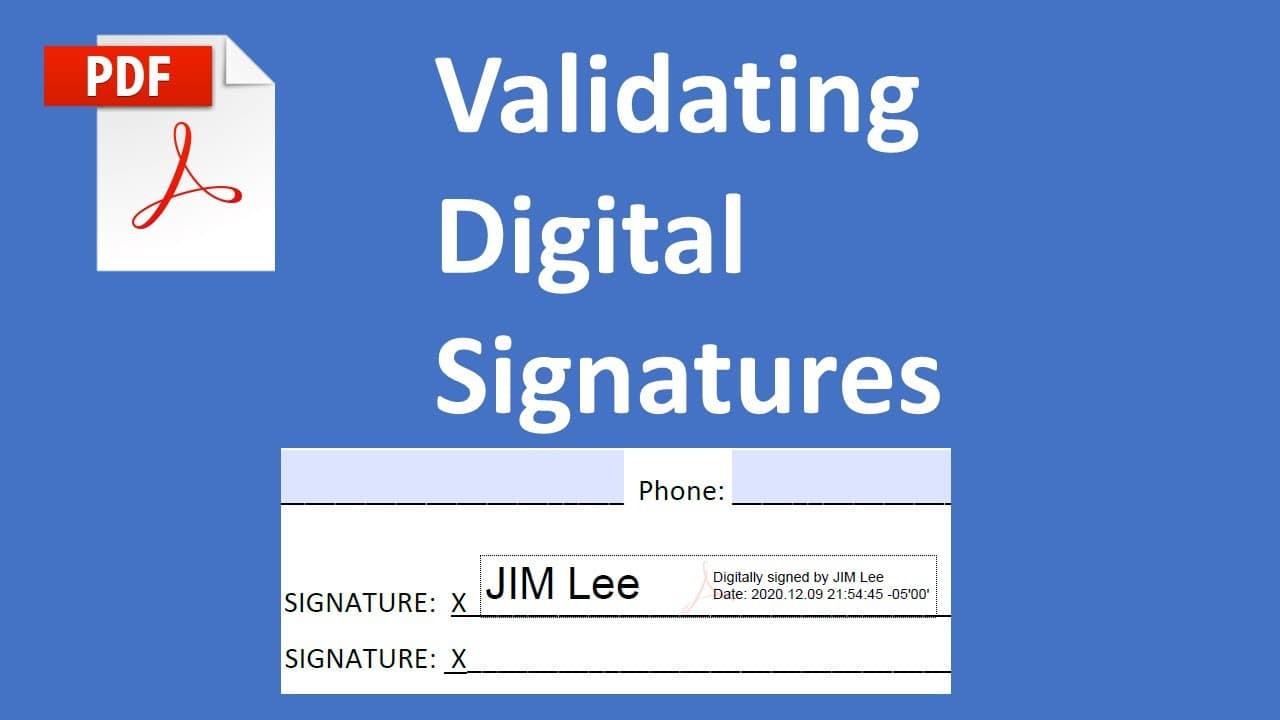
To validate a PDF signature in Adobe Reader, click the signature and select 'Signature Properties,' then go to 'Advanced Properties' to view details. Add the signature to your trust certificate, and future documents signed by the same individual will be automatically validated. Always verify the signer's identity before adding them to your trust list for enhanced security.
Transcript
so this time we'll talk about how to validate pdf document signature so when we have a pdf has a singular part someone already signed you need validated so when you move your mouse to the signature click it it will set a signature validate is unknown so in this case you can click signature properties then go to advanced properties you will see it's... Read More
Key Insights
- 📜 Validating PDF signatures is crucial to ensure document authenticity and prevent fraud.
- 👤 Users can easily access signature properties by clicking on the signature in Adobe Reader.
- 🤘 Once trust certificates are added for a signer, it simplifies future validations for documents signed by that individual.
- 👂 It is essential to verify the identity of the signer before adding their signature to your trust list.
- 👶 The validation process involves comparing the new signature to previously saved signature data on your computer.
- 📜 Regularly confirming the signer's identity can reinforce security in document handling.
- 🔨 Adobe Reader provides tools to manage and monitor signature validity conveniently.
Install to Summarize YouTube Videos and Get Transcripts
Explore YouTube Video Summarizer or Get YouTube Transcript Extractor
Questions & Answers
Q: What is the first step in validating a PDF signature using Adobe Reader?
The first step in validating a PDF signature is to navigate to the signature area within the document. Once you find the signature, clicking on it will initiate the validation process, prompting you to check its status. If the status shows as "unknown," it indicates that further verification through signature properties is necessary to confirm its legitimacy.
Q: How can I access the signature properties in Adobe Reader?
To access the signature properties, click on the signature area in the PDF document. This action should display a pop-up with options related to the signature. From there, select "Signature Properties," and then navigate to "Advanced Properties." This will allow you to view detailed information about the signature, including its origin and certificate status.
Q: What is the significance of adding a signature to the trust certificate?
Adding a signature to the trust certificate allows your computer to recognize and automatically validate that specific signer in future documents. This means that once you confirm the authenticity of a signed document and add its signature to the trust list, any subsequent documents signed by the same individual will be validated without needing to go through the manual verification process again.
Q: What should I do if the signature appears invalid?
If the signature appears invalid, it’s essential to investigate further. Ensure that you have the proper trust certificates installed, and confirm with the signer that they indeed sent the document. If necessary, try updating your Adobe Reader or reinstalling any required trust certificates to resolve the issue.
Summary & Key Takeaways
-
The content explains the steps to validate a signature in a PDF document using Adobe Reader, emphasizing the importance of signature verification.
-
It instructs users on accessing signature properties and trust certificates, ensuring that signed documents are authentic and accurate.
-
By following the outlined procedures, users can streamline their process for accepting digitally signed documents in the future.
Read in Other Languages (beta)
Share This Summary 📚
Summarize YouTube Videos and Get Video Transcripts with 1-Click
Try YouTube Summary with ChatGPT & Claude or YouTube Transcript Generator
Explore More Summaries from E Micro Tech 📚

Summarize YouTube Videos and Get Video Transcripts with 1-Click
Try YouTube Summary with ChatGPT & Claude or YouTube Transcript Generator