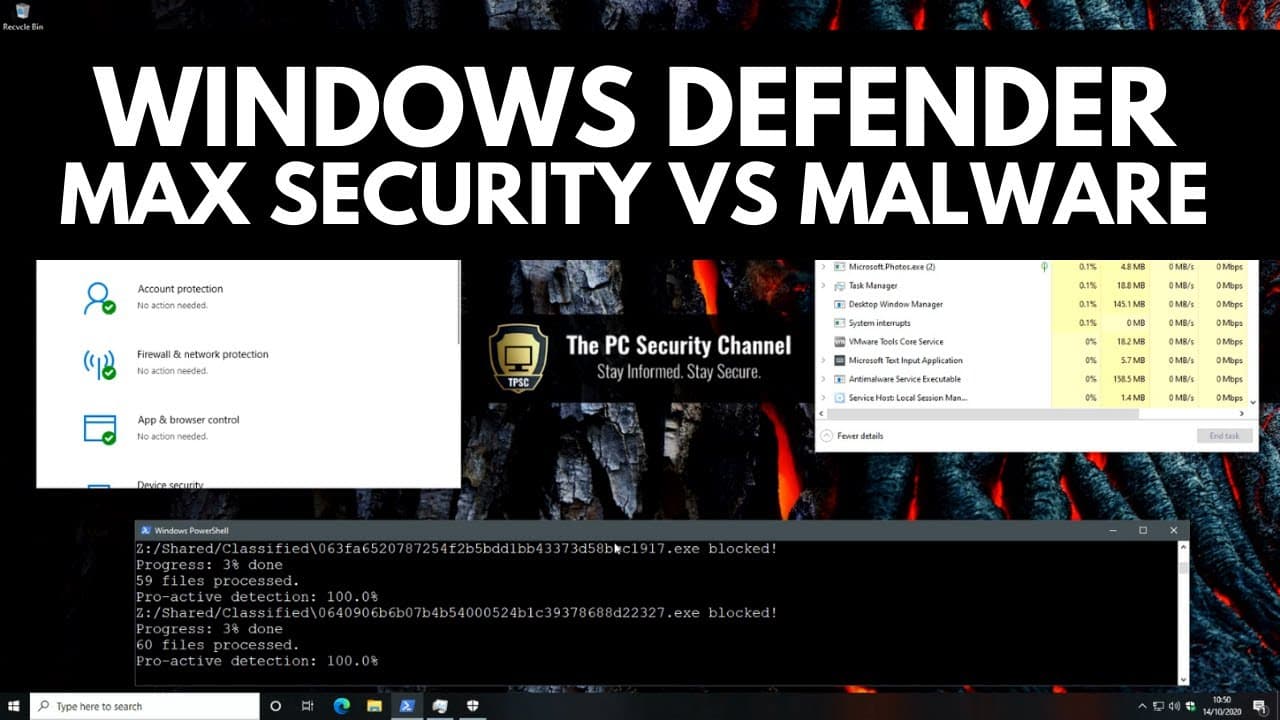
Windows Defender Maximum Security vs Malware
TL;DR
Testing Windows Defender's maximum security configuration and its usability for high sensitivity environments.
Transcript
hello and welcome to the pc security channel while we've tested windows defender several times in the past with varying results it has usually been with default settings or with slight modifications so today we're going to see how it does with its absolute maximum security configuration this video is sponsored by chasm a web service that allows you... Read More
Key Insights
- 🎚️ Windows Defender's maximum security configuration provides an extreme level of protection for sensitive environments.
- 😶🌫️ Advanced settings such as behavioral monitoring, cloud protection, and controlled folder access enhance the security capabilities of Windows Defender.
- 👊 Usability can be maintained by adding exclusions and whitelisting certain locations in attack surface reduction.
- 👥 Configure Defender is a convenient tool for modifying Windows Defender's settings without accessing group policy.
- ♿ Windows 10 Pro and Enterprise editions are recommended for accessing all advanced settings in Windows Defender.
- 😫 Chasm provides a web service for setting up secure and disposable Linux workstations, offering an alternative to Windows for secure browsing and privacy.
- ☠️ Windows Defender's maximum security configuration can effectively block and detect malware with a proactive detection rate of 100% in the video's test.
- 🚚 Further tests could explore the performance of Windows Defender against different delivery methods and exploit scenarios.
Install to Summarize YouTube Videos and Get Transcripts
Explore YouTube Video Summarizer or Get YouTube Transcript Extractor
Questions & Answers
Q: What tool is used to configure Windows Defender's advanced settings?
The tool used in the video is called Configure Defender, which enables users to set advanced settings for Windows Defender that are normally accessible through group policy.
Q: Is the maximum security configuration of Windows Defender suitable for home users?
The maximum security configuration may interfere with other applications and make it difficult to launch games, so it is not recommended for home users. However, it may be ideal for enterprise or limited-purpose environments.
Q: Can Windows Defender detect and block potentially unwanted applications (PUAs)?
Yes, with the maximum security configuration, Windows Defender can detect and block potentially unwanted applications, providing an extra layer of protection against unwanted software.
Q: How does Windows Defender handle ransomware attacks?
Windows Defender with the maximum security configuration can quickly detect and block ransomware attacks, minimizing the risk of file encryption and data loss.
Summary & Key Takeaways
-
The video explores the maximum security configuration of Windows Defender using a tool called Configure Defender.
-
By enabling advanced settings such as behavioral monitoring, cloud delivered protection, exploit guard, and controlled folder access, Windows Defender can be locked down for maximum security.
-
The video demonstrates the effectiveness of the configuration by testing it against real-world malware and evaluating its usability for browsing and installing third-party applications.
Read in Other Languages (beta)
Share This Summary 📚
Summarize YouTube Videos and Get Video Transcripts with 1-Click
Try YouTube Summary with ChatGPT & Claude or YouTube Transcript Generator
Explore More Summaries from The PC Security Channel 📚






Summarize YouTube Videos and Get Video Transcripts with 1-Click
Try YouTube Summary with ChatGPT & Claude or YouTube Transcript Generator