BUSI 2305 Chapter 6 Homework
TL;DR
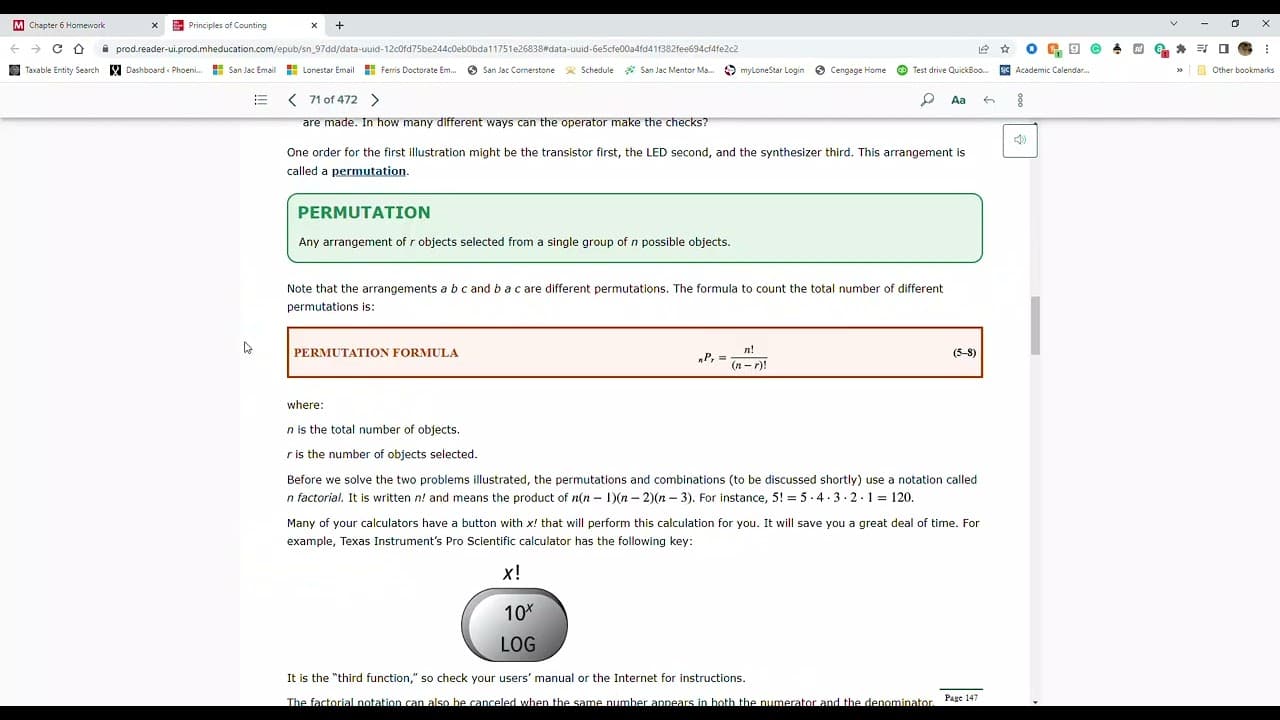
Excel tutorial on how to calculate mean, variance, and probabilities using binomial and Poisson distributions.
Transcript
hello and welcome to chapter six homework for anyone that wants to watch this is your host professor naragon coming back at you too go over the homework with y'all and making sure that y'all understand what's going on also bringing you in some tips and tricks using excel so if you're ready brave adventurers let's go ahead and get started so for que... Read More
Key Insights
- 🔨 Excel is a useful tool for calculating probabilities, mean, and variance of probability distributions.
- ❓ The "binom.dist" function in Excel can be used to calculate probabilities using binomial distribution.
- ❓ The "poisson.dist" function in Excel can be used to calculate probabilities using Poisson distribution.
- ❓ Understanding the formulas for calculating mean and variance is crucial for accurate calculations.
- ❓ Proper setup of formulas in Excel, including using absolute and relative references, is important for efficient calculations.
- 🛝 Rounding and checking calculations to the desired decimal places is necessary for accurate results.
- 🧡 Excel provides a wide range of statistical and mathematical functions, making it a powerful tool for probability analysis.
Install to Summarize YouTube Videos and Get Transcripts
Explore YouTube Video Summarizer or Get YouTube Transcript Extractor
Questions & Answers
Q: How do you calculate mean and variance of a probability distribution using Excel?
To calculate the mean, you multiply each value by its corresponding probability, then sum the results. For variance, you subtract the mean from each value, square the result, multiply by the probability, and sum the results.
Q: How do you calculate probabilities using binomial distribution in Excel?
Use the "binom.dist" function in Excel, inputting the desired number of successes, total trials, and the probability of success. The function will return the probability of that exact number of successes.
Q: How do you calculate probabilities using Poisson distribution in Excel?
Use the "poisson.dist" function in Excel, inputting the desired number of events, the mean, and whether the distribution is cumulative or not. The function will return the probability of that exact number of events.
Q: What is the formula for calculating mean and variance of a probability distribution?
The mean is calculated by multiplying each value by its probability and summing the results. Variance is calculated by subtracting the mean from each value, squaring the result, multiplying by the probability, and summing the results.
Q: How do you calculate probabilities for at least or less than a certain number using Excel?
To calculate the probability for at least a certain number, use the sum of probabilities for that number and all greater numbers. To calculate the probability for less than a certain number, use the sum of probabilities for that number and all smaller numbers.
Key Insights:
- Excel is a useful tool for calculating probabilities, mean, and variance of probability distributions.
- The "binom.dist" function in Excel can be used to calculate probabilities using binomial distribution.
- The "poisson.dist" function in Excel can be used to calculate probabilities using Poisson distribution.
- Understanding the formulas for calculating mean and variance is crucial for accurate calculations.
- Proper setup of formulas in Excel, including using absolute and relative references, is important for efficient calculations.
- Rounding and checking calculations to the desired decimal places is necessary for accurate results.
- Excel provides a wide range of statistical and mathematical functions, making it a powerful tool for probability analysis.
- The tutorial in the provided content demonstrates step-by-step instructions for using Excel to calculate probabilities, mean, and variance.
Summary & Key Takeaways
-
The content covers a tutorial on using Excel to calculate mean and variance of probability distributions.
-
It demonstrates how to calculate probabilities using binomial and Poisson distributions.
-
The tutorial includes step-by-step instructions on setting up formulas in Excel and provides examples for each calculation.
Read in Other Languages (beta)
Share This Summary 📚
Summarize YouTube Videos and Get Video Transcripts with 1-Click
Try YouTube Summary with ChatGPT & Claude or YouTube Transcript Generator
Explore More Summaries from Professor Narragon 📚
Summarize YouTube Videos and Get Video Transcripts with 1-Click
Try YouTube Summary with ChatGPT & Claude or YouTube Transcript Generator