Products
Features
YouTube Video Summarizer
Summarize YouTube videos
Web & PDF Highlighter
Highlight web pages & PDFs
Chat with PDF
Ask any PDF questions with AI
Ask AI Clone
Chat with your highlights & memories
Audio Transcriber
Transcribe audio files to text
Glasp Reader
Read and highlight articles
Kindle Highlight Export
Export your Kindle highlights
Idea Hatch
Hatch ideas from your highlights
Integrations
Obsidian Plugin
Notion Integration
Pocket Integration
Instapaper Integration
Medium Integration
Readwise Integration
Snipd Integration
Hypothesis Integration
Apps & Extensions
Chrome Extension
Safari Extension
Edge Add-ons
Firefox Add-ons
iOS App
Android App
Discover
Discover
Ideas
Discover new ideas and insights
Articles
Curated articles and insights
Books
Book recommendations by great minds
Posts
Essays and notes from readers
Quotes
Inspiring quotes collection
Videos
Curated videos and summaries
Explore Glasp
Glasp Story
How we grew from 0 to 3 million users
Glasp Newsletter
Weekly insights and updates
Glasp Talk
Interview series with great minds
Glasp Blog
Latest news and articles
Glasp Use Cases
Learn how others use Glasp
Build & Support
Glasp API
Access Glasp's API for developers
MCP Connector
Connect Glasp to Claude & ChatGPT
Community
Glasp Reddit Community
Students
Student discount and benefits
FAQs
Frequently Asked Questions
AboutPricing
DashboardLog inSign up

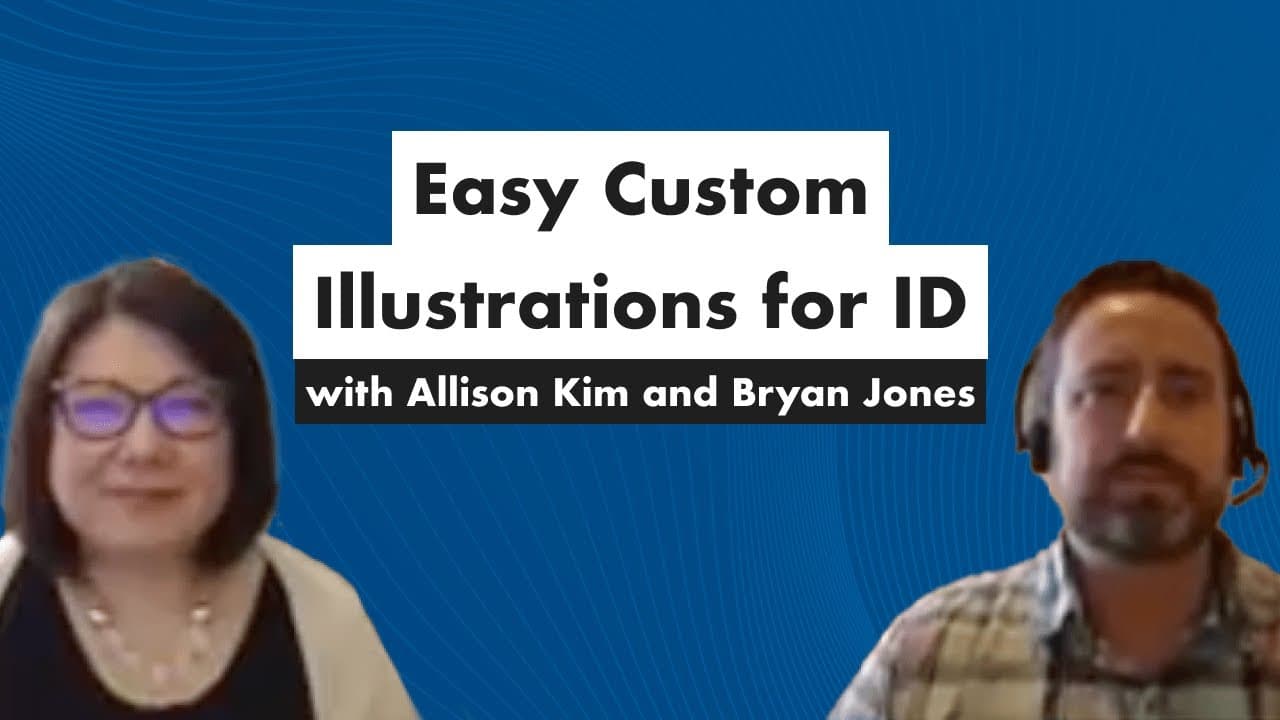
Easy Custom Illustrations for Instructional Designers
3.0K views
•
July 29, 2022
by
Devlin Peck
YouTube video player
Easy Custom Illustrations for Instructional Designers

TL;DR

Create custom illustrations easily for e-learning projects with SVG graphics and edit points in PowerPoint.

Transcript

hey danielle hey james hey everyone looks like we're all connected uh so welcome to the session we are here today with brian jones and alison kim hello hello hello we're diving into how to create easy custom illustrations for your e-learning projects and beyond you can use them for non-e-learning things too but brian jones founded e-learning art wh... Read More

Key Insights

  • 🥰 E-learning art offers a library of illustrations that can be easily customized for specific e-learning projects.
  • 🧘 PowerPoint provides powerful editing tools like ungrouping, edit points, and edit shapes to modify illustrations effectively.
  • 🥰 Custom illustrations can be created for diverse characters, specific scenarios, and unique poses using e-learning art and PowerPoint.
  • 😑 Enhanced customization options, such as changing outfits, expressions, and backgrounds, enable instructional designers to create engaging and tailored illustrations.

Install to Summarize YouTube Videos and Get Transcripts

Explore YouTube Video Summarizer or Get YouTube Transcript Extractor

Questions & Answers

Q: How can e-learning art help instructional designers create custom illustrations?

E-learning art provides a library of illustrations that can be ungrouped and modified to suit specific needs, making it easy to create custom graphics.

Q: What are some common challenges faced by instructional designers when sourcing graphics for e-learning projects?

Sourcing graphics for specific scenarios, diverse characters, and unique poses can be challenging. E-learning art offers a solution to these challenges with its customizable illustrations.

Q: How can PowerPoint be used to manipulate illustrations for e-learning projects?

PowerPoint allows users to ungroup and edit SVG graphics, enabling modifications such as changing outfits, expressions, poses, and more to create custom illustrations.

Q: In what ways can graphic elements be modified using edit points in PowerPoint?

Edit points in PowerPoint allow users to adjust shapes, curves, and angles of graphic elements, facilitating customization of illustrations like changing outfits, poses, and expressions.

Summary & Key Takeaways

  • Brian Jones and Alison Kim demonstrate how to customize illustrations in e-learning.

  • Learn how to use e-learning art and edit existing graphics to create unique illustrations.

  • Explore techniques to modify poses, outfits, expressions, backgrounds, and more with ease.


Read in Other Languages (beta)

English

Share This Summary 📚

Summarize YouTube Videos and Get Video Transcripts with 1-Click

Download browser extensions on:

Try YouTube Summary with ChatGPT & Claude or YouTube Transcript Generator

Explore More Summaries from Devlin Peck 📚

How to Land a Six-Figure Instructional Design Job thumbnail
How to Land a Six-Figure Instructional Design Job
Devlin Peck
How to Measure Duration with xAPI - Live Workshop thumbnail
How to Measure Duration with xAPI - Live Workshop
Devlin Peck
How Is AI Transforming Instructional Design Today? thumbnail
How Is AI Transforming Instructional Design Today?
Devlin Peck
How to Create a Music Player in Articulate Storyline, Part 2 thumbnail
How to Create a Music Player in Articulate Storyline, Part 2
Devlin Peck
Instructional Designer vs  eLearning Developer thumbnail
Instructional Designer vs eLearning Developer
Devlin Peck
eLearning Portfolio Review - Episode 7 thumbnail
eLearning Portfolio Review - Episode 7
Devlin Peck

Summarize YouTube Videos and Get Video Transcripts with 1-Click

Download browser extensions on:

Try YouTube Summary with ChatGPT & Claude or YouTube Transcript Generator

Apps & Extensions

  • Chrome Extension
  • Safari Extension
  • Edge Add-ons
  • Firefox Add-ons
  • iOS App
  • Android App

Key Features

  • YouTube Video Summarizer
  • Web & PDF Summarizer
  • Web & PDF Highlighter
  • Chat with PDF
  • Ask AI Clone
  • Audio Transcriber
  • Glasp Reader
  • Kindle Highlight Export
  • Idea Hatch

Integrations

  • Obsidian Plugin
  • Notion Integration
  • Pocket Integration
  • Instapaper Integration
  • Medium Integration
  • Readwise Integration
  • Snipd Integration
  • Hypothesis Integration

More Features

  • APIs
  • MCP Connector
  • Blog & Post
  • Embed Links
  • Image Highlight
  • Personality Test
  • Quote Shots
  • Open Graph Checker

Company

  • About us
  • Our Story
  • Blog
  • Community
  • FAQs
  • Job Board
  • Newsletter
  • Pricing
Terms

•

Privacy

•

Guidelines

© 2026 Glasp Inc. All rights reserved.



