2021 Workstation Setup
TL;DR
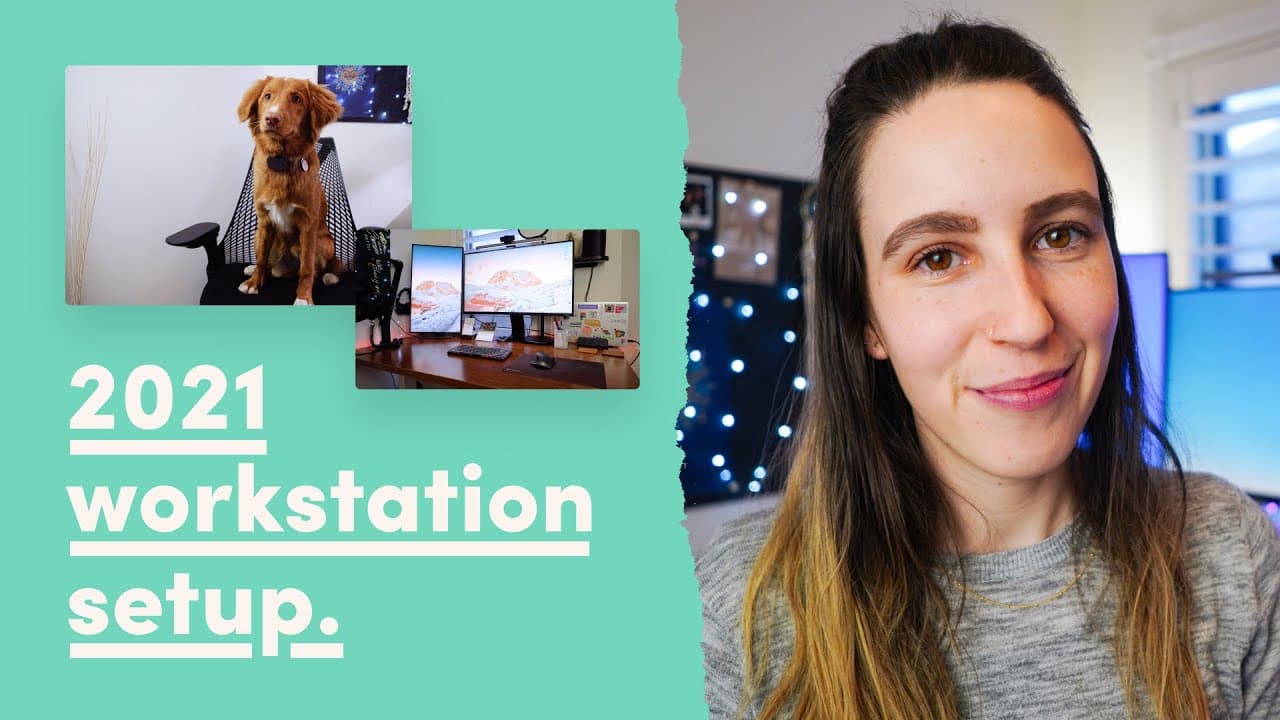
A year into remote work, key upgrades to my home office setup for improved comfort and productivity.
Transcript
it's been about a year since i started working from home temporarily and it was back in i think april 2020 when i did a video all about my temporary workstation setup i showed you my desk my monitor all the gear i was using to temporarily work from home well we know how that ended up i've been working from home temporarily now for about a year and ... Read More
Key Insights
- 💦 The transition to a long-term work-from-home setup has resulted in significant upgrades to both hardware and furniture, ensuring a more efficient workspace.
- 🧑🏭 The Herman Miller sit-to-stand desk improves posture and productivity, crucial factors for those working extended hours.
- ❣️ Ergonomic accessories, including anti-fatigue mats and supportive chairs, contribute to greater comfort and well-being during remote work.
- 🎚️ Dual monitors facilitate multitasking, expanding the digital workspace and enhancing productivity levels.
- 🅰️ A mechanical keyboard not only improves typing comfort but also offers a satisfying tactile experience that can boost typing speed.
- 👋 Quality lighting is essential for video calls; good lighting enhances appearance and can positively influence meeting dynamics.
- 🧍 Maintaining an organized workspace with equipment like laptop stands can significantly increase efficiency and reduce visual clutter.
Install to Summarize YouTube Videos and Get Transcripts
Explore YouTube Video Summarizer or Get YouTube Transcript Extractor
Questions & Answers
Q: What changes have you made to your home office since 2020?
Since 2020, I have upgraded from a basic workstation to a more permanent setup with a Herman Miller Nevi sit-to-stand desk, ergonomic chair, and dual monitors to enhance comfort during long work hours. The improvements focus on maintaining productivity while reducing fatigue.
Q: How has the sit-to-stand desk improved your work experience?
The Herman Miller Nevi sit-to-stand desk has provided customizable height settings, allowing me to transition between sitting and standing throughout the day. This flexibility keeps my energy levels up and helps alleviate discomfort associated with prolonged sitting.
Q: What accessories have you found essential for your setup?
Key accessories include an anti-fatigue mat to relieve pressure on my feet and a mechanical keyboard for better typing comfort. The Elgato Key Light and Ben Q screen bar help enhance visibility during video calls and provide ambient light that improves the workspace environment.
Q: Are there specific brands or products you would recommend for audio and visual needs?
I recommend the Blue Yeti microphone for its quality sound and reliability and the Logitech C920 webcam for excellent video output. Both products have served me well during podcasts, live streams, and Zoom meetings, enhancing my overall communication experience.
Summary & Key Takeaways
-
Since April 2020, the speaker has transitioned from a temporary home office setup to a more permanent workstation, acquiring new equipment for enhanced comfort and productivity.
-
Upgrades include a Herman Miller Nevi sit-to-stand desk, anti-fatigue mat, Herman Miller chair, and an array of essential tech gear for streaming and calls.
-
The current setup features dual monitors, a mechanical keyboard, and improved lighting, showcasing a blend of functionality, aesthetics, and ergonomics.
Read in Other Languages (beta)
Share This Summary 📚
Summarize YouTube Videos and Get Video Transcripts with 1-Click
Try YouTube Summary with ChatGPT & Claude or YouTube Transcript Generator
Explore More Summaries from femke.design 📚


Summarize YouTube Videos and Get Video Transcripts with 1-Click
Try YouTube Summary with ChatGPT & Claude or YouTube Transcript Generator