How to Get Started with OpenCV in Python for Beginners
TL;DR
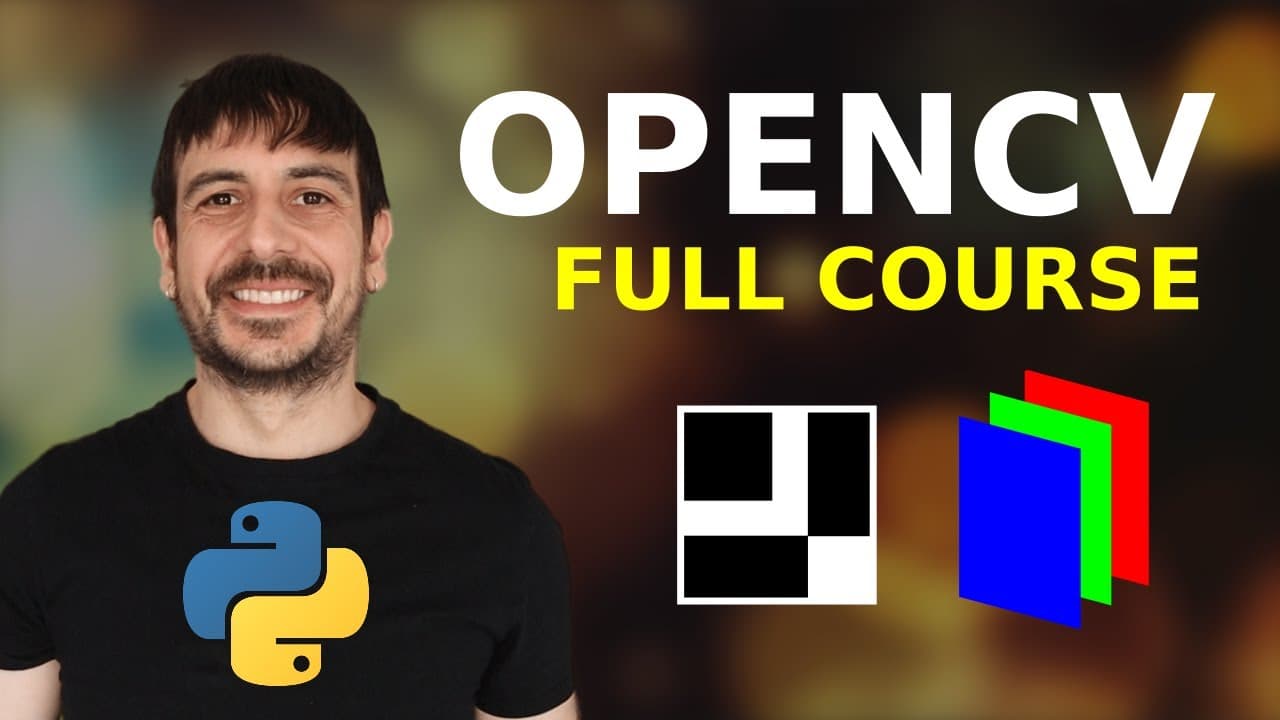
To get started with OpenCV in Python, first understand that images are represented as NumPy arrays. Learn to read, display, and manipulate images through basic operations like resizing and cropping, as well as more advanced techniques like color space transformations and image thresholding.
Transcript
hey my name is Felipe and welcome to this three hour course on opencv with python this is going to be an amazing course we are going to start talking about what exactly are images in opencv then I'm going to show you how to read an image or a video from your computer then I'm going to talk about some basic operations like groping and resizing and t... Read More
Key Insights
- 💁 Image thresholding is a technique used to convert images into a binary format.
- 🅰️ OpenCV provides two types of thresholding: simple thresholding and adaptive thresholding.
- 😒 Simple thresholding uses a fixed threshold value to convert the image into a binary image.
- 🛩️ Adaptive thresholding calculates a threshold value for each pixel based on a small neighborhood.
Install to Summarize YouTube Videos and Get Transcripts
Explore YouTube Video Summarizer or Get YouTube Transcript Extractor
Questions & Answers
Q: What is image thresholding?
Image thresholding is a technique used to convert images into a binary format, where each pixel is either completely black or completely white, depending on the specified threshold value.
Q: What is the difference between simple thresholding and adaptive thresholding?
Simple thresholding converts the image into a binary image using a fixed threshold value, while adaptive thresholding calculates a threshold value for each pixel based on a small neighborhood of pixels.
Q: How can image thresholding be helpful in image processing?
Image thresholding is commonly used for tasks such as object segmentation, edge detection, and noise removal. It helps separate objects from their background, highlight certain features, and simplify image analysis tasks.
Q: What is the role of OpenCV in image thresholding?
OpenCV is a popular library used for image processing and computer vision tasks. It provides various functions and algorithms to perform image thresholding, making it easier to implement and experiment with different thresholding techniques.
Key Insights:
- Image thresholding is a technique used to convert images into a binary format.
- OpenCV provides two types of thresholding: simple thresholding and adaptive thresholding.
- Simple thresholding uses a fixed threshold value to convert the image into a binary image.
- Adaptive thresholding calculates a threshold value for each pixel based on a small neighborhood.
- Image thresholding has various applications in image segmentation, edge detection, and noise removal.
Summary & Key Takeaways
-
Image thresholding is a technique used to convert images into binary format, where each pixel is either completely black or completely white.
-
OpenCV provides two types of thresholding: simple thresholding and adaptive thresholding.
-
Simple thresholding converts the image into a binary image using a fixed threshold value, while adaptive thresholding calculates a threshold value for each pixel based on a small neighborhood of pixels.
Read in Other Languages (beta)
Share This Summary 📚
Summarize YouTube Videos and Get Video Transcripts with 1-Click
Try YouTube Summary with ChatGPT & Claude or YouTube Transcript Generator
Explore More Summaries from Computer vision engineer 📚


Summarize YouTube Videos and Get Video Transcripts with 1-Click
Try YouTube Summary with ChatGPT & Claude or YouTube Transcript Generator