No Money to START KDP? 12 Free Tools to Help PUBLISH Your Books!
TL;DR
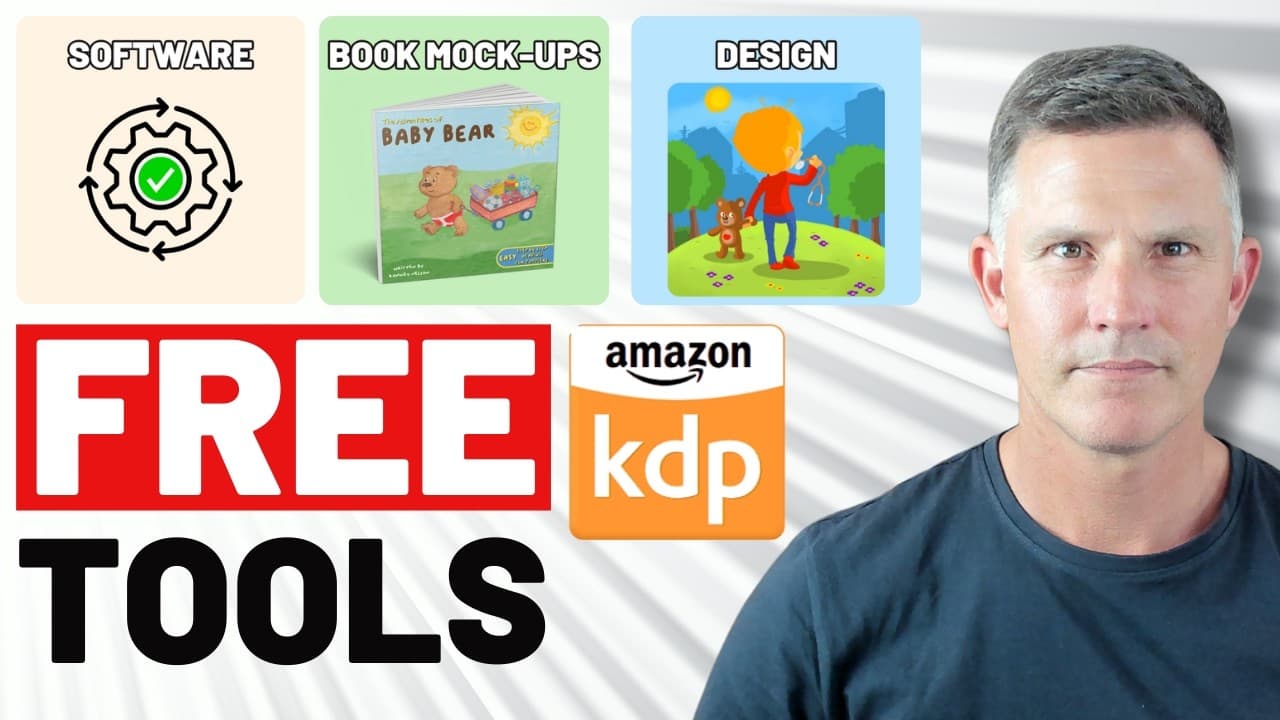
Discover 12 free tools for starting Amazon KDP publishing.
Transcript
the great thing about self-publishing is you can really start with zero investment that means that there's uh no risk that you're actually taking to check out if self-publishing is something that you want to pursue as a hobby small business a startup therefore what I'm going to show you are 12 great tools free tools that you can use to get yourself... Read More
Key Insights
- Self-publishing can begin with zero investment, reducing financial risk while exploring the business model.
- Bookbrush offers free mock book cover images for marketing, providing various design options for different book types.
- Canva is a versatile tool for creating book covers and other marketing materials, with both free and paid options.
- Data Chef converts images to line drawings for coloring books, offering a free and easy-to-use platform.
- Kindler's book description generator formats Amazon KDP descriptions, enhancing presentation with HTML code.
- KDP's book cover template generator helps create accurate dimensions for book covers, preventing rejections.
- Combine PDF merges multiple PDF files, simplifying document management for manuscripts and other content.
- Kindlepreneur's royalty calculator estimates earnings from book sales, aiding financial planning for authors.
Install to Summarize YouTube Videos and Get Transcripts
Explore YouTube Video Summarizer or Get YouTube Transcript Extractor
Questions & Answers
Q: What is the main advantage of starting self-publishing with zero investment?
The main advantage of starting self-publishing with zero investment is the reduced financial risk. Aspiring authors can explore the self-publishing model without committing significant funds, allowing them to assess its suitability as a hobby, small business, or startup. This approach encourages experimentation and learning without the pressure of financial loss, making it an attractive option for beginners.
Q: How does Bookbrush help authors in their publishing journey?
Bookbrush assists authors by providing a platform for creating free mock book cover images. It offers various design options, including 3D and different orientations, which can be used for marketing and advertising. By using Bookbrush, authors can visualize and present their books professionally, enhancing their promotional efforts without incurring costs. This tool is particularly useful for authors looking to create eye-catching visuals for their books.
Q: What features does Canva offer for self-publishing authors?
Canva offers a wide range of features for self-publishing authors, including tools for designing book covers, marketing materials, and other visual content. With both free and paid options, Canva allows users to create custom designs using templates, elements, and images. It supports various formats and sizes, making it suitable for different publishing needs. Canva's user-friendly interface and versatility make it a popular choice for authors seeking to enhance their book's visual appeal.
Q: How can the Kindler book description generator improve book listings on Amazon KDP?
The Kindler book description generator improves book listings on Amazon KDP by formatting descriptions using HTML code. It allows authors to create visually appealing descriptions with bold text, bullet lists, and other formatting options. This enhances the presentation of book listings, making them more attractive to potential buyers. Additionally, the tool offers AI-generated suggestions for improving descriptions, further optimizing listings for better engagement and sales.
Q: What is the purpose of the KDP book cover template generator?
The purpose of the KDP book cover template generator is to help authors create book covers with accurate dimensions for Amazon KDP. By inputting details such as trim size, page count, and paper type, authors receive a template that ensures their cover meets KDP's specifications. This tool prevents rejections due to incorrect sizing, streamlining the publishing process. Authors can use the template with design tools like Canva to produce compliant and professional covers.
Q: How does Combine PDF simplify the self-publishing process?
Combine PDF simplifies the self-publishing process by allowing authors to merge multiple PDF files into a single document. This is particularly useful when dealing with manuscripts or other content that exceeds the page limits of design software like Canva. By combining files, authors can manage their documents more efficiently, reducing the complexity of handling multiple files. This tool also supports conversions between different formats, offering flexibility in document management.
Q: What insights can authors gain from the Kindlepreneur royalty calculator?
The Kindlepreneur royalty calculator provides authors with insights into their potential earnings from book sales. By inputting details such as book type, price, and page count, authors can estimate their royalties and overall earnings. This tool helps with financial planning, allowing authors to set realistic expectations and make informed decisions about pricing and marketing strategies. Understanding potential earnings is crucial for authors aiming to achieve financial success in self-publishing.
Q: What resources does Global Self-Publishing offer for new authors?
Global Self-Publishing offers a variety of resources for new authors, including free tools, guides, and courses. The website provides information on writing and publishing children's books, book launch basics, and more. Additionally, it offers a free 2-hour KDP fast-track course, accessible through their website or YouTube. These resources aim to support authors in their publishing journey, providing valuable insights and practical tools to help them succeed in the competitive world of self-publishing.
Summary & Key Takeaways
-
This video introduces 12 free tools to help aspiring authors start self-publishing on Amazon KDP without any initial investment. The tools cover various aspects of publishing, including design, formatting, and marketing, making it accessible for beginners to explore the business model without financial risk.
-
Key tools include Bookbrush for creating book mock-ups, Canva for design, and Data Chef for converting images to line drawings. These resources enable authors to produce professional-looking products and marketing materials without spending money, encouraging experimentation in self-publishing.
-
Additional tools like Kindler's book description generator and KDP's cover template generator assist with formatting and presentation, ensuring books meet platform standards. With these resources, authors can focus on content creation while leveraging free tools to enhance their publishing efforts.
Read in Other Languages (beta)
Share This Summary 📚
Summarize YouTube Videos and Get Video Transcripts with 1-Click
Try YouTube Summary with ChatGPT & Claude or YouTube Transcript Generator
Explore More Summaries from Global Self-Publishing With Romney Nelson 📚
Summarize YouTube Videos and Get Video Transcripts with 1-Click
Try YouTube Summary with ChatGPT & Claude or YouTube Transcript Generator