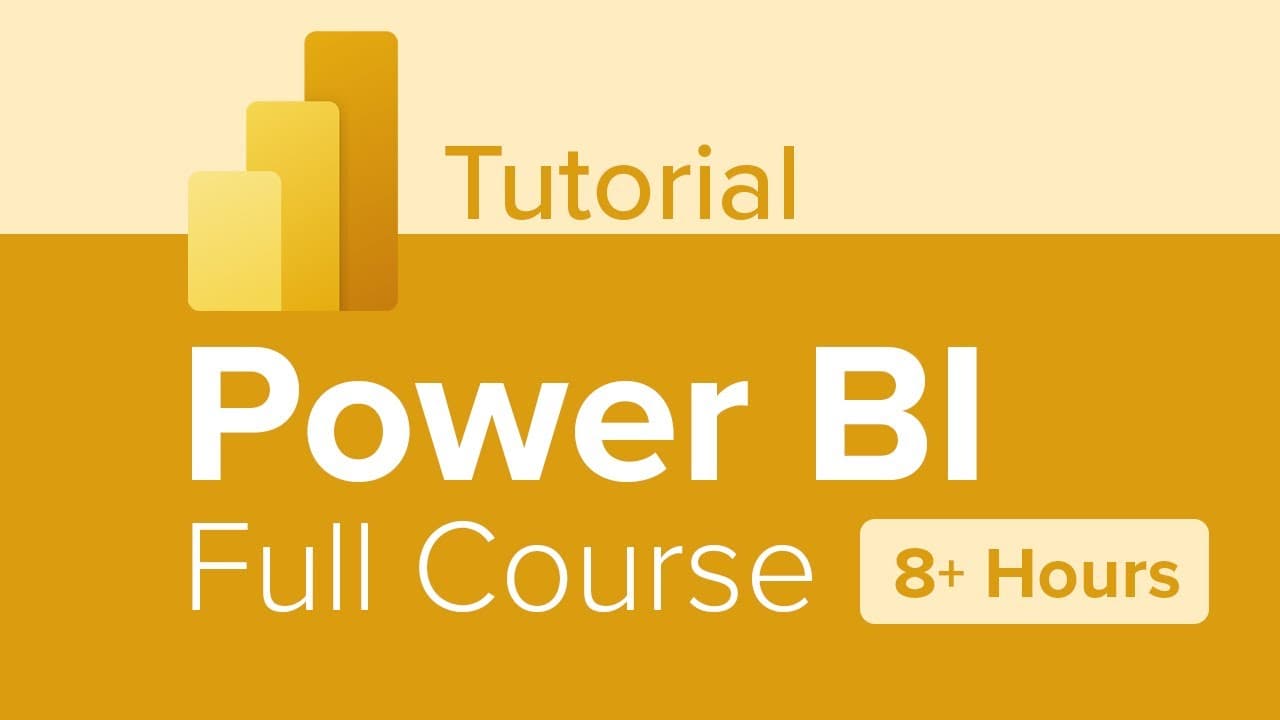
Power BI Full Course Tutorial (8+ Hours)
TL;DR
This analysis provides an overview of the Microsoft Power BI course content, including modules on data analytics, data modeling, DAX calculations, report designing, and more.
Transcript
hi everyone I'm Trish Connor Kato and I'd like to welcome you to Microsoft power bi this extensive course encompasses 13 modules covering the basics through some Advanced features in the application the first module will explore the meaning of data analytics and the different roles available in that space we'll outline the important roles and respo... Read More
Key Insights
- 🧡 The course covers a comprehensive range of topics in Microsoft Power BI, from data analytics to report designing.
- ✊ Power BI licensing options vary in terms of features and capabilities, so it's important to understand the implications of each license.
- ✊ Power BI Desktop and Power BI Service are the main tools used in the course, providing a seamless workflow for data analysis and reporting.
- 🤗 The course emphasizes hands-on exercises and practical application to enhance learning and understanding.
- 👻 Power BI integrates with various data sources and allows for advanced data modeling and calculations using DAX.
- 🎨 Designing accessible and interactive reports is an important aspect of Power BI, covered in module 7.
- 📔 The course also covers topics like paginated reports and advanced analytics using AI visuals for deeper data insights.
Install to Summarize YouTube Videos and Get Transcripts
Explore YouTube Video Summarizer or Get YouTube Transcript Extractor
Questions & Answers
Q: What is the main focus of Module 3?
Module 3 focuses on data profiling, understanding data, and performing data cleaning and transformation steps to prepare the data for loading into the model.
Q: What is DAX?
DAX stands for Data Analysis Expressions. It is a function language used in Power BI to create calculations and solve data analysis problems. It includes functions for aggregations, measures, calculated columns, and time intelligence.
Q: How does Module 7 help with report designing?
Module 7 introduces the fundamental concepts of designing and building a report in Power BI. It covers selecting visuals, page layout design, applying basic interactivity, and designing for accessibility.
Q: What is the difference between Power BI Desktop and Power BI Service?
Power BI Desktop is the application used to create and edit reports, while Power BI Service is the online component where reports can be published, shared, and accessed via dashboards and navigation tools.
Key Insights:
- The course covers a comprehensive range of topics in Microsoft Power BI, from data analytics to report designing.
- Power BI licensing options vary in terms of features and capabilities, so it's important to understand the implications of each license.
- Power BI Desktop and Power BI Service are the main tools used in the course, providing a seamless workflow for data analysis and reporting.
- The course emphasizes hands-on exercises and practical application to enhance learning and understanding.
- Power BI integrates with various data sources and allows for advanced data modeling and calculations using DAX.
- Designing accessible and interactive reports is an important aspect of Power BI, covered in module 7.
- The course also covers topics like paginated reports and advanced analytics using AI visuals for deeper data insights.
- Managing workspaces, data sets, and implementing row-level security are essential skills taught in the course.
Summary & Key Takeaways
-
The course covers 13 modules that explore the basics and advanced features of Microsoft Power BI.
-
The modules cover topics such as data analytics, data modeling, DAX calculations, report designing, and more.
-
Power BI licensing options and their implications are also discussed in one of the modules.
-
Hands-on exercises in Power BI Desktop and Power BI Service are included throughout the course.
Read in Other Languages (beta)
Share This Summary 📚
Summarize YouTube Videos and Get Video Transcripts with 1-Click
Try YouTube Summary with ChatGPT & Claude or YouTube Transcript Generator
Explore More Summaries from Learnit Training 📚
Summarize YouTube Videos and Get Video Transcripts with 1-Click
Try YouTube Summary with ChatGPT & Claude or YouTube Transcript Generator