5.2: What makes up a Box2D world? - The Nature of Code
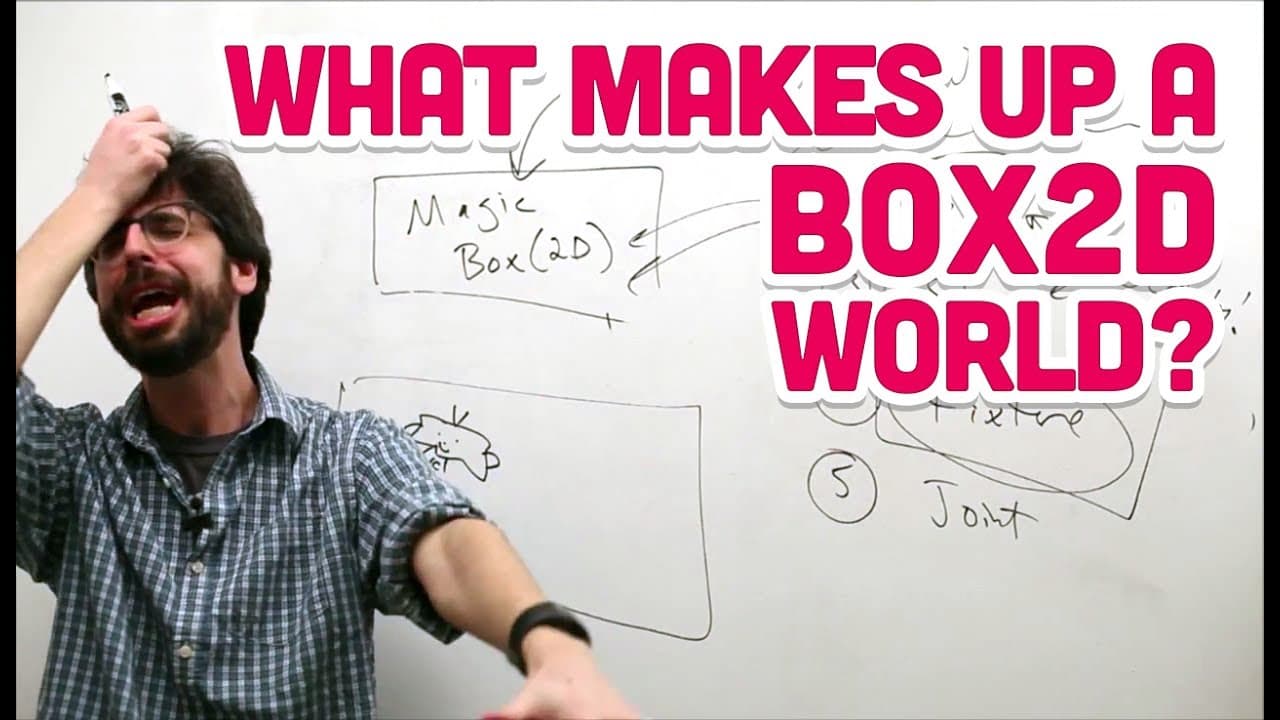
TL;DR
Box2D in Processing simplifies physics calculations for objects in sketches.
Transcript
all right so now we know hopefully we have box today we've downloaded we're up and running we need to answer this question how does it work anyway like what Scott what how does box duty work so let's first before we get there let's first think about how a regular ngon box 2d sketch works in processing ok so what does a processing sketch have it has... Read More
Key Insights
- 🍵 Box2D in Processing simplifies physics simulations by automating calculations and handling object interactions.
- 🤩 Understanding the key elements of Box2D, such as world, body, shape, fixture, and joint, is essential for creating realistic simulations.
- 💯 The body in Box2D represents the core moving element within the simulation, with shapes and fixtures defining its geometry and properties.
- 👻 Box2D allows users to focus on creating and drawing objects, while the library handles physics calculations and interactions.
- 👤 Joints in Box2D enable users to connect multiple bodies, facilitating complex interactions like pendulums or springs.
- ❓ Prior knowledge of basic Processing sketches is beneficial when transitioning to using Box2D for physics simulations.
- 📰 Box2D introduces a new approach to handling physics in sketches, offering pre-defined elements for simplifying complex interactions.
Install to Summarize YouTube Videos and Get Transcripts
Explore YouTube Video Summarizer or Get YouTube Transcript Extractor
Questions & Answers
Q: How does Box2D simplify the process of creating physics simulations in Processing sketches?
Box2D in Processing streamlines physics calculations by automatically handling object motion and allowing users to focus on creating and drawing objects, reducing the need for manual physics calculations.
Q: What are the key elements of Box2D that users need to understand?
The central elements of Box2D include the world, body, shape, fixture, and joint, which are crucial for creating realistic physics simulations in Processing sketches.
Q: What is the role of the body in Box2D simulations?
In Box2D simulations, the body represents the central moving element within the sketch, carrying the physics properties and serving as the core component for interactions with shapes and fixtures.
Q: Why is Box2D beneficial for handling complex physics interactions in sketches?
Box2D simplifies complex physics interactions in sketches by automating physics calculations and providing predefined elements like shapes and fixtures, reducing the manual effort required for realistic simulations.
Summary & Key Takeaways
-
Regular Processing sketches have setup and draw functions where objects are created and then their motion is calculated and drawn.
-
Box2D simplifies this process by handling physics calculations, allowing users to focus on creating and drawing objects.
-
Box2D introduces elements such as world, body, shape, fixture, and joint to facilitate physics simulations in sketches.
Read in Other Languages (beta)
Share This Summary 📚
Summarize YouTube Videos and Get Video Transcripts with 1-Click
Try YouTube Summary with ChatGPT & Claude or YouTube Transcript Generator
Explore More Summaries from The Coding Train 📚






Summarize YouTube Videos and Get Video Transcripts with 1-Click
Try YouTube Summary with ChatGPT & Claude or YouTube Transcript Generator