VHDL | Data objects | Signal & File | Part -2/2 | Digital System Design | Lec-09
TL;DR
This video explains data objects, specifically focusing on signals and file classes in programming.
Transcript
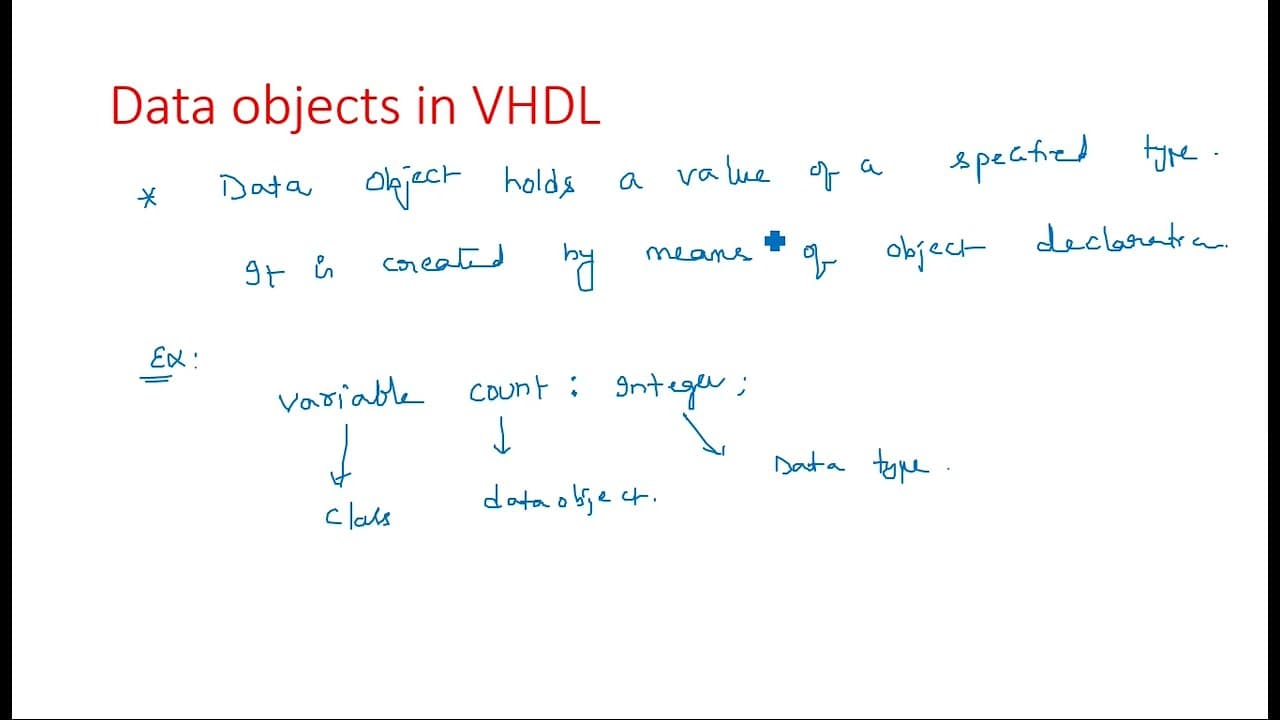
hi everyone so in this video I am continuing the data objects which we have discussed in the which we have started in the previous video so data object is nothing but it is an object which holds the value of a specified type type may be integer or a float or any type so here there are four different types of uh classes we have in the data objects c... Read More
Key Insights
- ❓ Data objects are fundamental for software development, enabling effective data management throughout program execution.
- 🏛️ The signal class is critical for representing current and future values, especially in applications that require real-time data communication.
- 👨💻 Understanding the syntax for declaring signals and files is essential for writing clear and effective code, especially in structural programming.
- 🫦 Signals can be represented as bit vectors in various formats, providing flexibility in how data is managed and communicated within code.
- 👻 File objects facilitate interaction with external data sources, allowing for dynamic data persistence in applications.
- 🫠 Modes of file operation (read, write, append) give programmers control over data access, ensuring appropriate manipulation according to the application needs.
- 👨💻 Examples of data object implementations serve as practical guidance for coding in real-world scenarios, enhancing comprehension of abstract concepts.
Install to Summarize YouTube Videos and Get Transcripts
Explore YouTube Video Summarizer or Get YouTube Transcript Extractor
Questions & Answers
Q: What are data objects and why are they important in programming?
Data objects are constructs that hold values of specified types, such as integers or floats. They are essential for storing and manipulating data within programs, allowing developers to manage various types of information efficiently and enabling complex operations like simulations and data processing.
Q: How do signals function in a programming context?
Signals are objects that belong to the signal class and hold lists of values, including the current value and potential future values. This makes them particularly useful in intermediate communication, such as when connecting different circuit components, where they facilitate data transfer between operational elements in a design.
Q: What syntax is used to declare signals in code?
Declaring signals requires defining the signal type along with its bit vector representation. For example, you can declare a signal for a clock as 'signal clock: bit;' or a data bus as 'signal data_bus: std_logic_vector(0 to 7);', indicating the range of bits it will manage.
Q: Can you explain the file object in programming?
A file object is an essential data object that handles reading and writing sequences of values. It allows for physical file interaction in code, enabling data persistence. File operations require opening the file first, followed by either reading or writing actions, handled using specific procedures.
Q: What are the modes in which a file can be opened?
Files can typically be opened in three modes: 'read' for reading data, 'write' for creating or overwriting files, and 'append' for adding data to existing files. Each mode defines how data can be manipulated, ensuring the correct operation aligns with the intended use of the file.
Q: What does the signal class represent in terms of data types?
The signal class represents a crucial component in data handling for programming. It allows developers to declare variables that can dynamically hold both current and potential future states, making it vital for applications requiring real-time data updates, such as in circuit designs and simulations.
Q: What examples illustrate the practical implementation of data objects?
The video provides several examples, including declaring a clock signal and a data bus using standard logic vectors. These examples illustrate how to implement intermediate signals in programming environments, showcasing practical coding techniques that enhance functional designs.
Q: How is syntax linked to file operations in programming?
The syntax for file operations clearly defines how files are declared and manipulated within the code. For instance, the syntax includes specifying the file name, the type of data it will handle, and the access mode, allowing programmers to perform tasks like reading and writing data correctly according to file structure.
Summary & Key Takeaways
-
The video elaborates on data objects in programming, emphasizing signals as a key type that holds current and future values in a defined range, crucial for intermediate communications in circuit design.
-
Multiple signal examples are provided, showcasing how to declare signals effectively, including bit vectors and their representations, demonstrating practical coding syntax in structural programming.
-
The section on file handling highlights the importance of file classes, detailing procedures for reading and writing values to files, including the syntax for file declaration and modes of operations like read and write.
Read in Other Languages (beta)
Share This Summary 📚
Summarize YouTube Videos and Get Video Transcripts with 1-Click
Try YouTube Summary with ChatGPT & Claude or YouTube Transcript Generator