How To Use Focus Mode On iPhone or iPad
TL;DR
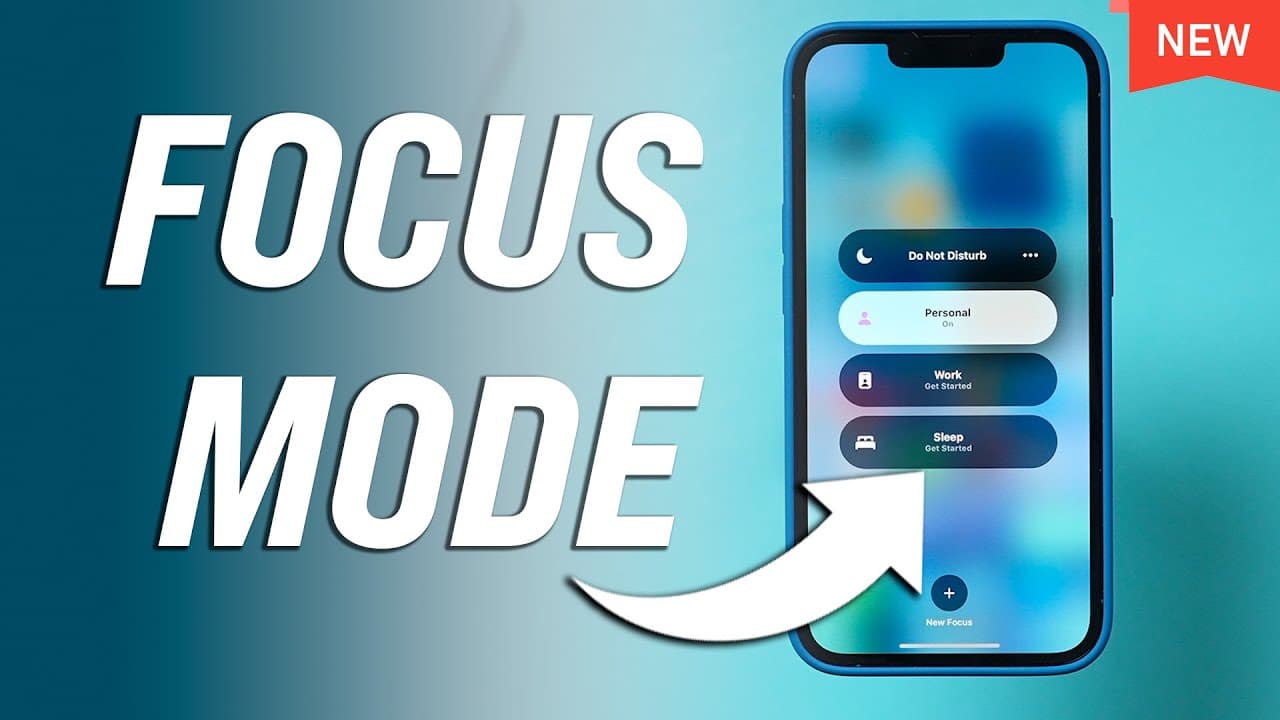
iOS 15 introduces Focus Mode for personalized do not disturb settings, enhancing productivity throughout the day.
Transcript
ios 15 on your iphone and ipad has a really useful option called focus mode and it's a more advanced do not disturb mode where you have a lot of customization options so i wanted to make this quick video to kind of show you how to set up different focus modes for different activities this is focus mode and let me show you how to actually access foc... Read More
Key Insights
- ❓ iOS 15 introduces Focus Mode as a customizable do not disturb feature for enhanced productivity.
- 💦 Users can create different focus modes tailored to specific activities like work, personal time, or driving.
- 😀 The settings in Focus Mode allow for granular control over notifications from specific people and apps.
- ⏮️ The customization options in Focus Mode make it more powerful than the previous do not disturb mode.
- 🥳 Focus Mode aims to improve user focus and productivity by offering personalized settings throughout the day.
- 👤 Users can easily activate and manage different focus modes from the control panel or settings.
- 👤 iOS 15's Focus Mode is designed to support users in managing distractions and optimizing their workflow.
Install to Summarize YouTube Videos and Get Transcripts
Explore YouTube Video Summarizer or Get YouTube Transcript Extractor
Questions & Answers
Q: What is Focus Mode in iOS 15?
Focus Mode in iOS 15 is an advanced do not disturb feature that allows users to customize their notifications and settings for different activities or times of the day.
Q: How can users access and set up Focus Mode on their iPhone or iPad?
Users can access Focus Mode by pressing and holding the option in the control panel. They can then create new focus modes, customize settings for notifications, and activate them easily.
Q: What customization options are available in Focus Mode?
Users can allow or block notifications from specific people, apps, or choose to receive only time-sensitive notifications in each focus mode. This level of customization ensures a tailored do not disturb experience.
Q: How does Focus Mode in iOS 15 differ from the previous do not disturb mode?
Focus Mode in iOS 15 offers more flexibility and customization with the ability to create multiple focus modes for different activities, unlike the previous one-size-fits-all do not disturb mode.
Summary & Key Takeaways
-
iOS 15 introduces Focus Mode as an advanced do not disturb feature with customizable options.
-
Users can create different focus modes for various activities like work, personal time, and driving.
-
Focus Mode allows users to control notifications from specific people and apps for each set mode.
Read in Other Languages (beta)
Share This Summary 📚
Summarize YouTube Videos and Get Video Transcripts with 1-Click
Try YouTube Summary with ChatGPT & Claude or YouTube Transcript Generator
Explore More Summaries from Howfinity 📚






Summarize YouTube Videos and Get Video Transcripts with 1-Click
Try YouTube Summary with ChatGPT & Claude or YouTube Transcript Generator