Products
Features
YouTube Video Summarizer
Summarize YouTube videos
Web & PDF Highlighter
Highlight web pages & PDFs
Chat with PDF
Ask any PDF questions with AI
Ask AI Clone
Chat with your highlights & memories
Audio Transcriber
Transcribe audio files to text
Glasp Reader
Read and highlight articles
Kindle Highlight Export
Export your Kindle highlights
Idea Hatch
Hatch ideas from your highlights
Integrations
Obsidian Plugin
Notion Integration
Pocket Integration
Instapaper Integration
Medium Integration
Readwise Integration
Snipd Integration
Hypothesis Integration
Apps & Extensions
Chrome Extension
Safari Extension
Edge Add-ons
Firefox Add-ons
iOS App
Android App
Discover
Discover
Ideas
Discover new ideas and insights
Articles
Curated articles and insights
Books
Book recommendations by great minds
Posts
Essays and notes from readers
Quotes
Inspiring quotes collection
Videos
Curated videos and summaries
Explore Glasp
Glasp Newsletter
Weekly insights and updates
Glasp Talk
Interview series with great minds
Glasp Blog
Latest news and articles
Glasp Use Cases
Learn how others use Glasp
Build & Support
Glasp API
Access Glasp's API for developers
MCP Connector
Connect Glasp to Claude & ChatGPT
Community
Glasp Reddit Community
Students
Student discount and benefits
FAQs
Frequently Asked Questions
AboutPricing
DashboardLog inSign up

VPS with AWS EC2 and Python Intro to AWS - Navigating The Terminal
3.7K views
•
November 21, 2013
by
sentdex
YouTube video player
VPS with AWS EC2 and Python Intro to AWS - Navigating The Terminal

TL;DR

Learn how to navigate the command line in AWS, create files and directories, move and delete files, and prepare for the next tutorial on Python scripting.

Transcript

what's going on guys welcome to another amazon web services tutorial video in this video what i'm going to be doing is acquainting you with the command line here and getting used to working within a terminal instead of your typical desktop with folders that you can see and all this nice stuff so initially when you start looking into maybe running y... Read More

Key Insights

  • 🫥 Learning command line in AWS is essential for efficient server management.
  • 🫥 The command line offers more functionality and versatility compared to graphical user interfaces like FTP.
  • 🎭 Basic commands like pwd, ls, cd, touch, nano, mv, and rm are crucial for performing common tasks in the terminal.
  • 📁 Creating directories allows for better file organization and easier management.
  • 📁 Moving files between directories is a simple process using the "mv" command.
  • 📁 The "rmdir" command is used to delete empty directories, while the "rm" command removes files.
  • ❓ Understanding terminal commands is a prerequisite for the next tutorial on Python scripting.

Install to Summarize YouTube Videos and Get Transcripts

Explore YouTube Video Summarizer or Get YouTube Transcript Extractor

Questions & Answers

Q: Why is it important to learn command line in AWS?

The command line allows you to perform advanced tasks and manage your server efficiently, empowering you to do more than just using FTP. It is essential for navigating and controlling your AWS environment effectively.

Q: How can you determine your current location in the terminal?

You can use the "pwd" command, which stands for "print working directory," to display the full path of your current location in the terminal.

Q: How do you create a new file using the command line?

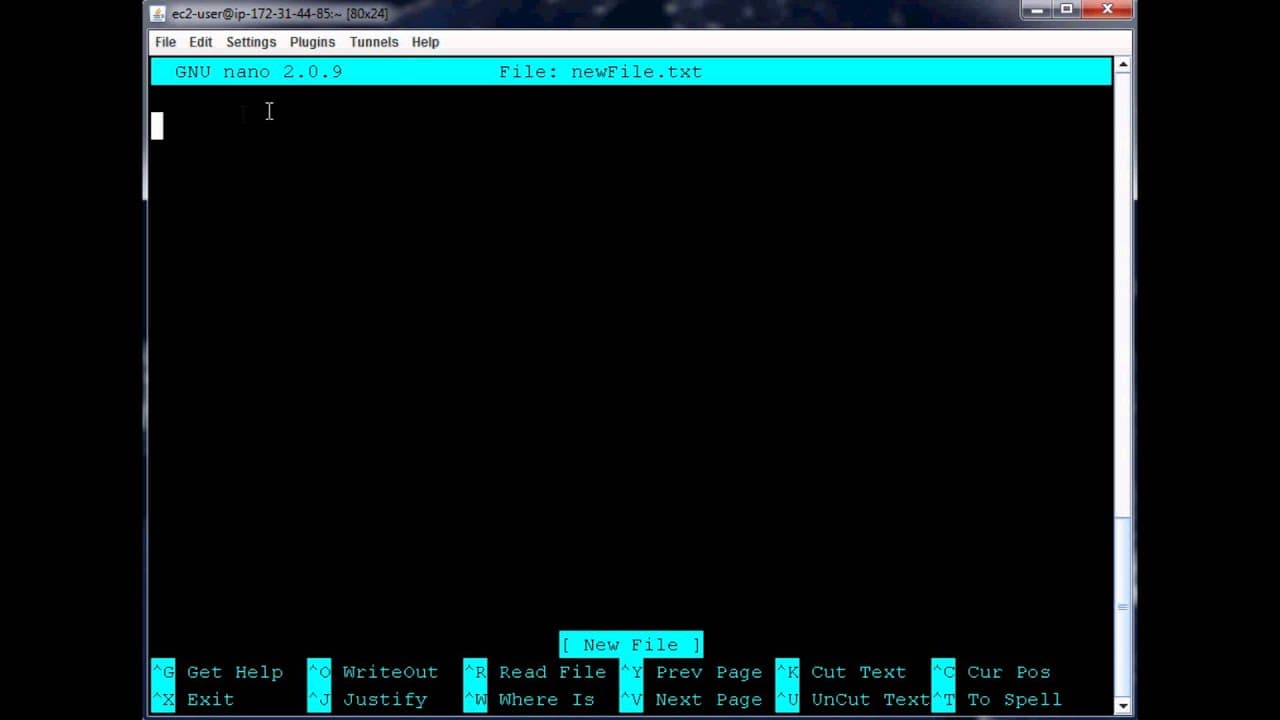
There are two commands to create a new file: "touch" and "nano." While "touch" simply creates an empty file, "nano" creates the file and automatically opens it in the specified text editor for immediate editing.

Q: How can you move a file to a different directory?

To move a file to a different directory, you use the "mv" command followed by the file name and the destination directory. This command relocates the file to the specified location.

Summary & Key Takeaways

  • This tutorial introduces the command line in AWS and explains why it is important for working with servers.

  • It covers basic commands such as pwd (print working directory), ls (list directories), cd (change directory), touch (create a file), nano (edit a file), mv (move a file), and rm (remove a file).

  • The tutorial also demonstrates creating directories, organizing files, and deleting files and directories using rmdir.


Read in Other Languages (beta)

English

Share This Summary 📚

Summarize YouTube Videos and Get Video Transcripts with 1-Click

Download browser extensions on:

Try YouTube Summary with ChatGPT & Claude or YouTube Transcript Generator

Explore More Summaries from sentdex 📚

Python: How to Graph the Chaikin Money Flow Trading Indicator in Matplotlib thumbnail
Python: How to Graph the Chaikin Money Flow Trading Indicator in Matplotlib
sentdex
Parsing XML - Go Lang Practical Programming Tutorial p.11 thumbnail
Parsing XML - Go Lang Practical Programming Tutorial p.11
sentdex
How to Train a Chatbot Using TensorFlow and Python thumbnail
How to Train a Chatbot Using TensorFlow and Python
sentdex
Python Generator Functions for massive Performance Improvements with Lists thumbnail
Python Generator Functions for massive Performance Improvements with Lists
sentdex
Python: How to Program the Chaikin Money Flow Trading Indicator thumbnail
Python: How to Program the Chaikin Money Flow Trading Indicator
sentdex
How to Parse Twitter for Twitter Analysis: Part 1 thumbnail
How to Parse Twitter for Twitter Analysis: Part 1
sentdex

Summarize YouTube Videos and Get Video Transcripts with 1-Click

Download browser extensions on:

Try YouTube Summary with ChatGPT & Claude or YouTube Transcript Generator

Apps & Extensions

  • Chrome Extension
  • Safari Extension
  • Edge Add-ons
  • Firefox Add-ons
  • iOS App
  • Android App

Key Features

  • YouTube Video Summarizer
  • Web & PDF Summarizer
  • Web & PDF Highlighter
  • Chat with PDF
  • Ask AI Clone
  • Audio Transcriber
  • Glasp Reader
  • Kindle Highlight Export
  • Idea Hatch

Integrations

  • Obsidian Plugin
  • Notion Integration
  • Pocket Integration
  • Instapaper Integration
  • Medium Integration
  • Readwise Integration
  • Snipd Integration
  • Hypothesis Integration

More Features

  • APIs
  • MCP Connector
  • Blog & Post
  • Embed Links
  • Image Highlight
  • Personality Test
  • Quote Shots

Company

  • About us
  • Blog
  • Community
  • FAQs
  • Job Board
  • Newsletter
  • Pricing
Terms

•

Privacy

•

Guidelines

© 2026 Glasp Inc. All rights reserved.




