NameDrop On Vs NameDrop Off! (Should You Keep It On?)
TL;DR
The new Name Drop feature allows easy contact sharing but raises privacy concerns.
Transcript
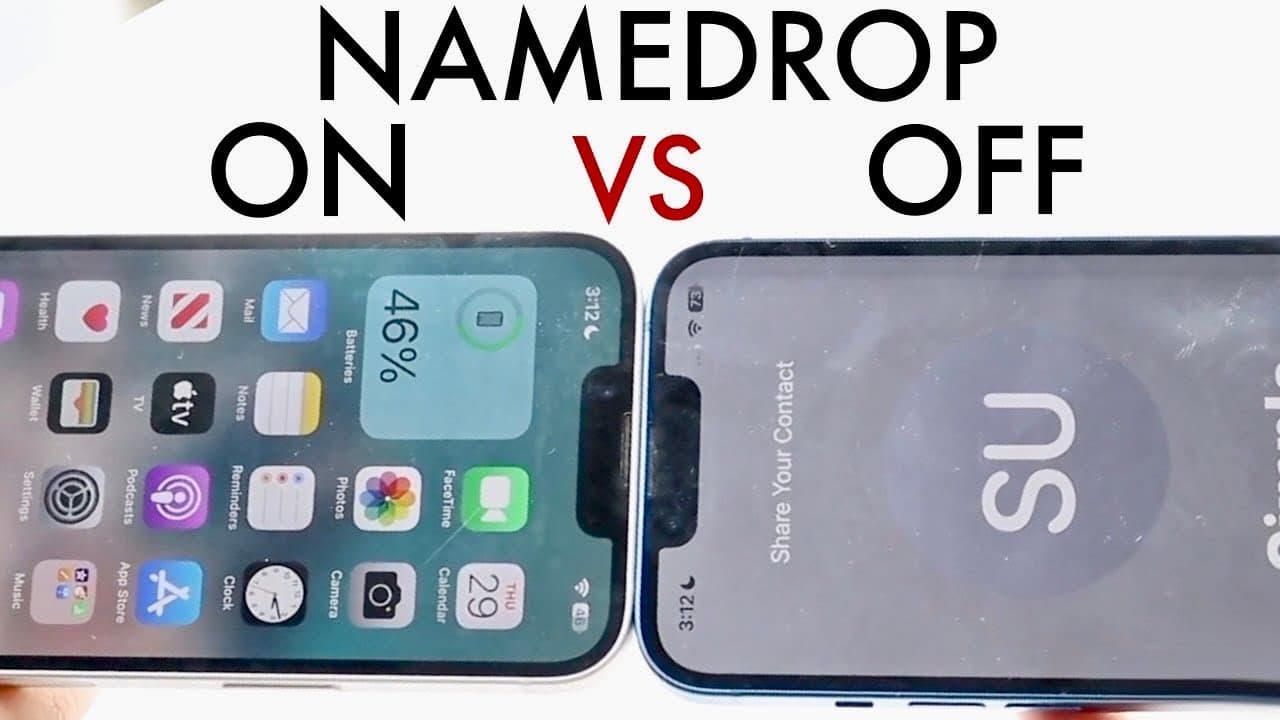
so I've been seeing so many conflicting things online about name drop so Nam drop is this cool feature that Apple has just pushed out which I think is a really cool thing and it essentially allows you to go ahead and basically transfer your contact information from one iPhone or one device to another literally just by tapping onto those devices now... Read More
Key Insights
- 💨 Name Drop relies on NFC technology for contact sharing, making exchanges extremely fast and convenient for users.
- 👾 Privacy concerns are valid, as proximity-based exchanges might expose users to unintended data sharing in crowded spaces.
- 👤 Users should regularly assess their comfort level with data-sharing features, considering both personal security and social situations.
- ♻️ Although Name Drop can expedite networking, individuals should remain cautious about potential risks in public or unfamiliar environments.
- 🙂 Disabling Name Drop not only protects privacy but also may extend battery life slightly, a factor worth considering for many users.
- 👤 The feature was designed to improve user efficiency in sharing contact info, reflecting Apple's focus on enhancing user experience.
- ⚾ Individuals should consider the implications of their data sharing preferences and make informed choices based on their lifestyle needs.
Install to Summarize YouTube Videos and Get Transcripts
Explore YouTube Video Summarizer or Get YouTube Transcript Extractor
Questions & Answers
Q: What is the Name Drop feature in Apple devices?
Name Drop is a new Apple feature that allows users to share their contact information simply by bringing their iPhones or compatible devices close to each other. This process is designed to be quick and user-friendly, enhancing the way individuals can exchange important information like phone numbers and emails without typing or searching through contacts.
Q: What are the privacy concerns associated with Name Drop?
The primary privacy concern with Name Drop is the potential for unauthorized data transfer. If someone with your contact feature enabled comes close to you, there’s a risk they could inadvertently gain access to your information. This has sparked discussions on whether individuals should opt to disable the feature to protect their personal data from being shared with unknown individuals.
Q: What are the advantages of keeping the Name Drop feature active?
Keeping Name Drop active allows for quick and convenient sharing of contact details without hassle. It facilitates networking, making it easier for individuals to connect during meetings or social events. Moreover, users can enjoy other features associated with the Name Drop function, enhancing overall usability and efficiency in managing contacts.
Q: How might Name Drop affect battery life on devices?
While the impact on battery life from keeping Name Drop active is relatively minor, it can still contribute to a slight reduction in overall battery longevity. Disabling the feature may provide a small but helpful increase in battery efficiency, which can be quite beneficial for users who prioritize extending their device's uptime.
Q: Should I keep Name Drop on or off?
The decision depends on personal preference and lifestyle. If you frequently exchange information and prioritize convenience, keeping it on may be beneficial. Conversely, if you value privacy and are cautious about who accesses your contact details, it might be wiser to disable the feature.
Q: How does Name Drop work in terms of user interaction?
Name Drop requires both devices to be in close proximity for a few seconds to initiate the sharing process. The feature utilizes the smartphones' NFC capabilities, allowing for a seamless transfer of contact data. Users can monitor the exchange, ensuring they are aware of what's being shared.
Q: What implications does Name Drop have for data security overall?
Name Drop brings into question the balance between convenience and data security. While it enhances user experience in sharing contacts, it also highlights the need for individual users to remain vigilant about their digital privacy. Users must be aware of their surroundings and mindful of who they might be inadvertently sharing information with during use.
Summary & Key Takeaways
-
Name Drop is an Apple feature for effortlessly sharing contact information between devices by merely tapping them together, enhancing convenience significantly.
-
Despite its advantages, concerns arise over potential unauthorized data access, prompting discussions about whether to keep the feature enabled or disabled.
-
Users should weigh their need for convenience against privacy risks, battery consumption, and personal comfort with the feature being active.
Read in Other Languages (beta)
Share This Summary 📚
Summarize YouTube Videos and Get Video Transcripts with 1-Click
Try YouTube Summary with ChatGPT & Claude or YouTube Transcript Generator
Explore More Summaries from Simple Alpaca 📚






Summarize YouTube Videos and Get Video Transcripts with 1-Click
Try YouTube Summary with ChatGPT & Claude or YouTube Transcript Generator