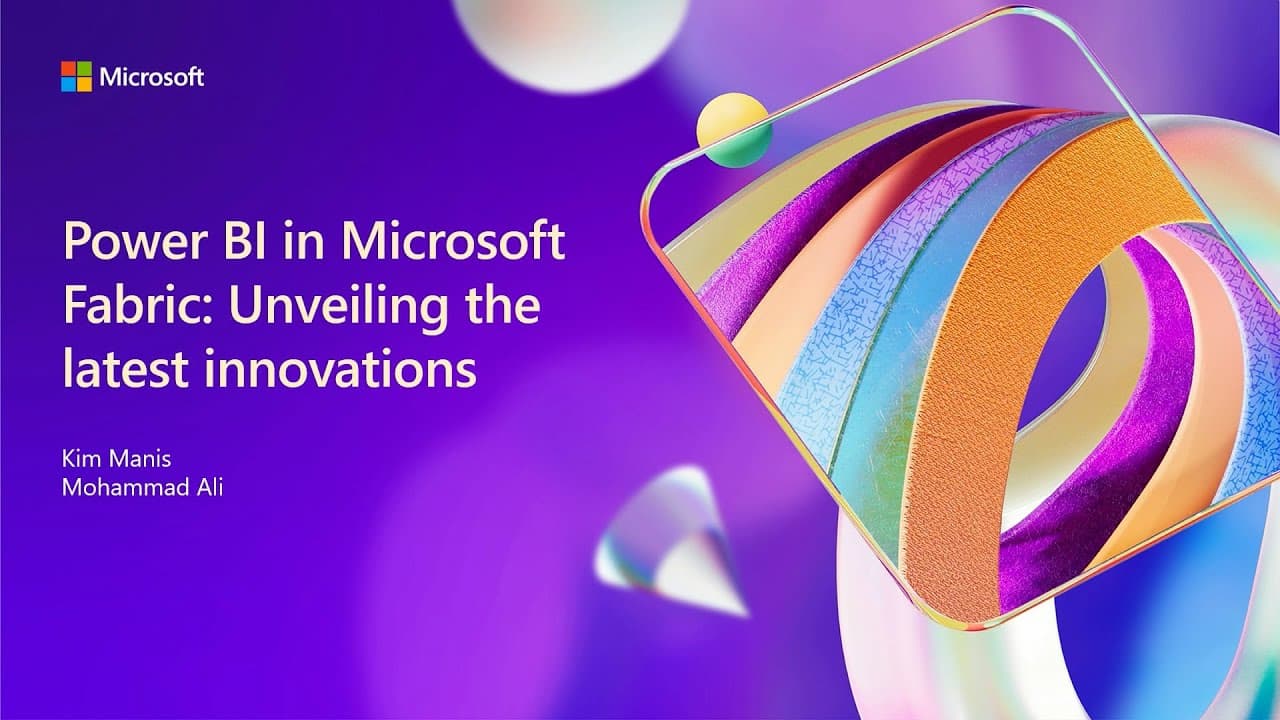
Power BI in Microsoft Fabric: unveiling the latest innovations | BRK202
TL;DR
Power BI integrates with Microsoft Fabric, enhancing data analytics and collaboration.
Transcript
all right folks welcome to the last day of ignite uh thank you for everybody that has uh stayed for the very last day the very last sessions uh you just can't get enough a powerbi uh so thank you for being here with us um I'm Kim uh I'm vice president of product for powerbi and my name is Muhammad Ali um and I'm also... Read More
Key Insights
- Power BI is celebrating its 10th anniversary and continues to drive a data culture across organizations of all sizes.
- Microsoft Fabric is likened to Microsoft Office, offering a suite of data tools with shared user experiences and foundational elements.
- Power BI is a key component of Microsoft Fabric, with over 375,000 customers, including 95% of the Fortune 500.
- Co-pilot in Power BI enhances data analysis by enabling faster and more accurate insights, with 90% of users willing to use it again.
- The new timle view in Power BI Desktop allows for efficient model creation and bulk changes, enhancing user productivity.
- Fabric AI capacities enable broad distribution of AI capabilities, allowing users to experiment with different isolation strategies.
- Power BI seamlessly integrates with Office applications, improving user engagement by up to 3.5 times.
- Fabric org apps allow for the deployment of both Power BI and Fabric content, providing customization options for different audiences.
Install to Summarize YouTube Videos and Get Transcripts
Explore YouTube Video Summarizer or Get YouTube Transcript Extractor
Questions & Answers
Q: What is the significance of Power BI's integration with Microsoft Fabric?
Power BI's integration with Microsoft Fabric is significant because it enhances the data analytics capabilities of Power BI by providing a suite of data tools with shared user experiences. This integration allows for streamlined data management, improved collaboration, and a unified platform for data-driven decision-making across organizations.
Q: How does co-pilot improve data analysis in Power BI?
Co-pilot improves data analysis in Power BI by automating report creation and generating intelligent insights. It enables users to complete data analysis tasks 52% faster and with 36% greater accuracy. Co-pilot's ability to assist with data preparation, building reports, and asking questions of data makes it a valuable tool for increasing productivity and accuracy in data analysis.
Q: What are Fabric AI capacities, and how do they benefit users?
Fabric AI capacities are a new feature that allows organizations to distribute AI capabilities broadly across users. They enable users to experiment with different isolation strategies and ensure that co-pilot and other AI tools can be used effectively without overloading existing capacities. This feature enhances the accessibility of AI tools and supports experimentation and innovation within organizations.
Q: How does Power BI's integration with Office applications enhance user engagement?
Power BI's integration with Office applications enhances user engagement by embedding data insights directly into tools that users already work with, such as Teams, Excel, PowerPoint, and SharePoint. This integration ensures that data is accessible when and where users need it, leading to increased engagement and more informed decision-making without requiring users to change their habits or workflow.
Q: What is the new timle view in Power BI Desktop, and what are its benefits?
The new timle view in Power BI Desktop is a code-first view that allows users to visualize and modify models in a human-readable format. It enables bulk changes and the addition of measures efficiently, enhancing user productivity. This feature is particularly beneficial for users who need to make quick modifications to their models and want to streamline their data modeling process.
Q: What role does Power BI play within the Microsoft ecosystem?
Power BI serves as a bridge within the Microsoft ecosystem, connecting Office, Power Platform, and Microsoft Fabric. It integrates seamlessly with Office applications, making data insights accessible to business users. Power BI's role is to facilitate data-driven decision-making by providing powerful analytics tools and enabling collaboration across different platforms and teams.
Q: How do Fabric org apps enhance content deployment in Power BI?
Fabric org apps enhance content deployment in Power BI by allowing users to package and deploy both Power BI and Fabric content, such as notebooks and dashboards, to end users. They offer customization options, enabling organizations to tailor content for different audiences and ensure that users have access to the right information. This feature supports broad deployment and user engagement.
Q: What resources are available for users to learn more about Microsoft Fabric and Power BI?
Users can learn more about Microsoft Fabric and Power BI through the Fabric Career Hub, which offers role guidance, certification information, and training resources. Additionally, the annual Fabric Conference provides sessions from the product team, MVPs, and the community, offering a comprehensive learning experience. These resources help users stay updated on the latest developments and enhance their skills.
Summary & Key Takeaways
-
Power BI has been pivotal in fostering a data-driven culture and continues to expand its capabilities with Microsoft Fabric, a suite of data tools. Fabric integrates seamlessly with Power BI, enhancing data management and user experience.
-
The introduction of co-pilot in Power BI has revolutionized data analysis, making it faster and more accurate. Co-pilot users are significantly more efficient in completing data tasks, and the tool is gaining widespread acceptance.
-
Fabric's org apps and AI capacities provide new ways for organizations to distribute and manage content. These innovations ensure that users have access to the right tools and data, fostering collaboration and productivity.
Read in Other Languages (beta)
Share This Summary 📚
Summarize YouTube Videos and Get Video Transcripts with 1-Click
Try YouTube Summary with ChatGPT & Claude or YouTube Transcript Generator
Explore More Summaries from Microsoft Events 📚

Summarize YouTube Videos and Get Video Transcripts with 1-Click
Try YouTube Summary with ChatGPT & Claude or YouTube Transcript Generator