Laravel Security: Top 7 Mistakes Developers Make
TL;DR
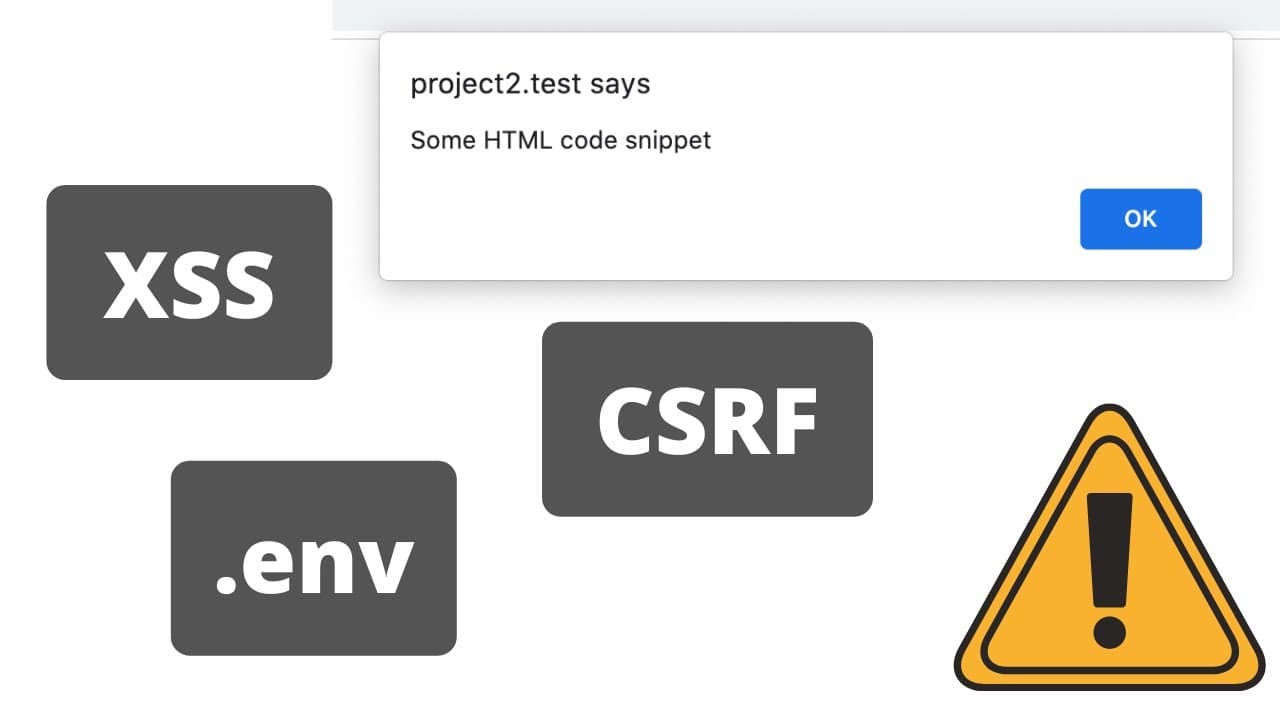
Laravel security is highly dependent on developer practices, including escaping data in blade, protecting env files, and avoiding the use of request all and unsafe file upload methods.
Transcript
hello guys today i want to talk about laravel security quite often i see this question online on twitter and elsewhere is laravel secure and laravel in itself isn't secure or not secure it's similar to asking question is laravel fast or slow framework in itself is not fast or slow well it is as fast as it can be and as secure as it can be and it ha... Read More
Key Insights
- 🔒 Laravel security is not solely dependent on the framework itself but also on developer practices.
- 👊 Escaping data in blade templates is essential to prevent XSS attacks and ensure secure rendering of HTML.
- 💌 Protecting env files from public access is crucial, as they contain sensitive configuration information.
- 🥺 Using request all in Laravel forms can lead to the inclusion of unexpected fields and should be avoided.
- 👤 Unsafe file upload methods can be exploited by malicious users, and using secure methods such as hash name and extension is recommended.
- 🍃 Leaving the debug mode on in a production environment can expose sensitive configuration values and should be avoided.
- ♿ Implementing CSRF protection is necessary to prevent unauthorized access and potential malicious actions.
Install to Summarize YouTube Videos and Get Transcripts
Explore YouTube Video Summarizer or Get YouTube Transcript Extractor
Questions & Answers
Q: How can developers prevent XSS attacks in Laravel?
Developers can prevent XSS attacks by properly escaping data in blade templates. This prevents malicious code from being executed in the browser.
Q: Are env files vulnerable to public access?
Env files should not be made public, as they may contain sensitive configuration information such as database passwords. It is essential to protect them from unauthorized access.
Q: What are the dangers of using request all in Laravel forms?
Using request all does not filter form fields and allows users to manipulate the HTML to include unexpected fields. It is recommended to use form request classes for validation or specify the exact fields expected from the form.
Q: How can unsafe file uploads be avoided in Laravel?
Using the get client original name and get client original extension methods for file uploads is considered unsafe, as malicious users can tamper with the file name and extension. Developers should use hash name and extension instead to ensure security.
Key Insights:
- Laravel security is not solely dependent on the framework itself but also on developer practices.
- Escaping data in blade templates is essential to prevent XSS attacks and ensure secure rendering of HTML.
- Protecting env files from public access is crucial, as they contain sensitive configuration information.
- Using request all in Laravel forms can lead to the inclusion of unexpected fields and should be avoided.
- Unsafe file upload methods can be exploited by malicious users, and using secure methods such as hash name and extension is recommended.
- Leaving the debug mode on in a production environment can expose sensitive configuration values and should be avoided.
- Implementing CSRF protection is necessary to prevent unauthorized access and potential malicious actions.
- Rate limiting can be used as a preventive measure against spam and potential DDoS attacks.
Summary & Key Takeaways
-
Laravel security relies on developers properly escaping data in blade to prevent XSS attacks.
-
Protecting env files from being accessible to unauthorized users is crucial in maintaining security.
-
Avoiding the use of request all and unsafe file upload methods can prevent the manipulation of form data and file extensions.
Read in Other Languages (beta)
Share This Summary 📚
Summarize YouTube Videos and Get Video Transcripts with 1-Click
Try YouTube Summary with ChatGPT & Claude or YouTube Transcript Generator
Explore More Summaries from Laravel Daily 📚




Summarize YouTube Videos and Get Video Transcripts with 1-Click
Try YouTube Summary with ChatGPT & Claude or YouTube Transcript Generator