Sony WF-1000XM4 Battery Drain Issue (Part 2)
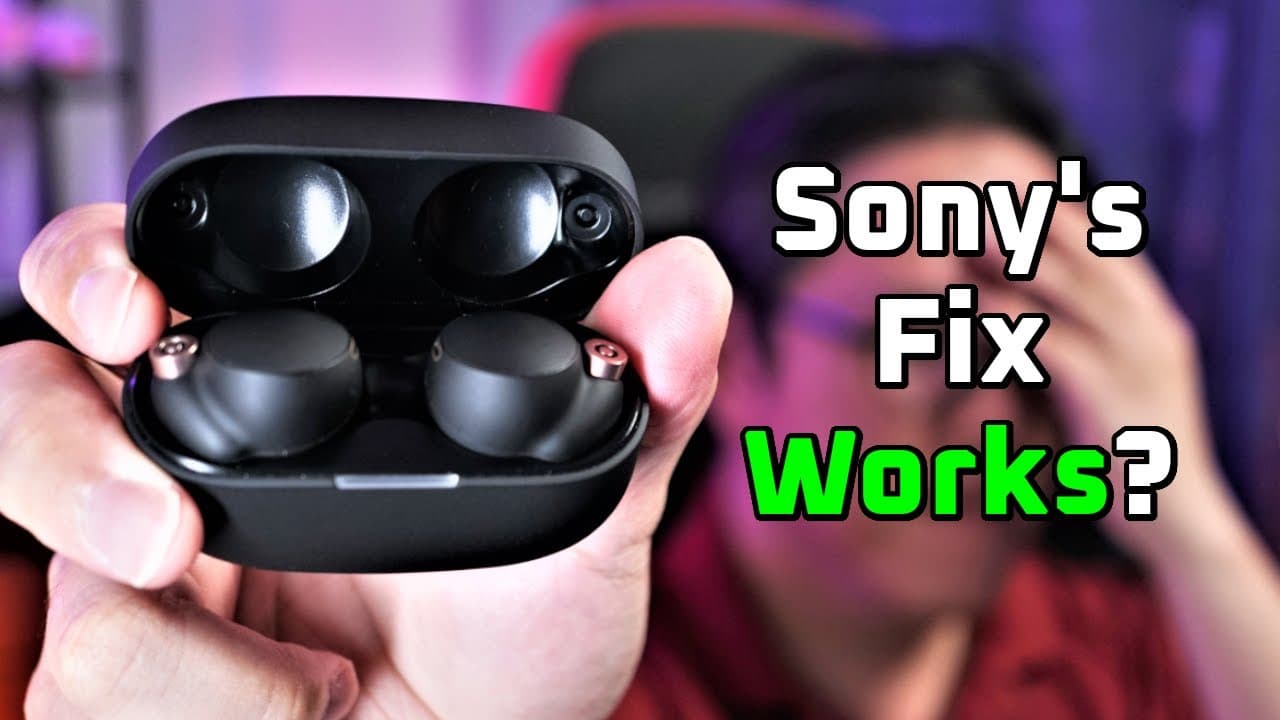
TL;DR
The author tests solutions for the Sony WF-1000XM4 battery drain issue after contacting Sony.
Transcript
hey guys in my last video I talked about my Sony wfos xm4s battery drain issue and I said that I will reach out to Sony and come back with another video about it well they've replied the email I got proposes a couple of solutions there's a soft reset solution which simply resets the earbuds a hard reset which resets and wipes out all internal memor... Read More
Key Insights
- 🥶 The battery drain issue with Sony WF-1000XM4 earbuds predominantly impacts older versions after firmware updates, sparking concerns among users.
- 🍦 The author's attempts to fix the issue with both soft and hard resets demonstrate that the problem is not easily resolved by standard troubleshooting techniques.
- 🥺 Accurate battery level reporting is crucial for users; discrepancies can lead to unexpected failures in functionality.
- 👤 Sony's customer support responses provide users with initial steps to troubleshoot, indicating a commitment to addressing known issues.
- 🔋 The author emphasizes the importance of monitoring firmware updates, as they can introduce unforeseen problems like battery drains.
- 🫵 Viewers are encouraged to subscribe for updates, indicating the author's intent to keep the audience informed on future resolutions or findings regarding the issue.
- 🤞 Despite the challenges experienced, the author remains hopeful for a replacement solution through the service center, showcasing a proactive approach to technology issues.
Install to Summarize YouTube Videos and Get Transcripts
Explore YouTube Video Summarizer or Get YouTube Transcript Extractor
Questions & Answers
Q: What were the proposed solutions by Sony to fix the battery drain issue?
Sony proposed two solutions to address the battery drain issue: a soft reset and a hard reset of the earbuds. The soft reset involves removing the earbuds from the case and performing a sequence of steps to reset the connection, while the hard reset requires wiping the internal memory by holding down the touch sensors for ten seconds. The author attempted both methods, hoping to restore proper battery function.
Q: How did the soft reset affect the battery life of the earbuds?
After performing the soft reset, the author observed that the battery life was not registering correctly; the right earbud drained in about 36 minutes, while the left retained about 51% after the same duration. Unfortunately, this showed no improvement in the battery performance compared to before the reset, leading to further concerns about the earbud's battery efficiency.
Q: What were the results of the hard reset attempt?
The hard reset did not resolve the battery drain issue either. The right earbud drained even faster, lasting only 25 minutes. The author suspected that the software was inaccurately reporting the battery level, as the earbuds were expected to last significantly longer. The hard reset proved to be a disappointing continuation of the problem.
Q: Does the battery drain issue affect all models of the Sony WF-1000XM4 earbuds?
No, the battery drain issue seems to affect primarily older batches of the Sony WF-1000XM4 earbuds after a specific firmware update. Many users have reported no such issues, and those who have recently purchased the earbuds are unlikely to face this problem, suggesting it is not widespread.
Summary & Key Takeaways
-
The author discusses a battery drain issue encountered with the Sony WF-1000XM4 earbuds, noting that it primarily affects some older models after a firmware update.
-
Two proposed solutions from Sony include a soft reset and a hard reset, both of which the author tests without success, revealing continued battery imbalance between the earbuds.
-
After the unsuccessful tests, the author plans to send the earbuds for repair or replacement and encourages viewers to subscribe for updates.
Read in Other Languages (beta)
Share This Summary 📚
Summarize YouTube Videos and Get Video Transcripts with 1-Click
Try YouTube Summary with ChatGPT & Claude or YouTube Transcript Generator
Explore More Summaries from Aaron X Loud and Wireless Reviews 📚






Summarize YouTube Videos and Get Video Transcripts with 1-Click
Try YouTube Summary with ChatGPT & Claude or YouTube Transcript Generator