Awesome Audio Transitions in Filmora 12 Update
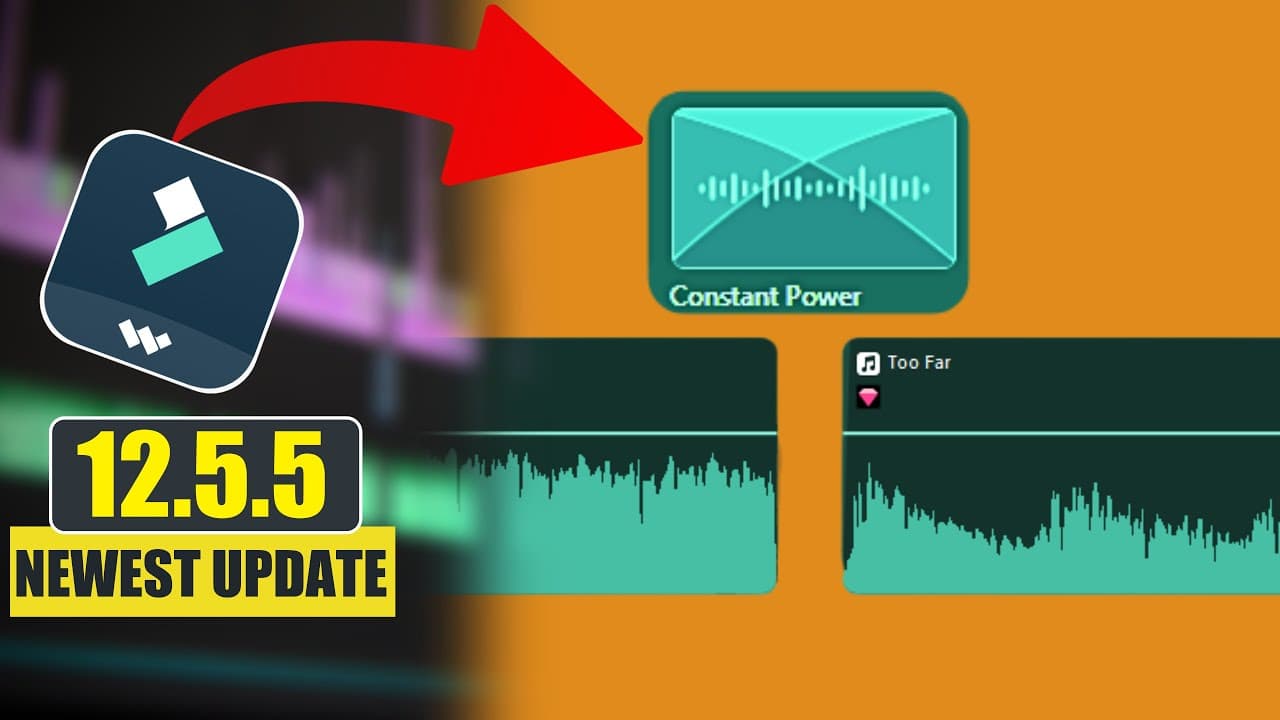
TL;DR
Wondershare has released a new update featuring audio transitions, and this video provides a review of the feature.
Transcript
first disclaimer guys so this is my first time on the microphone this is my first time to record on my channel I like other videos that I've been seeing before I've been using the text to speech to make my videos but this time I have decided to take a chance here because this video is very short so I know I'm not going to have much time on the micr... Read More
Key Insights
- 👶 Wondershare has introduced a new update with audio transitions as a feature.
- 👤 The built-in audio transitions offer various options for users to choose from.
- 💨 The fade-in and fade-out technique provides a simple way to create smooth audio transitions.
- 😒 The use of keyframes allows for more precise control over the volume and transition of audio clips.
- 🎮 The video provides a comprehensive demonstration of the three methods of creating audio transitions.
- 🎮 User feedback on the voiceover of the video will determine if future videos will be produced using the same method.
- 🎮 Wondershare's audio transitions feature can greatly enhance the quality and professional feel of audio in videos.
Install to Summarize YouTube Videos and Get Transcripts
Explore YouTube Video Summarizer or Get YouTube Transcript Extractor
Questions & Answers
Q: How many ways are shown in the video to create audio transitions?
The video demonstrates three different methods to create audio transitions using Wondershare software.
Q: What are the options available in the built-in audio transitions?
The built-in audio transitions include constant fade, constant power, exponential fade, and others.
Q: How does the fade-in and fade-out technique work?
By dragging the next audio clip before the end of the first audio clip and applying a fade-out to the first clip and a fade-in to the second clip, a smooth transition between the two clips is achieved.
Q: How are keyframes used to create audio transitions?
Keyframes are added to control the volume of the audio at different points. By adjusting the volume using keyframes, a gradual transition between the two audio clips is created.
Key Insights:
- Wondershare has introduced a new update with audio transitions as a feature.
- The built-in audio transitions offer various options for users to choose from.
- The fade-in and fade-out technique provides a simple way to create smooth audio transitions.
- The use of keyframes allows for more precise control over the volume and transition of audio clips.
- The video provides a comprehensive demonstration of the three methods of creating audio transitions.
- User feedback on the voiceover of the video will determine if future videos will be produced using the same method.
- Wondershare's audio transitions feature can greatly enhance the quality and professional feel of audio in videos.
- The video offers valuable tips and techniques for users to improve their audio transitions in their videos.
Summary & Key Takeaways
-
The video showcases three different ways to create audio transitions using Wondershare software.
-
The first method involves using the built-in audio transitions in the software.
-
The second method utilizes a fade-in and fade-out technique, while the third method involves using keyframes to control the volume.
Read in Other Languages (beta)
Share This Summary 📚
Summarize YouTube Videos and Get Video Transcripts with 1-Click
Try YouTube Summary with ChatGPT & Claude or YouTube Transcript Generator