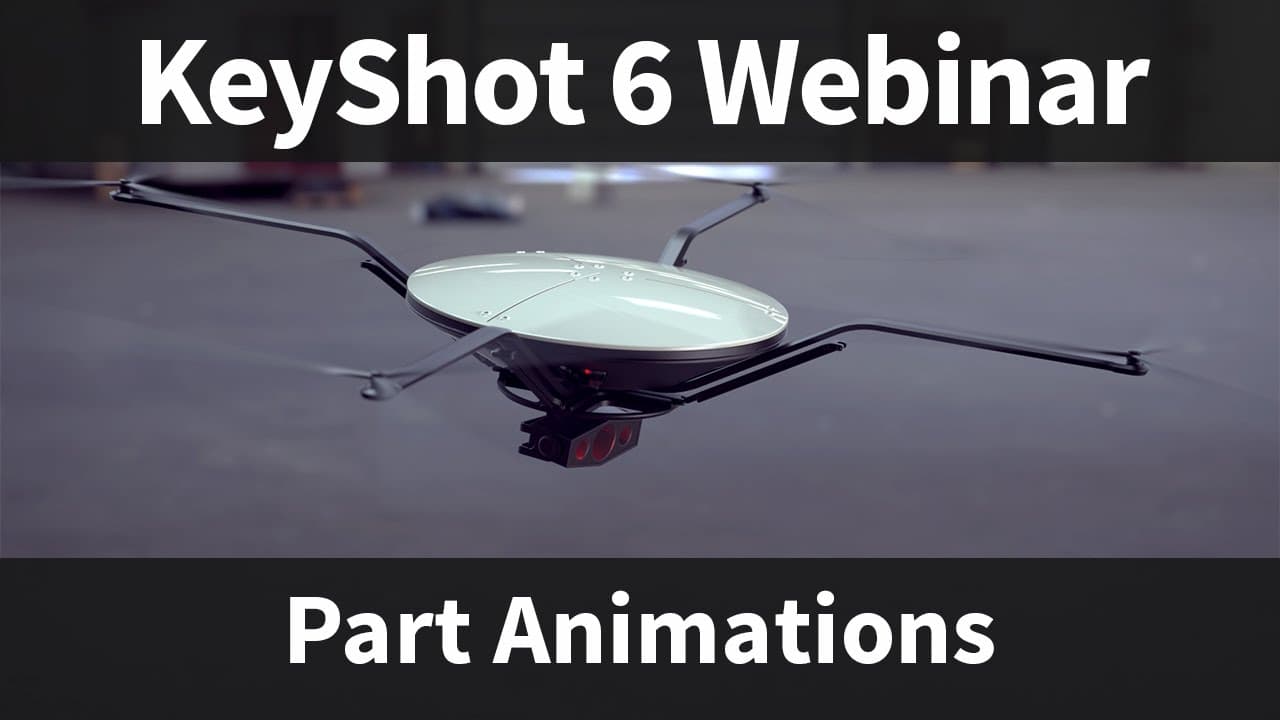
Webinar 58: KeyShot Part Animations
TL;DR
This webinar explores the advantages of using KeyShot for creating animations and demonstrates how to animate various elements of a 3D model.
Transcript
my name is will Gibbons and today we'll be taking you through the webinar thank you for attending attending today's webinar about animations we're going to cover a lot of cool stuff today now before we actually start if you've attended a keyshot webinar before you may know this but we often get these questions so I want to address them upfront this... Read More
Key Insights
- ❓ KeyShot offers the ability to create animations, which can enhance presentations and make them more engaging for the audience.
- 👻 Different types of part animations, such as rotation, translation, and fade, allow users to create a wide range of animation effects.
- 😥 Rhino users can select existing geometry to serve as a rotation point in animations if an origin cannot be created.
- 🎮 Background images or videos can be overlaid onto KeyShot animations using external video editing software.
- 👂 While KeyShot does not have built-in features for adding sound or text to animations, workarounds can be used to achieve similar effects.
- 🥳 Exploded view animations can be created by applying translation animations to move parts away from each other.
- 🫵 Hidden objects can be faded into view by using fade animations in KeyShot.
Install to Summarize YouTube Videos and Get Transcripts
Explore YouTube Video Summarizer or Get YouTube Transcript Extractor
Questions & Answers
Q: How can Rhino users define a rotation point if an origin cannot be created in Rhino?
Rhino users can select a piece of geometry within their model to use as a pivot point for rotation. This can be done by selecting the geometry when applying the rotation animation.
Q: Can background images or videos be added to KeyShot animations?
KeyShot does not have the capability to add background images or videos directly within the software. However, users can render animations with transparency and overlay them onto a background image or video using external video editing software.
Q: Is it possible to add sound or text to KeyShot animations?
KeyShot does not have built-in features for adding sound or text to animations. However, users can use workarounds, such as adding transparent labels with text or incorporating sound in external video editing software.
Q: How can I create a quick exploded view animation?
To create an exploded view animation, users can apply translation animations to move each part of the model away from each other. The animations can be applied sequentially or simultaneously to create the desired effect.
Q: Can I start with all objects hidden and then fade them into view?
Yes, users can create a fade animation to start with all objects hidden and gradually fade them into view. This can be done by applying a fade animation from 100% opacity to 0% opacity and then mirroring the animation to fade them back in.
Key Insights:
- KeyShot offers the ability to create animations, which can enhance presentations and make them more engaging for the audience.
- Different types of part animations, such as rotation, translation, and fade, allow users to create a wide range of animation effects.
- Rhino users can select existing geometry to serve as a rotation point in animations if an origin cannot be created.
- Background images or videos can be overlaid onto KeyShot animations using external video editing software.
- While KeyShot does not have built-in features for adding sound or text to animations, workarounds can be used to achieve similar effects.
- Exploded view animations can be created by applying translation animations to move parts away from each other.
- Hidden objects can be faded into view by using fade animations in KeyShot.
- KeyShot animations can be customized with motion blur for added realism.
Summary & Key Takeaways
-
KeyShot has the ability to create animations in addition to still renderings, allowing users to bring their products to life.
-
Animations can create a more engaging and powerful presentation by showing the function, assembly, and relationships between parts of a product.
-
KeyShot offers different types of part animations, such as rotation, translation, and fade, which can be combined to create complex animations.
Read in Other Languages (beta)
Share This Summary 📚
Summarize YouTube Videos and Get Video Transcripts with 1-Click
Try YouTube Summary with ChatGPT & Claude or YouTube Transcript Generator
Explore More Summaries from KeyShot 📚
Summarize YouTube Videos and Get Video Transcripts with 1-Click
Try YouTube Summary with ChatGPT & Claude or YouTube Transcript Generator