Apple Notes: Power User Tips & Hidden Features
TL;DR
Apple Notes has hidden features like document scanning, folders, tags, and lockable notes that make it a powerful and versatile note-taking app.
Transcript
Apple Notes just keeps getting better. Here's a relatively new feature. I wanted scan some texts from a book directly into my Notes app. All I do is I choose Scan Text, hold the phone relatively still and press Insert. I think this is super cool. Let me show you some of my favorite Apple Notes hidden features and give you some power user tips. (mel... Read More
Key Insights
- 👻 Apple Notes allows users to create folders to organize their notes, providing a clear separation between personal and work-related content.
- 🎵 The use of hashtags in notes offers a convenient way to categorize and filter notes based on specific topics or themes.
- 📜 Document scanning within Apple Notes eliminates the need for a separate scanning app or physical scanner, making it easy to digitize and store documents.
- 🔒 The ability to lock notes adds an extra layer of security and privacy for sensitive or personal information.
- 😀 Apple Notes allows for easy sharing of notes and folders, either through messaging apps or by sending a copy.
- 💁 Text within attachments is searchable, making it effortless to find specific information within scanned documents.
- 🎵 Pinning notes to the top of a folder allows for quick access to frequently referenced or essential notes.
Install to Summarize YouTube Videos and Get Transcripts
Explore YouTube Video Summarizer or Get YouTube Transcript Extractor
Questions & Answers
Q: How do I create separate folders in Apple Notes?
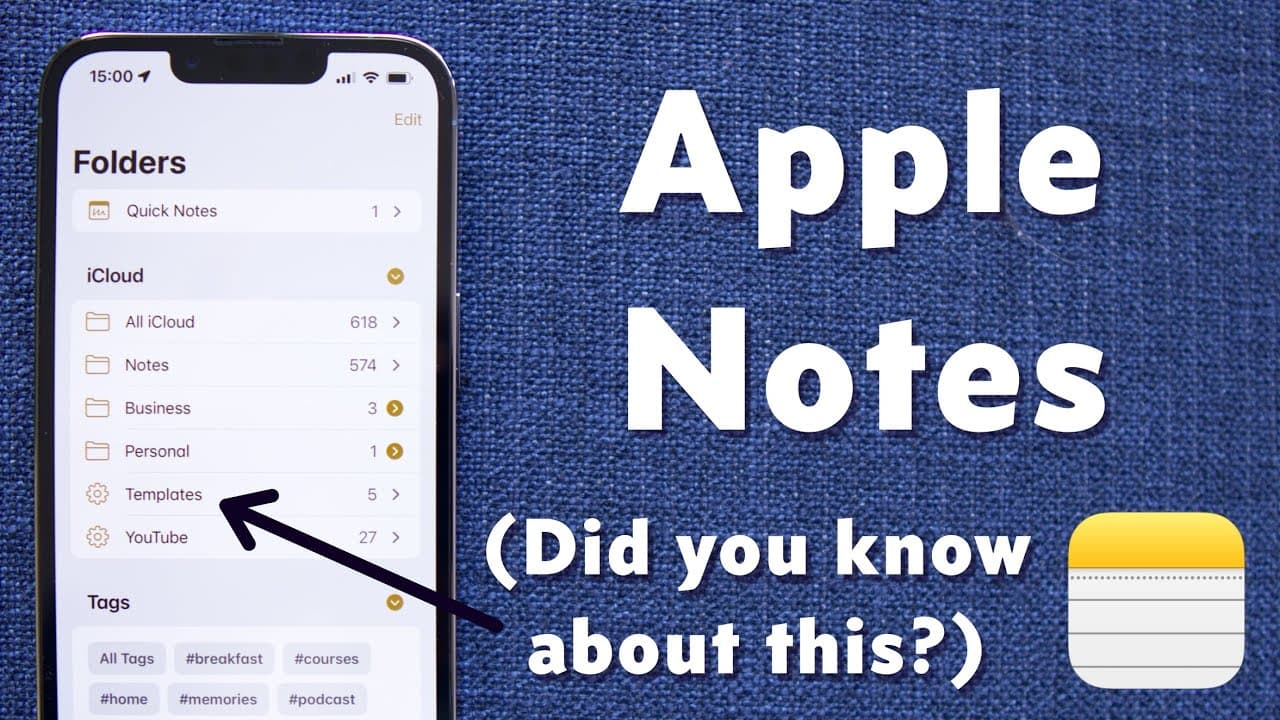
To create separate folders, swipe left on a note, press the folder button, and choose the folder you want to move the note to.
Q: Can I add hashtags to my notes in Apple Notes?
Yes, you can add hashtags to your notes by typing a hash symbol followed by a word. The hashtags turn yellow after hitting the space bar and can be used for filtering and searching.
Q: How can I scan documents using Apple Notes?
In Apple Notes, tap "Scan Documents," position the document on a contrasting background, crop it if needed, adjust the color and rotation, scan more pages if necessary, and save it as a PDF attachment in the note.
Q: How can I share a note or folder in Apple Notes?
To share a note, long-press on it and choose "Share Note." To share a folder, long-press on it and choose "Share Folder."
Key Insights:
- Apple Notes allows users to create folders to organize their notes, providing a clear separation between personal and work-related content.
- The use of hashtags in notes offers a convenient way to categorize and filter notes based on specific topics or themes.
- Document scanning within Apple Notes eliminates the need for a separate scanning app or physical scanner, making it easy to digitize and store documents.
- The ability to lock notes adds an extra layer of security and privacy for sensitive or personal information.
- Apple Notes allows for easy sharing of notes and folders, either through messaging apps or by sending a copy.
- Text within attachments is searchable, making it effortless to find specific information within scanned documents.
- Pinning notes to the top of a folder allows for quick access to frequently referenced or essential notes.
- Apple Notes offers customization options and settings, allowing users to personalize their note-taking experience.
Summary & Key Takeaways
-
Apple Notes allows users to create separate folders to organize their notes, making it easy to keep personal and work notes separate.
-
Users can add hashtags to notes to categorize them and easily filter and search for specific notes.
-
The app offers document scanning capabilities, converting scanned documents into PDFs that can be easily shared.
-
Users can lock specific notes for added privacy and security.
Read in Other Languages (beta)
Share This Summary 📚
Summarize YouTube Videos and Get Video Transcripts with 1-Click
Try YouTube Summary with ChatGPT & Claude or YouTube Transcript Generator
Explore More Summaries from Peter Akkies 📚
Summarize YouTube Videos and Get Video Transcripts with 1-Click
Try YouTube Summary with ChatGPT & Claude or YouTube Transcript Generator