How to Create SEO Content Using ChatGPT
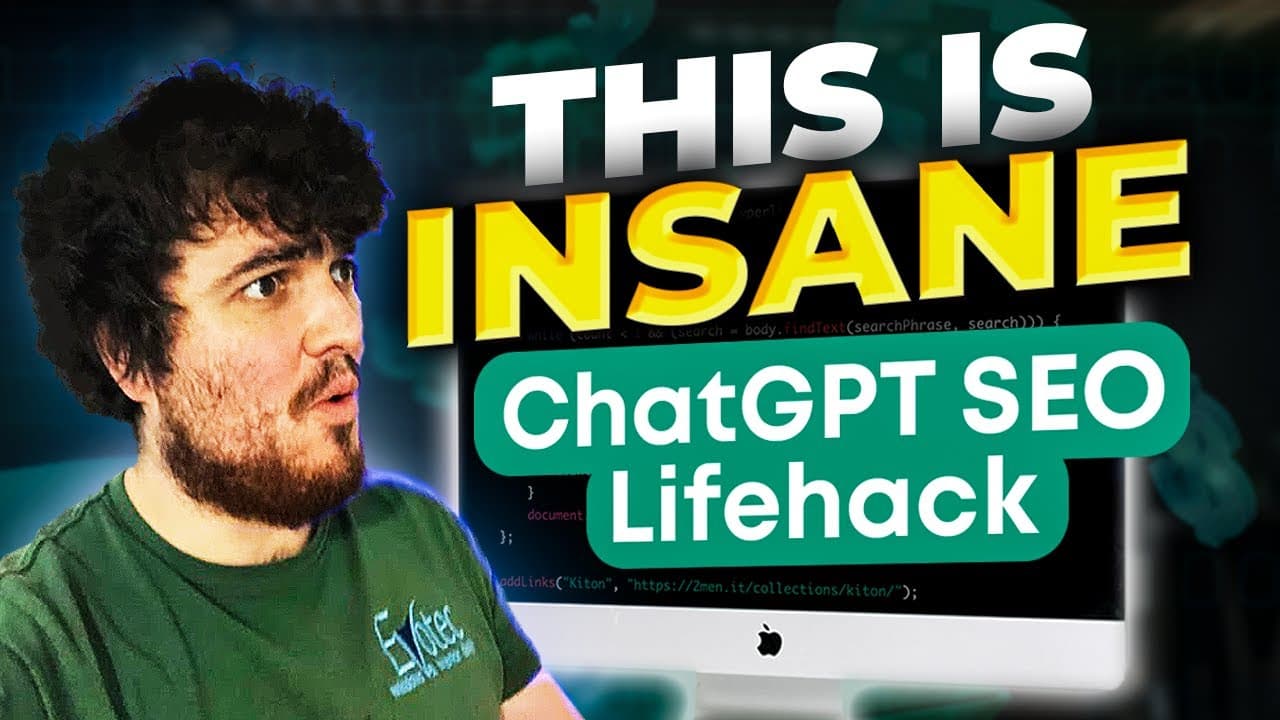
TL;DR
Use ChatGPT to craft SEO-optimized content quickly by leveraging Google Ads Keyword Planner to find trending keywords. Prepare ChatGPT with brand details and formatting instructions, and automate internal linking for enhanced visibility and uniqueness in your articles.
Transcript
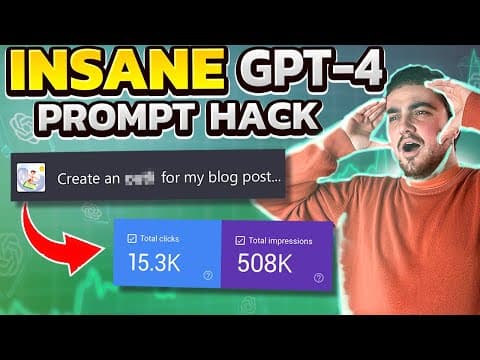
this video is going to be the only process you will ever need to create content using chat GPT incredibly quickly that will rank on Google now if that interests you make sure that you watch this video until the very end I'm also going to be giving you a free script which will internally link all of the content that you write for you let's... Read More
Key Insights
- 🔊 Google ads Keyword Planner helps in finding trending keywords with high search volumes.
- 😷 Gathering content ideas from the "People also asked" section on Google can enhance the uniqueness and relevance of the content.
- 💁 Prepping Chat GPT with brand information and instructions on formatting improves the quality of the generated content.
- 🍻 The provided script can automate internal linking and make the content more optimized for SEO.
- 😥 Incorporating images, bullet points, and other visual elements can enhance the readability and user experience of the content.
- ⌛ Using Chat GPT for content creation saves time and effort compared to writing the content manually.
- 🔠 The combination of human input and AI capabilities in content creation can result in more unique and personalized content.
Install to Summarize YouTube Videos and Get Transcripts
Explore YouTube Video Summarizer or Get YouTube Transcript Extractor
Questions & Answers
Q: How do I find a trending keyword for my niche using Google ads Keyword Planner?
To find a trending keyword, set up Google ads Keyword Planner, search for a relevant keyword, and look for a keyword with high search volume. Watch the video in the description for a detailed guide.
Q: How can I gather more content ideas from the "People also asked" section on Google?
After searching your keyword on Google, click on the "People also asked" section and click on multiple questions to gather more ideas. Copy those questions and use them to prompt Chat GPT.
Q: How do I prep Chat GPT before generating content?
Prepping Chat GPT involves providing information about your brand, using "do you understand" at the end of each sentence, and instructing Chat GPT to use bullet points and headings. The video in the description explains this process in detail.
Q: How can I automatically generate a blog outline using a script?
By using the provided script, you can automatically generate a blog outline with unique information incorporating your brand and SEO keywords. Instructions on how to add the script and run it are available in the video.
Key Insights:
- Google ads Keyword Planner helps in finding trending keywords with high search volumes.
- Gathering content ideas from the "People also asked" section on Google can enhance the uniqueness and relevance of the content.
- Prepping Chat GPT with brand information and instructions on formatting improves the quality of the generated content.
- The provided script can automate internal linking and make the content more optimized for SEO.
- Incorporating images, bullet points, and other visual elements can enhance the readability and user experience of the content.
- Using Chat GPT for content creation saves time and effort compared to writing the content manually.
- The combination of human input and AI capabilities in content creation can result in more unique and personalized content.
- Regularly updating and refining the process can further improve the effectiveness and efficiency of using Chat GPT for content creation.
Summary & Key Takeaways
-
Use Google ads Keyword Planner to find a trending keyword related to your niche.
-
Search the keyword on Google and click on the "People also asked" section to gather more content ideas.
-
Prep and prompt Chat GPT with relevant information, brand details, and instructions on using bullet points and headings.
-
Use a script to automatically generate a blog outline and incorporate your brand and SEO keywords.
-
Add pictures, bullet points, and run an internal linking script to make the content more unique and optimized.
Read in Other Languages (beta)
Share This Summary 📚
Summarize YouTube Videos and Get Video Transcripts with 1-Click
Try YouTube Summary with ChatGPT & Claude or YouTube Transcript Generator
Explore More Summaries from Income stream surfers 📚

Summarize YouTube Videos and Get Video Transcripts with 1-Click
Try YouTube Summary with ChatGPT & Claude or YouTube Transcript Generator