Linting with ESLint
TL;DR
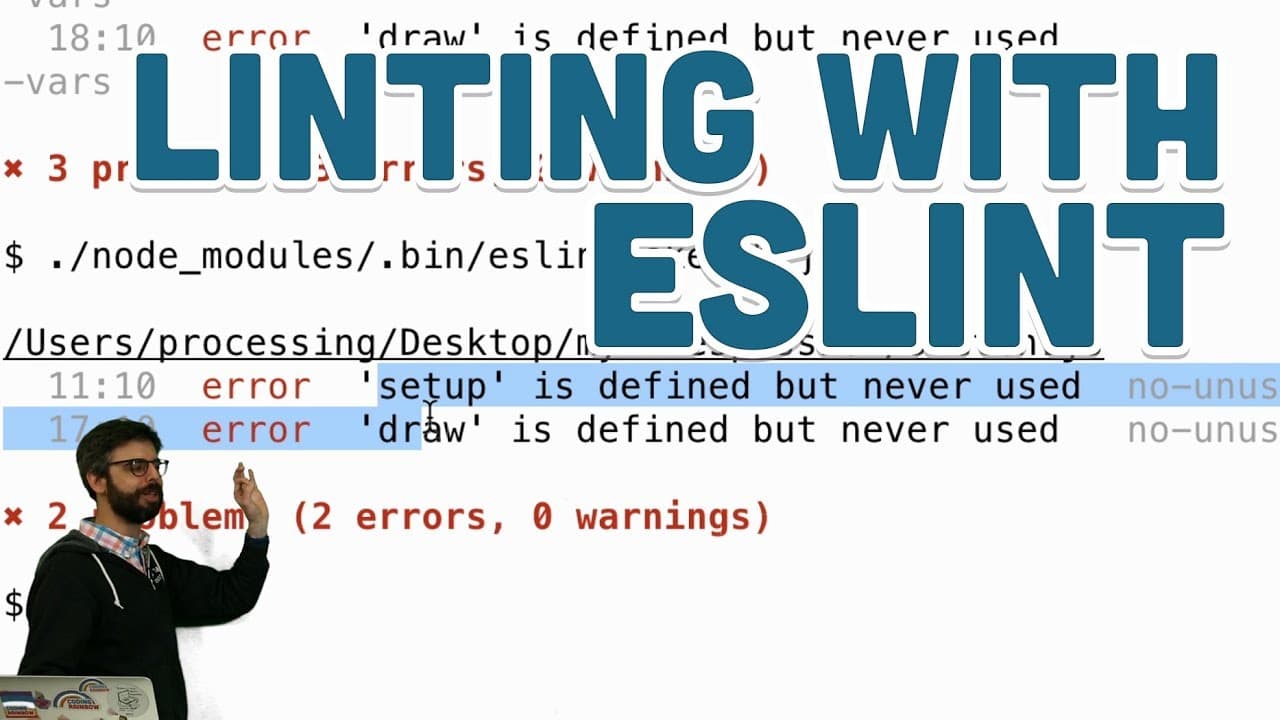
Learn how to configure and use ESLint for code formatting and quality checks in JavaScript projects.
Transcript
oh hello welcome to a video about this video is actually about my life's passion I have a passionate in life everybody should find the thing that makes them happy feel at ease now you shouldn't be like me and you should definitely pick a different life's passion but my life's passion is indentation and spacing so this is my phyllotaxis coding chall... Read More
Key Insights
- 👨💻 ESLint is a pluggable JavaScript linter used for maintaining code quality and enforcing coding conventions.
- 📽️ Configuring ESLint requires a package.json file setup, defining linting rules, and integrating with project-specific configurations.
- 👨💻 Integrating ESLint with Node.js allows for automated code quality checks and fixing common errors in JavaScript code.
- 👨💻 Popular JavaScript style guides like Airbnb and Google can be adopted by extending ESLint configurations to enforce standardized coding practices.
- 👨💻 Customizing ESLint rules based on project preferences and requirements ensures consistency and readability in code.
- 👨💻 ESLint helps identify errors, enforce coding standards, and improve code quality in JavaScript projects.
- 👨💻 Understanding ESLint error messages and fixing common issues enhances code readability and maintainability.
Install to Summarize YouTube Videos and Get Transcripts
Explore YouTube Video Summarizer or Get YouTube Transcript Extractor
Questions & Answers
Q: What is the main goal of using ESLint in JavaScript development?
ESLint is used to enforce code style conventions, catch common programming errors, and maintain code quality in JavaScript projects.
Q: How can ESLint be integrated with Node.js for linting JavaScript files?
By setting up ESLint as a dev dependency and configuring it in package.json, ESLint can be run with Node.js to check and fix styling issues in JavaScript code.
Q: What are some popular JavaScript style guides that can be adopted with ESLint?
Popular styles like Airbnb and Google JavaScript style guides can be adopted by extending ESLint configurations to enforce standardized code conventions.
Q: How can ESLint be customized for specific projects and code preferences?
ESLint can be customized by creating an ESLint configuration file (eslintrc) and setting rules for code style, formatting, and error checking based on project requirements.
Summary & Key Takeaways
-
Demonstrates configuring ESLint using package.json and setting up rules for code style.
-
Shows setting up ESLint with project-specific configurations and popular style guides.
-
Integrates ESLint with Node.js for linting JavaScript files and learning to fix common errors.
Read in Other Languages (beta)
Share This Summary 📚
Summarize YouTube Videos and Get Video Transcripts with 1-Click
Try YouTube Summary with ChatGPT & Claude or YouTube Transcript Generator
Explore More Summaries from The Coding Train 📚






Summarize YouTube Videos and Get Video Transcripts with 1-Click
Try YouTube Summary with ChatGPT & Claude or YouTube Transcript Generator