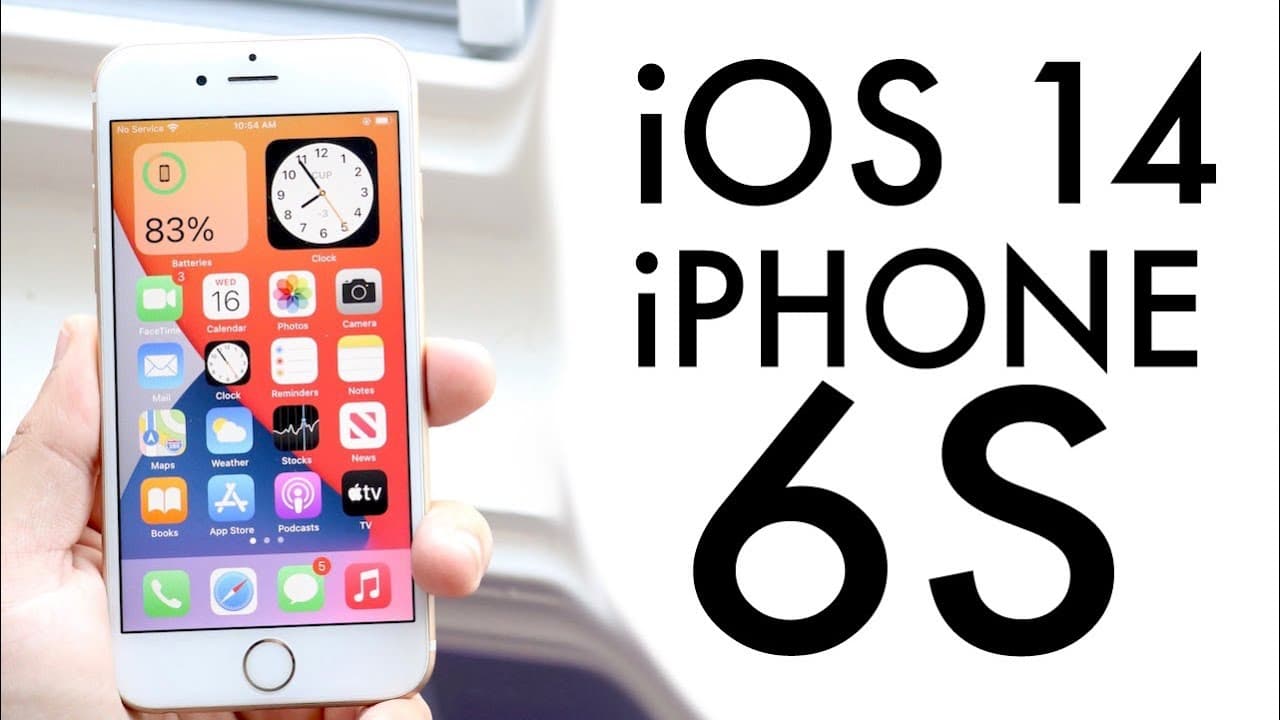
iOS 14 OFFICIAL On iPhone 6S! (Review)
TL;DR
iOS 14 brings exciting features to iPhone 6s, but stability may vary.
Transcript
well everyone today is a special day ios 14 just came out today officially and let's go and see how it holds up on a phone like the iphone 6s now if you own a success you know sometimes i'll be honest it's not necessarily the best thing to go to the first official version of a software especially as big as the ios 14 is but i've been running it on ... Read More
Key Insights
- 😀 iOS 14 introduces robust new features, including widgets and an app library, improving organization and accessibility.
- 🖼️ The addition of picture-in-picture mode enhances multitasking, allowing users to watch videos while engaging with other applications.
- 📲 A new call interface reduces disruption during incoming calls, along with a minimized Siri display that improves usability.
- 💨 The performance comparison revealed that while iOS 14 has its advantages, certain applications run faster on iOS 13, emphasizing the need for users to assess their device's speed.
- ❓ Improvements in AirPods functionality, such as automatic device switching and spatial audio, are noteworthy among iOS 14 enhancements.
- 🤵 Despite being a significant update, iOS 14 may still have room for improvement in stability, prompting some users to delay upgrading.
- ⛩️ The potential addition of future split-screen multitasking features hints at more comprehensive capabilities in upcoming iOS versions.
Install to Summarize YouTube Videos and Get Transcripts
Explore YouTube Video Summarizer or Get YouTube Transcript Extractor
Questions & Answers
Q: What are the main new features introduced with iOS 14?
iOS 14 brings several exciting new features to the iPhone 6s, including a redesigned widget layout that integrates seamlessly into the home screen, an app library for easier app organization, and a picture-in-picture mode allowing videos to play in a small window while multitasking. These enhancements aim to improve user navigation and efficiency across the device.
Q: How does iOS 14 compare to iOS 13 in terms of performance on the iPhone 6s?
The performance of iOS 14 on the iPhone 6s reveals mixed results when compared to iOS 13. While some applications launch faster in iOS 14, certain tasks, particularly with older games, show iOS 13 yielding better speed and responsiveness. Thus, users may want to evaluate which aspects are most important to them before deciding to upgrade.
Q: Is it recommended for iPhone 6s users to upgrade to iOS 14?
For iPhone 6s users contemplating an upgrade, iOS 14 is generally recommended due to its innovative features and overall improvements. However, if stability is a concern, sticking with iOS 13 until subsequent updates like 14.0.1 or 14.1 might be wise. Ultimately, users should weigh the benefits of new features against potential performance issues.
Q: What are the implications of the new security updates in iOS 14?
The new security updates in iOS 14 enhance the protection of users' data by notifying them when applications may be accessing their information in the background. This increased transparency aims to build user trust and awareness about their privacy, making iOS 14 a more secure environment for handling personal data.
Summary & Key Takeaways
-
iOS 14 offers several new features for iPhone 6s users, including a widget layout and an app library, enhancing user experience and organization.
-
The update introduces picture-in-picture functionality, making multitasking more efficient, along with improved Siri and security features to boost user confidence.
-
A speed test indicates that while iOS 14 has some promising performance enhancements, iOS 13 remains faster in certain applications, suggesting that users assess their priorities before updating.
Read in Other Languages (beta)
Share This Summary 📚
Summarize YouTube Videos and Get Video Transcripts with 1-Click
Try YouTube Summary with ChatGPT & Claude or YouTube Transcript Generator
Explore More Summaries from Simple Alpaca 📚






Summarize YouTube Videos and Get Video Transcripts with 1-Click
Try YouTube Summary with ChatGPT & Claude or YouTube Transcript Generator