Free Security Tools Everyone Should Use
TL;DR
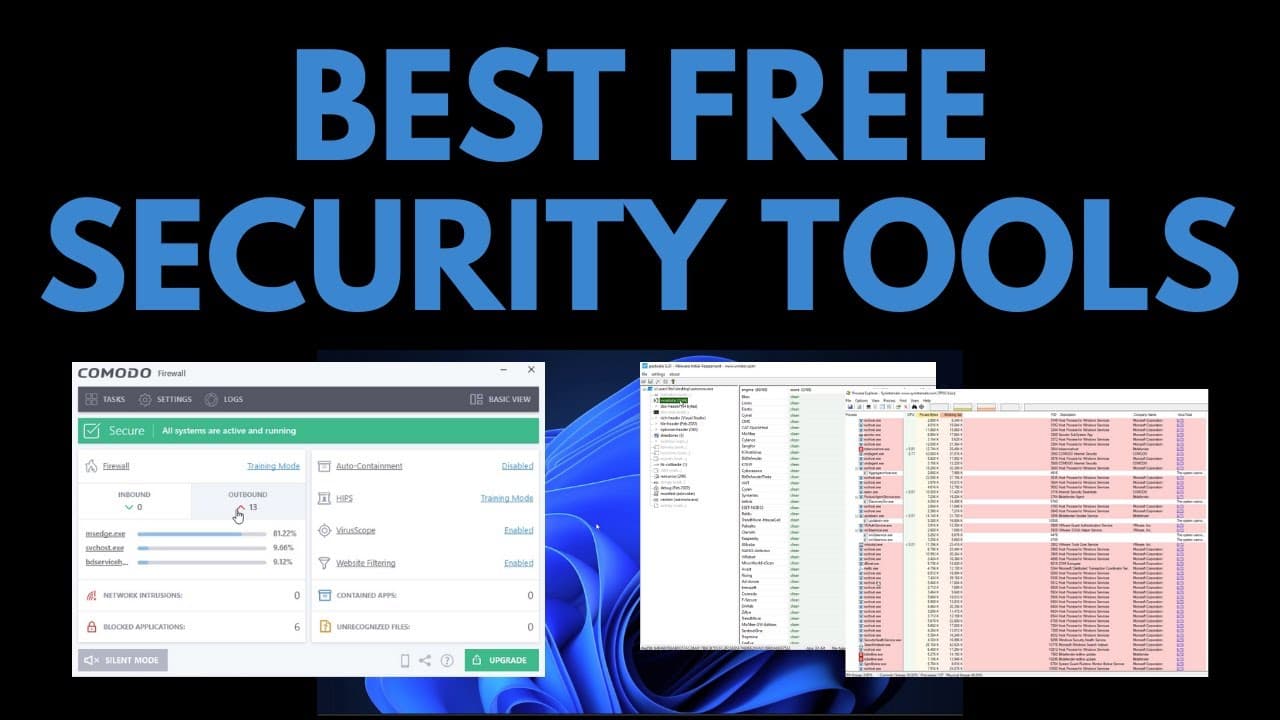
This video discusses free tools that provide increased control over your system's cyber security.
Transcript
hello and welcome to the pc security channel in this video we're going to look at some free tools that are going to dramatically increase the amount of control you have over the cyber security of your system these are tools that i use all the time you may have seen them on the channel but in this video we're going to list them do a deep dive it's g... Read More
Key Insights
- 🎮 AutoRuns and Process Explorer are essential tools for controlling and diagnosing system behavior, identifying and removing potential malware.
- 🎭 PE Studio enables quick analysis of executable files, providing indicators of malicious intent and performing virus total scans.
- 🧑🏭 HxD helps inspect file contents, identifying potential obfuscation or artificial enlargement used by threat actors.
- 🎮 Comodo Firewall offers advanced control over connections, intrusion prevention, and network monitoring, enhancing system security.
- 🥶 Bitdefender Antivirus 3 and Kaspersky Security Cloud are recommended free antivirus options to upgrade security.
Install to Summarize YouTube Videos and Get Transcripts
Explore YouTube Video Summarizer or Get YouTube Transcript Extractor
Questions & Answers
Q: How can AutoRuns help with system security?
AutoRuns allows you to identify and remove unwanted software that runs automatically on your system, including potential malware. It helps diagnose issues and provides control over system behavior.
Q: How does Comodo Firewall enhance security?
Comodo Firewall offers advanced control over inbound and outbound connections, along with intrusion prevention and network monitoring capabilities. It can protect against malware and provide additional security layers.
Q: What makes Bitwarden a recommended password manager?
Bitwarden securely stores and autofills passwords across devices, ensuring strong and unique passwords. It helps protect against credential theft and enhances overall online security.
Q: How can PE Studio assist in analyzing executable files?
PE Studio allows quick analysis of executable files by providing indicators of malicious intent and performing virus total scans. It helps determine the safety of downloaded or shared files.
Key Insights:
- AutoRuns and Process Explorer are essential tools for controlling and diagnosing system behavior, identifying and removing potential malware.
- PE Studio enables quick analysis of executable files, providing indicators of malicious intent and performing virus total scans.
- HxD helps inspect file contents, identifying potential obfuscation or artificial enlargement used by threat actors.
- Comodo Firewall offers advanced control over connections, intrusion prevention, and network monitoring, enhancing system security.
- Bitdefender Antivirus 3 and Kaspersky Security Cloud are recommended free antivirus options to upgrade security.
- Bitwarden is a trusted password manager for securely storing and autofilling passwords across devices, enhancing online security.
Summary & Key Takeaways
-
AutoRuns: A tool to identify and remove unwanted software that runs automatically on your system, including startup items, context menu items, and more.
-
Process Explorer: A powerful task manager alternative that shows all running processes on your system, allowing you to identify and terminate malicious processes.
-
PE Studio: An application for analyzing executable files quickly, providing indicators of malicious intent and performing virus total scans.
-
HxD: A hex editor that allows you to inspect file contents and identify potential obfuscation or artificial enlargement used by threat actors.
-
Comodo Firewall: An advanced firewall program with extensive control over inbound and outbound connections, intrusion prevention system, and network monitoring capabilities.
-
Bitdefender Antivirus 3 and Kaspersky Security Cloud: Two recommended free antivirus options for upgraded security.
-
Bitwarden: A free password manager for securely storing and autofilling passwords across devices.
Read in Other Languages (beta)
Share This Summary 📚
Summarize YouTube Videos and Get Video Transcripts with 1-Click
Try YouTube Summary with ChatGPT & Claude or YouTube Transcript Generator
Explore More Summaries from The PC Security Channel 📚






Summarize YouTube Videos and Get Video Transcripts with 1-Click
Try YouTube Summary with ChatGPT & Claude or YouTube Transcript Generator