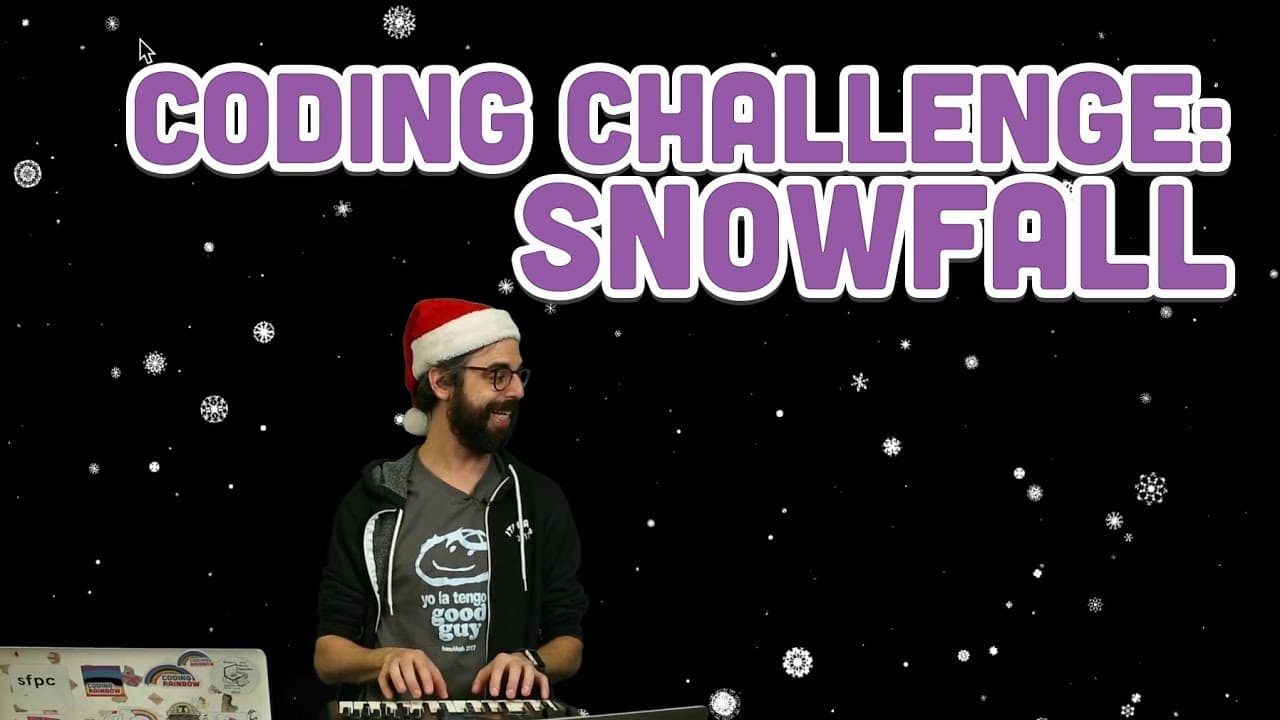
Coding Challenge #88: Snowfall
TL;DR
Learn to create falling snow particles in a coding challenge with object-oriented approach and interactive elements.
Transcript
hello welcome to a winter themed coating challenge you know something that I that I thought I should say is this coding challenge is probably very similar to my previous Purple Reign coding challenge but instead of Purple Rain we're going to have wintery white snow so I've got a blank p5.js sketch here I am going to try to make little snow particle... Read More
Key Insights
- ❄️ Object-oriented programming approach used for creating snowflake particles.
- 💨 Implementation of wind effect and gravity force for realistic snowfall simulation.
- 💨 Utilization of Perlin noise to generate unique wind patterns.
- 👋 Instructors' experimentation with sine wave oscillation for snowflakes.
- 🫵 Challenge viewers to enhance the simulation with added features like background, text elements, and translucent snowflakes.
- 😒 Demonstrates the use of arrays, loops, and vectors for efficient particle rendering.
- 💨 Importance of balancing different forces (wind, gravity) for realistic snow particle motion.
Install to Summarize YouTube Videos and Get Transcripts
Explore YouTube Video Summarizer or Get YouTube Transcript Extractor
Questions & Answers
Q: How is the snowflake coding challenge similar to the Purple Reign challenge?
The snowflake challenge uses winter-themed white snow compared to Purple Reign, implementing object-oriented programming in both.
Q: Can you explain the vector object used in the coding challenge?
Vectors hold X, Y, and Z values and were essential for position, velocity, and acceleration calculations in creating the snowflake particles.
Q: How did the instructor add wind effect to the snowflake simulation?
By generating Perlin noise wind vectors based on the flakes' positions, the simulation gained unique, flowing wind patterns.
Q: What adjustments were made to ensure snowflakes wrap around the screen?
Programming snowflakes to re-enter the opposite side once they exit helps create a continuous flow of falling snow particles on the screen.
Summary & Key Takeaways
-
Instructor creates snowflake particles using p5.js with object-oriented programming.
-
Demonstrates adding wind effect, gravity force, and parallax motion.
-
Challenges viewers to creatively enhance the simulation with added features.
Read in Other Languages (beta)
Share This Summary 📚
Summarize YouTube Videos and Get Video Transcripts with 1-Click
Try YouTube Summary with ChatGPT & Claude or YouTube Transcript Generator
Explore More Summaries from The Coding Train 📚






Summarize YouTube Videos and Get Video Transcripts with 1-Click
Try YouTube Summary with ChatGPT & Claude or YouTube Transcript Generator