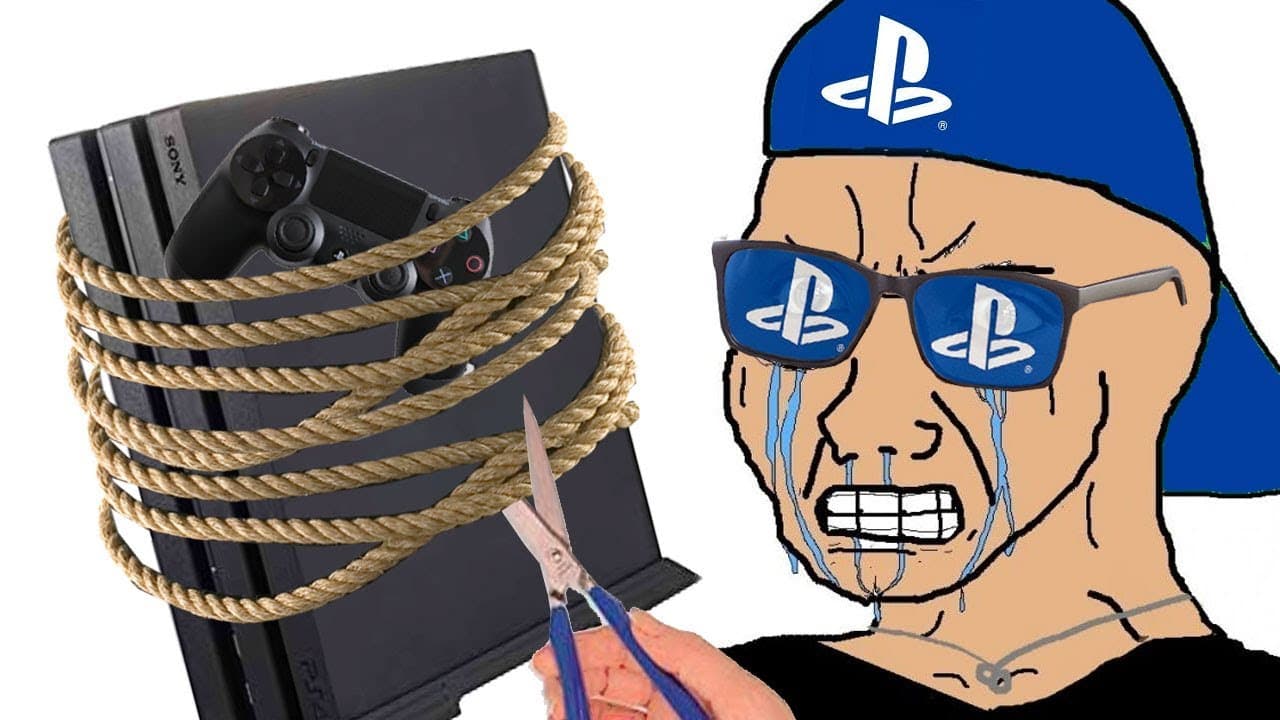
PS4: 10 Things SONY DOESN'T Tell You
TL;DR
Discover essential features and settings of the PS4 that Sony often overlooks.
Transcript
Sony plays Asian has been around forever and we're told so much about it all the time but what aren't we told hi folks its Falcon and today on game ranks ten things Sony doesn't tell you about the ps4 number ten TVs and computer monitors are different as far as their color range and what device you plug your PlayStation 4 into is important if you p... Read More
Key Insights
- ❓ Connecting the PS4 to different displays may necessitate adjustments to color output settings, particularly RGB settings, to avoid washed-out visuals.
- ✋ The option to take higher quality PNG screenshots is overlooked; changing this setting can significantly enhance image quality.
- 🇱🇻 Users can customize their PS4 experience by enabling game mode on their TVs to improve gaming performance and reduce lag.
- 🎮 Share Play is a powerful feature that allows friends to experience games together remotely, enhancing social gaming interactions.
- 🫵 Notifications can be temporarily disabled during video playback to prevent interruptions, improving the viewing experience.
- 👾 PS4 users who encounter game sales after purchasing can reach out to customer service for potential credit toward their account.
- 🤕 Account bans can lead to significant losses of digital content, highlighting the importance of adhering to community guidelines on PSN.
Install to Summarize YouTube Videos and Get Transcripts
Explore YouTube Video Summarizer or Get YouTube Transcript Extractor
Questions & Answers
Q: What color output settings should PS4 users consider when connecting to a monitor versus a TV?
Users should be aware that when connecting to a monitor, the PS4 might default to limited RGB settings that can wash out colors. For optimal quality, switching to full RGB output is essential when using a monitor, ensuring richer colors and more accurate blacks. Conversely, if the PS4 is set to full RGB while connected to a TV, it may lead to overexposure, hiding image details.
Q: How can PS4 users enhance the quality of their screenshots?
PS4 users can choose between JPEG and PNG formats for screenshots, with PNG offering an uncompressed, lossless option that retains full image data. By navigating to screenshot settings in the PS4's sharing options, users can switch from the default JPEG to PNG, ensuring that their captured images are of the highest quality, although at the cost of larger file sizes.
Q: What steps can users take to eliminate distractions while watching videos on PS4?
To disable notifications during video playback on PS4, users should go to the settings menu, select notifications, and choose the option to turn notifications off while watching videos. This feature allows for an uninterrupted viewing experience, eliminating distractions from online notifications while enjoying movies or shows.
Q: What should PS4 users do to optimize their TV settings for gaming?
Users are advised to enable the "game mode" setting on their TVs to minimize image processing, which can introduce lag. Game mode adjusts how visuals are rendered, reducing latency and improving response times during gameplay. Without this setting, users may experience delays that could negatively impact their gaming performance.
Q: How can PS4 users utilize share play to enjoy games with friends?
Share Play allows users to stream a game to a friend for up to an hour, enabling them to watch or even take control without needing the game themselves. Users can invite friends via the share menu; if both players have PlayStation Plus, they can engage in co-op or competitive gameplay as if sitting on the same couch.
Q: What should users do if they've purchased a game at full price that later goes on sale?
If a user buys a game only to see it discounted shortly after, they can contact Sony's customer service. By explaining the situation, users may receive a credit or discount equivalent to the price difference. It’s important to note that this outcome isn’t guaranteed, but it has worked for some players, providing a good reason to be proactive about potential sales.
Q: What is the risk associated with being banned from the PlayStation Network (PSN)?
Being banned from PSN can lead to a loss of access to digital games tied to the account, which can be particularly detrimental for users with significant digital game libraries. Users should refrain from violating terms of service to avoid penalties, as recovering accounts post-ban can be challenging and may not restore access to all games.
Q: How can users enhance their account security on PSN?
PSN users are strongly encouraged to set up two-factor authentication to secure their accounts against unauthorized access. This additional security measure requires a verification code sent to the user’s mobile device during login attempts, adding a critical layer of protection in an environment where hacking is increasingly common.
Summary & Key Takeaways
-
The content explores lesser-known features and settings of the PlayStation 4, providing valuable insights for optimal user experience and gameplay quality.
-
Users are encouraged to adjust their PS4's color output settings and screenshot formats to enhance visual quality, particularly when using different display devices.
-
Additional tips include toggling notifications, utilizing share play, and handling PSN bans effectively to preserve game access.
Read in Other Languages (beta)
Share This Summary 📚
Summarize YouTube Videos and Get Video Transcripts with 1-Click
Try YouTube Summary with ChatGPT & Claude or YouTube Transcript Generator
Explore More Summaries from gameranx 📚


Summarize YouTube Videos and Get Video Transcripts with 1-Click
Try YouTube Summary with ChatGPT & Claude or YouTube Transcript Generator