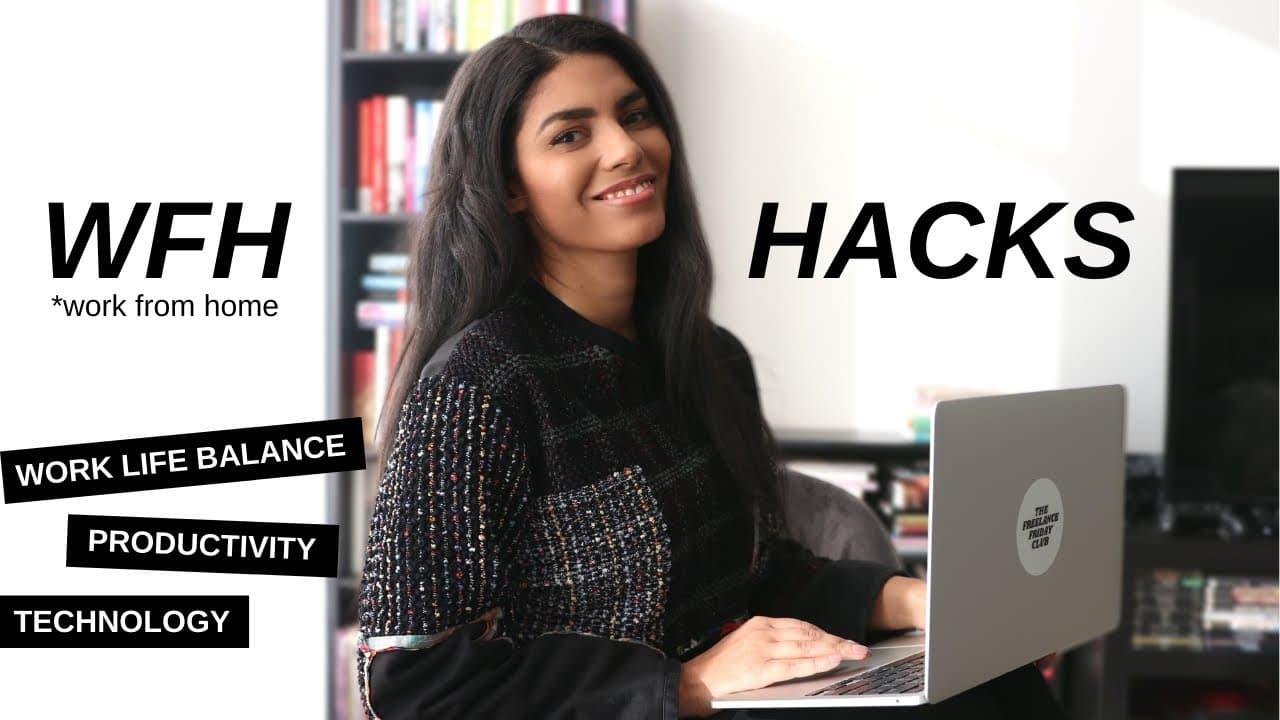
How to Boost Productivity Working from Home
TL;DR
Working from home offers flexibility but requires adjustments for productivity. Utilize tools like the Notes app for scanning, PDFescape for e-signatures, and TextNow for a separate business line. Enhance remote work with apps like Coffitivity for background noise and Vidyard for personalized video communication.
Transcript
hey everyone what's up so this past year has been an interesting one for all of us and you know i think the only maybe silver lining for some people small silver lining is being able to work from home i think a lot of people are enjoying that but it's not to say that there are not some drawbacks to working from home and some things that you really ... Read More
Key Insights
- The Notes app on iPhone can be used as a scanner, allowing you to easily scan documents into PDF format.
- PDFescape is a free online tool that allows you to upload and sign documents with a pre-saved signature.
- TextNow provides a free phone number, offering a separate line for business communications.
- Coffitivity offers ambient coffee shop sounds, helping recreate the atmosphere of working in a café.
- Google Calendar's working hours feature discourages scheduling outside your preferred work times.
- Zoom offers a 'touch up my appearance' feature, applying a subtle filter to enhance video call visuals.
- Vidyard enables sending personalized video responses, adding a human touch to client communications.
- Google voice typing in Google Docs allows efficient document creation through speech-to-text technology.
Install to Summarize YouTube Videos and Get Transcripts
Explore YouTube Video Summarizer or Get YouTube Transcript Extractor
Questions & Answers
Q: How to scan documents without a scanner?
You can use the Notes app on your iPhone as a scanner. Open the app, create a new note, tap the camera icon, and select 'scan a document'. Take a photo of your document, and it will automatically convert to a PDF, which you can then share or save as needed.
Q: What is a free tool for signing documents electronically?
PDFescape is a free online tool that allows users to upload documents and add pre-saved signatures. You can create a digital signature by writing it on paper, scanning it, and saving it for future use. This tool simplifies the process of signing contracts electronically.
Q: How to get a free phone number for business use?
TextNow provides a free phone number, allowing you to separate personal and business communications. You can choose a US area code and use the app on your computer or phone, offering a distinct line with its own voicemail and number for business purposes.
Q: What is Coffitivity and how does it help productivity?
Coffitivity is a website that streams ambient coffee shop sounds, helping to recreate the café atmosphere at home. This background noise can enhance focus and productivity by providing a familiar and less distracting environment compared to music or podcasts.
Q: How to set work hours in Google Calendar?
In Google Calendar, you can set working hours to discourage scheduling outside your preferred times. This feature alerts others when they attempt to book meetings during your non-working hours, promoting better work-life balance and reducing interruptions.
Q: What is the Zoom 'touch up my appearance' feature?
Zoom's 'touch up my appearance' feature applies a subtle filter to your video feed, smoothing skin tones and providing a polished look. This can boost confidence during video calls by reducing the visibility of blemishes and enhancing overall appearance without heavy makeup.
Q: How to personalize client communication with video?
Vidyard allows you to send personalized video responses to clients, adding a human touch to digital communication. You can record your screen and include a video of yourself to discuss feedback or ideas, making interactions more engaging and personal.
Q: How to use Google voice typing in Google Docs?
Google voice typing in Google Docs allows you to dictate text using your voice. Activate the feature in the tools menu, and speak into a microphone or headset. The speech-to-text technology transcribes your words into written format, facilitating efficient document creation.
Summary & Key Takeaways
-
The Notes app on iPhone can function as a scanner, allowing users to easily convert documents into PDF format and share them across devices. This feature is particularly useful for those who frequently handle contracts and other important documents.
-
TextNow provides a free phone number, enabling users to maintain a separate line for business communications without the need for an additional phone. This app supports both computer and mobile use, offering flexibility and privacy for remote workers.
-
Coffitivity offers ambient sounds of a coffee shop, helping to recreate the café atmosphere at home. This tool can enhance focus and productivity by providing background noise that is less distracting than music or podcasts.
Read in Other Languages (beta)
Share This Summary 📚
Summarize YouTube Videos and Get Video Transcripts with 1-Click
Try YouTube Summary with ChatGPT & Claude or YouTube Transcript Generator
Explore More Summaries from Latasha James 📚


Summarize YouTube Videos and Get Video Transcripts with 1-Click
Try YouTube Summary with ChatGPT & Claude or YouTube Transcript Generator