How to Host Engaging Live Events on Instagram and Facebook
TL;DR
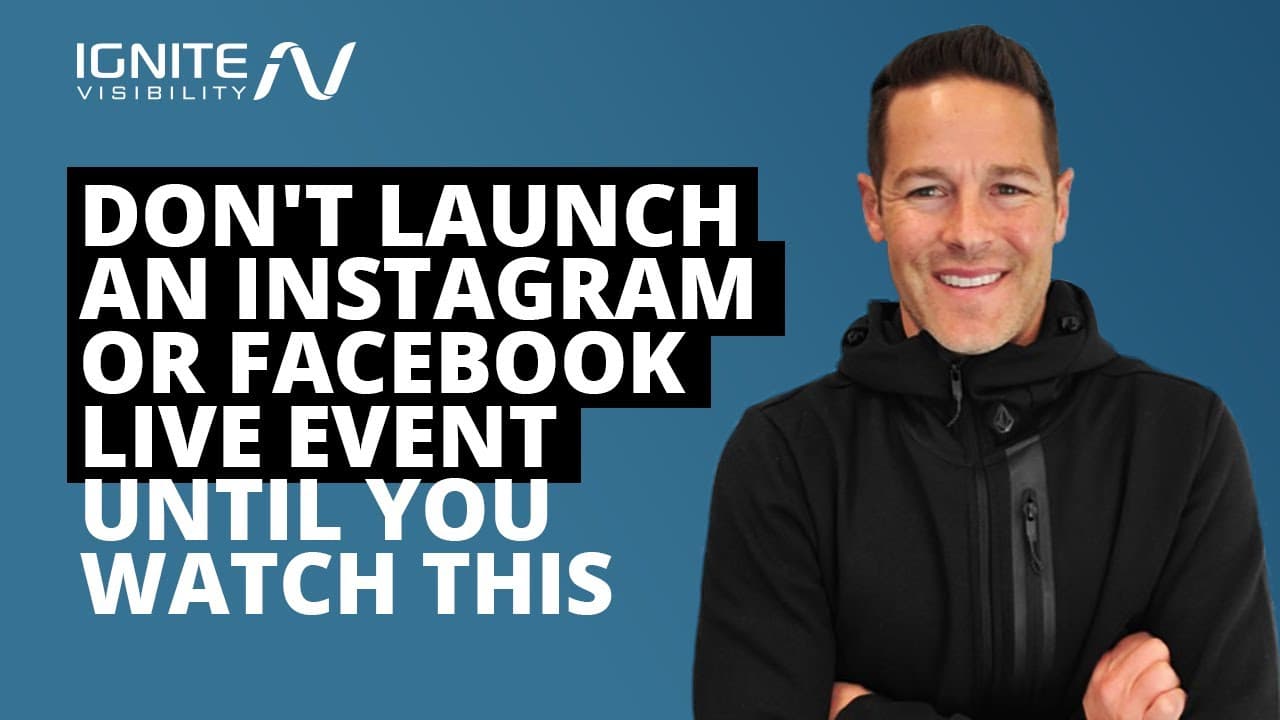
To host successful live events on Instagram and Facebook, follow these key steps: access the live feature through the camera icon, actively engage with your audience by acknowledging comments, and promote your session in advance. Ensure your technical setup is robust, practice beforehand, and consider repurposing the content after the live session to maximize its impact.
Transcript
in this video we're going to talk about how to host your first live event on instagram and facebook without completely screwing it up these are tips specifically from facebook and instagram with a little bit of insight from ignite visibility let's go ahead and dive into it before you get started make sure to click the notification bell and make sur... Read More
Key Insights
- To start a live session on Instagram or Facebook, access the camera icon and swipe right to open the story's camera, then scroll to 'live' to begin.
- Engage with your audience during live sessions by acknowledging comments and reactions in real time, which enhances interaction and connection.
- Regular live sessions help build audience familiarity and comfort, making interactions smoother and more engaging over time.
- Promote your live event in advance using posts, countdown stickers, and updates to your profile to maximize audience attendance.
- Ensure technical readiness by testing your internet connection and avoiding copyrighted music to prevent disruptions during the live event.
- Consider including others in your live session using the 'live with' feature, and plan to share specific videos or images to enrich the content.
- Practice your live event plan, including lighting and sound checks, to ensure a smooth delivery and have backup plans for technical issues.
- Repurpose recorded live sessions into other content forms like social media posts or blogs to extend their reach and utility.
Install to Summarize YouTube Videos and Get Transcripts
Explore YouTube Video Summarizer or Get YouTube Transcript Extractor
Questions & Answers
Q: How can you start a live session on Instagram or Facebook?
To start a live session, tap the camera icon at the top left of your feed, swipe right to open the story's camera, and scroll to 'live' at the bottom of the screen to begin your video. This simple process allows you to connect with your audience instantly.
Q: What should you do to engage your audience during a live session?
Engage with your audience by keeping track of comments and reactions and acknowledging them in real time. This interaction makes viewers feel valued and part of the conversation, enhancing their experience and encouraging more active participation in your live session.
Q: Why is it important to go live regularly?
Going live regularly helps build audience familiarity and comfort, as they know what to expect and feel more at ease interacting with you. Consistent live sessions establish a routine, making it easier for your audience to engage and participate actively in your broadcasts.
Q: How can you promote your live event effectively?
Promote your live event by creating posts, using countdown stickers in your stories, updating your profile bio with event details, and using Q&A stickers to gather audience questions beforehand. These strategies help increase awareness and anticipation, boosting attendance and engagement.
Q: What technical preparations are necessary before going live?
Ensure a stable internet connection with at least 10 megabytes per second speed, avoid using copyrighted music, and practice your event plan. These preparations help prevent technical issues and ensure a smooth and professional live session, enhancing the viewer experience.
Q: How can you include others in your live session?
Use the 'live with' feature to invite others to join your live session, providing diverse perspectives and content. This collaboration can enrich the session, making it more engaging and informative for your audience, and potentially reaching a broader viewer base.
Q: What should you do if technical issues arise during a live session?
Have a backup plan in place for technical issues, such as testing equipment beforehand and preparing alternative content delivery methods. This readiness ensures you can quickly address any problems, minimizing disruptions and maintaining a professional and engaging live session.
Q: How can you repurpose recorded live sessions?
Repurpose recorded live sessions by editing them into shorter clips for social media, creating blog posts, or using them in other content formats. This strategy extends the reach and impact of your live content, maximizing its value and engagement potential across different platforms.
Summary & Key Takeaways
-
This video provides a comprehensive guide on hosting Instagram and Facebook live events, emphasizing technical preparation, audience engagement, and promotion strategies to ensure success.
-
Regular live sessions build audience familiarity, while strategic promotion and technical readiness are crucial for maximizing attendance and minimizing disruptions.
-
Engaging content, such as tutorials and Q&A sessions, combined with effective promotion, can enhance audience interaction and extend the reach of live events.
Read in Other Languages (beta)
Share This Summary 📚
Summarize YouTube Videos and Get Video Transcripts with 1-Click
Try YouTube Summary with ChatGPT & Claude or YouTube Transcript Generator
Explore More Summaries from IgniteVisibility 📚
Summarize YouTube Videos and Get Video Transcripts with 1-Click
Try YouTube Summary with ChatGPT & Claude or YouTube Transcript Generator