How to Draw a Realistic Ferris Wheel Step by Step
TL;DR
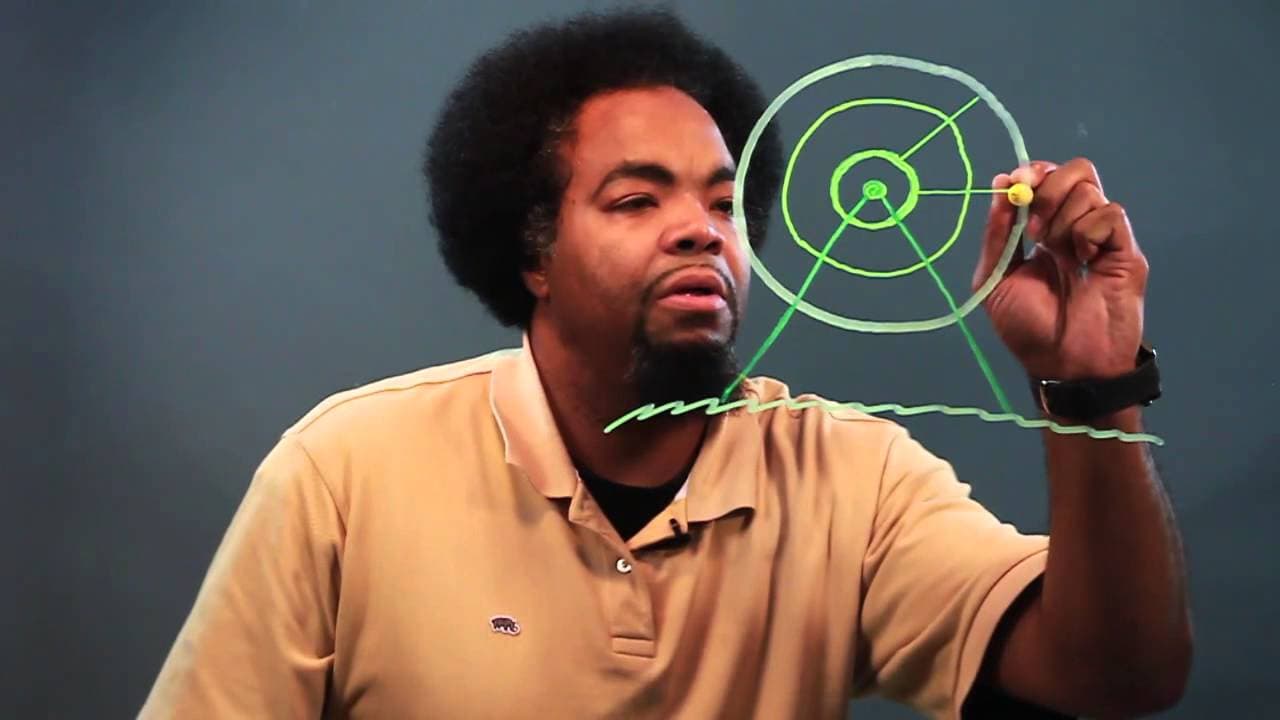
To draw a realistic Ferris wheel, start by creating concentric circles for the wheel's structure. Then, add support beams, suspension rods, and detail the seating cars. Pay attention to depth and shading to enhance realism in your drawing.
Transcript
hey what's up Chris here and today we're going to be learning how to draw a realistic feris wheel step by step let's get to it now the first thing you want to do is you want to draw a circle so let's start with a circle and we're going to come around close that up we're going to use the thick wedge marker first then we're going to go a little close... Read More
Key Insights
- 😁 Start drawing a realistic Ferris wheel by creating circles and gradually adding details like support beams.
- 🤸 Add suspension rods and shadowed cars to complete the Ferris wheel structure and make it look authentic.
- 🧑🦼 Pay attention to depth and shading to enhance the overall realism of the Ferris wheel drawing.
Install to Summarize YouTube Videos and Get Transcripts
Explore YouTube Video Summarizer or Get YouTube Transcript Extractor
Questions & Answers
Q: How do you start drawing a Ferris wheel?
Begin by creating circles for the structure, gradually adding details like support beams and suspension rods to build the base of the Ferris wheel.
Q: What are the smaller circles inside the main circle for?
The smaller circles inside represent the bullseye effect, adding depth to the Ferris wheel structure and making it look realistic.
Q: How do you draw the cars on the Ferris wheel?
Draw the small cars attached to the wheel, adding shadows to give them depth and detail, representing where people sit when riding the Ferris wheel.
Q: What markers are used to outline different parts of the Ferris wheel?
Thick wedge markers are used for the initial circle and support beams, while a thicker marker is used for the foundation and suspension rods in the drawing tutorial.
Summary & Key Takeaways
-
Start by drawing circles to form the Ferris wheel structure.
-
Add support beams and suspension rods for stability.
-
Detail the little cars where people sit and shadow them for a realistic look.
Read in Other Languages (beta)
Share This Summary 📚
Summarize YouTube Videos and Get Video Transcripts with 1-Click
Try YouTube Summary with ChatGPT & Claude or YouTube Transcript Generator
Explore More Summaries from ehow 📚

Summarize YouTube Videos and Get Video Transcripts with 1-Click
Try YouTube Summary with ChatGPT & Claude or YouTube Transcript Generator