Kivy with Python tutorial Part 2 - Widgets and Labels
TL;DR
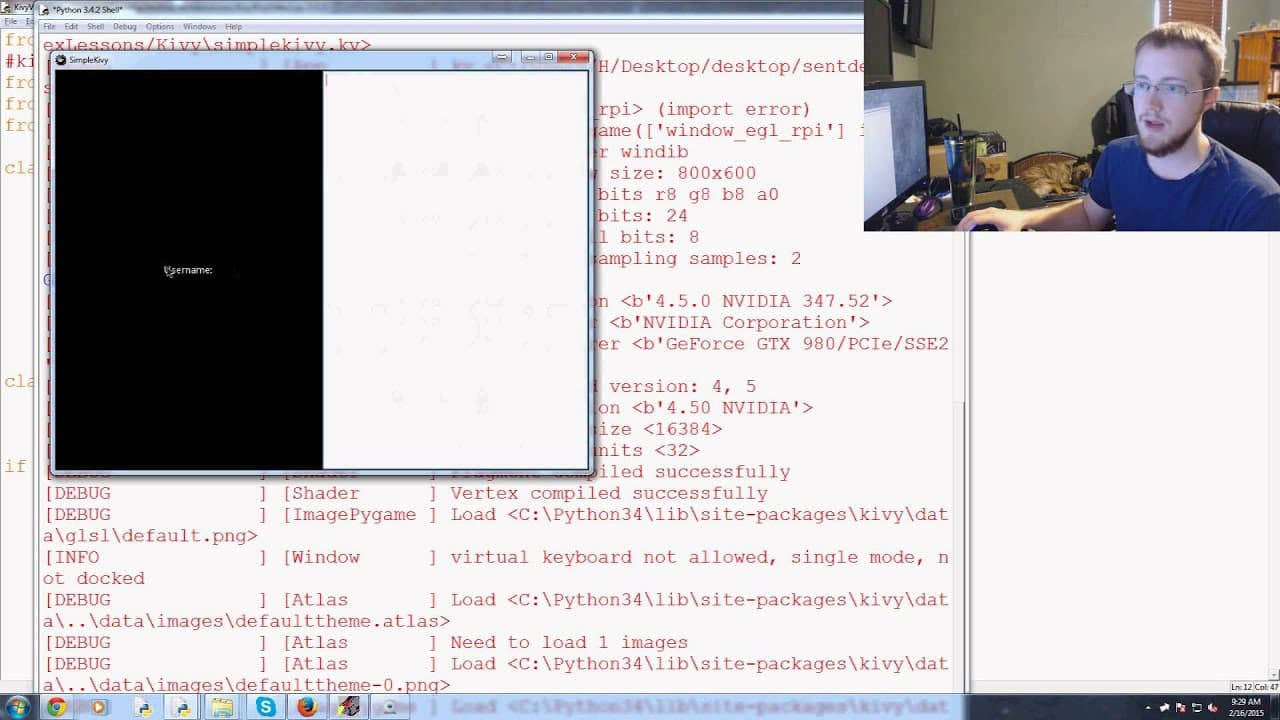
This video tutorial demonstrates how to create a simple login screen using Kivy, a Python framework for building user interfaces.
Transcript
libretti what is going on welcome to the second akivi tutorial basics video in this video we're just gonna kind of build on top of the last video so in the last video we had this really basic application and what was happening was they're just popping up with a simple hello world label but as we could see it was already resizable into you know basi... Read More
Key Insights
- 👤 Kivy is a Python framework that simplifies the development of user interfaces for different devices and screens.
- 🏛️ The grid layout class in Kivy enables the organization of widgets in a grid-like structure.
- 🔠 Text input widgets can be customized in Kivy, such as making a password input field display asterisks.
- 💨 Kivy reduces the amount of code required for creating user interfaces, making development faster and more efficient.
Install to Summarize YouTube Videos and Get Transcripts
Explore YouTube Video Summarizer or Get YouTube Transcript Extractor
Questions & Answers
Q: What is the purpose of this tutorial?
The tutorial aims to guide viewers in creating a login screen for a Kivy application by introducing the necessary modules and demonstrating the process of adding widgets to the screen.
Q: How does the Kivy framework simplify the development process?
Kivy provides predefined classes and functions for creating user interfaces, reducing the amount of code that needs to be written. It also offers features like automatic resizing for different devices and screens.
Q: What is the significance of the grid layout class?
The grid layout class is a built-in layout option in Kivy that allows widgets to be organized in a grid-like structure. It simplifies the task of aligning and positioning widgets on the screen.
Q: How can a password input field be created in Kivy?
By setting the "password" parameter to True when defining a text input widget, Kivy automatically masks the entered text with asterisks, providing a secure way to input passwords.
Summary & Key Takeaways
-
The video builds upon a previous tutorial to create a basic Kivy application that displayed a "Hello World" label.
-
The tutorial then focuses on creating a login screen by importing the necessary modules and defining the login screen class.
-
The login screen class inherits from the grid layout class and includes widgets such as labels and text input fields.
-
The process of adding widgets to the login screen and customizing their properties, such as making a password field display asterisks, is demonstrated.
Read in Other Languages (beta)
Share This Summary 📚
Summarize YouTube Videos and Get Video Transcripts with 1-Click
Try YouTube Summary with ChatGPT & Claude or YouTube Transcript Generator
Explore More Summaries from sentdex 📚






Summarize YouTube Videos and Get Video Transcripts with 1-Click
Try YouTube Summary with ChatGPT & Claude or YouTube Transcript Generator